Version 15.0 AF-5000 Series Pilot Guide 24
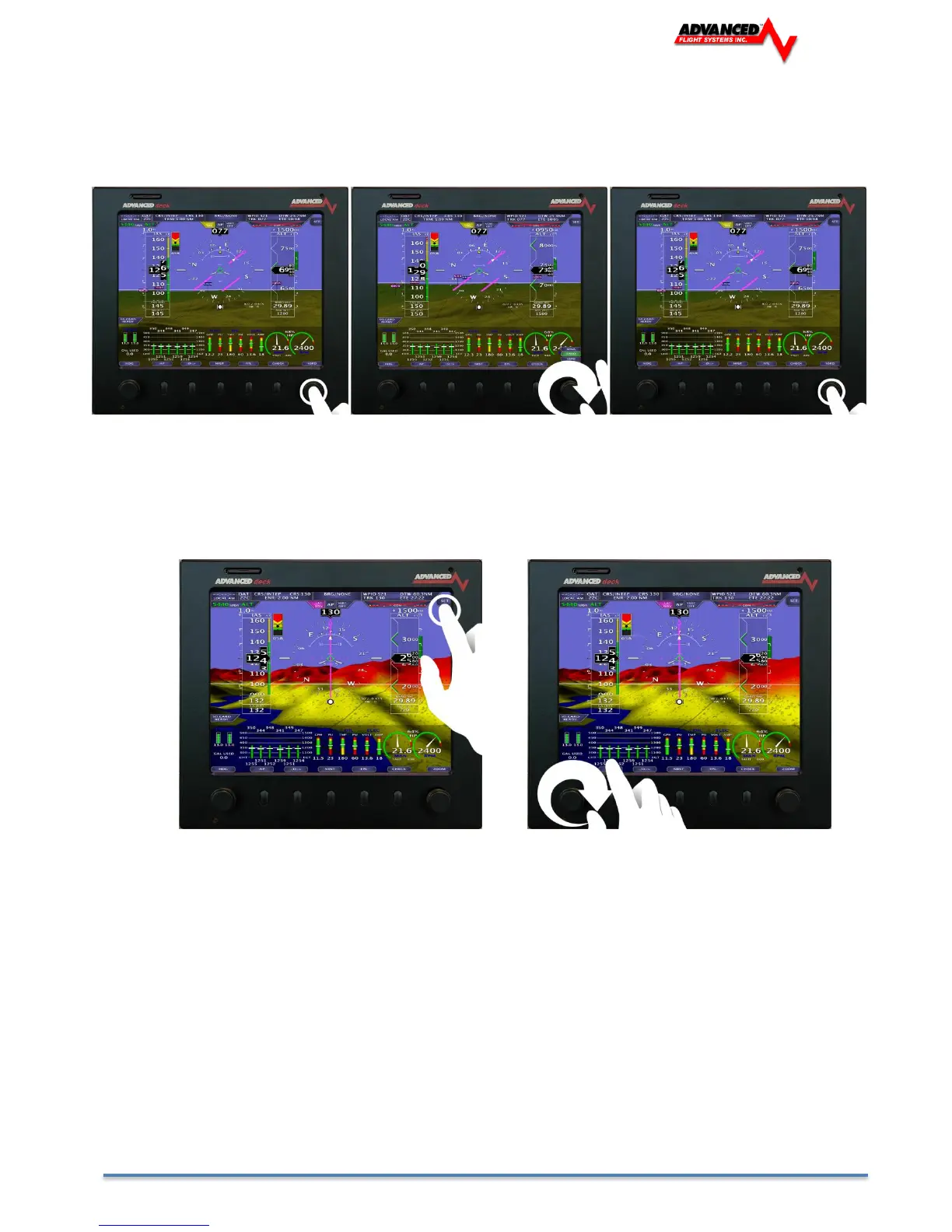
Changing Knob Function (Baro, ALT, Zoom…)
1. Press Knob
2. Twist knob to scroll through Menus
3. Press Knob again to set new function
Access the [SET] Menus/Calibration Page on 5400 Display
1. Tap [SET]
2. The SET categories (EFIS, ENGINE…) will be displayed across the buttons.
3. There are more categories (CAL, LOGS…) which can be paged through by twisting the left knob.



 To Next Page