PWS-440 User Manual 4
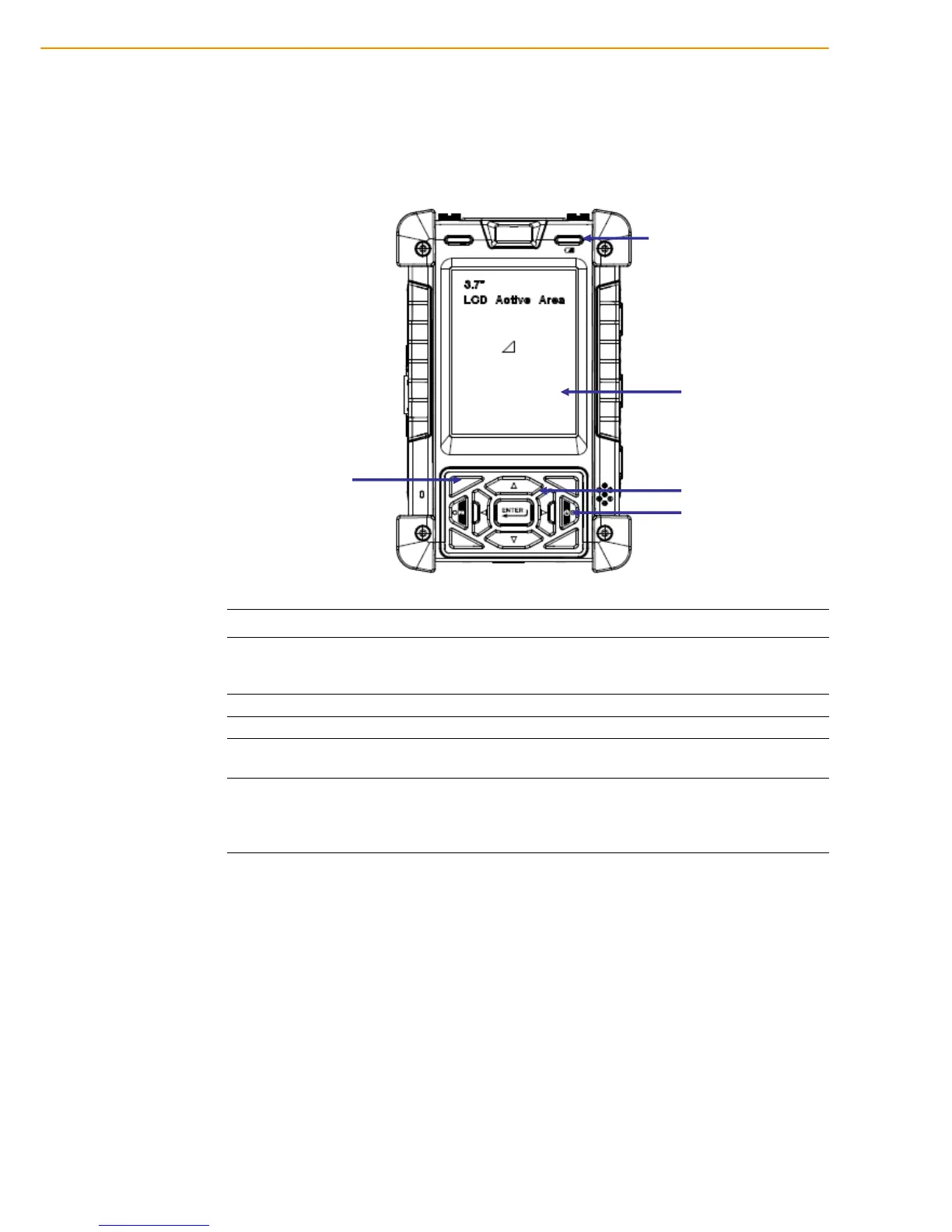
1.2 Familiarize with the PWS-440
The following sections describe the main components and features of the PWS-440.
1.2.1 Front View
Item Description
LCD touch screen
Displays the applications and data stored the PWS-440. It is a
touch-sensitive screen and can be operated using the stylus or fin-
ger.
Navigation Keys Press these keys to navigate in the PWS-440 interface.
Function Keys Programmable keypad interface for controlling the PWS-440.
Power button
If the device is off, press this button to turn it on. When the unit is
on, press this button for 3 seconds to turn the PWS-440 off.
Power LED
Indicates the battery charging power status. Green -Battery is fully
charged or the device is running on battery power. When LED
flashes, the battery charge is at 13%. The battery should be
recharged immediately.



 To Next Page