17 PWS-440 User Manual
Chapter 2 Getting Started
3. After calibration is finished, press the Enter key to save the settings or press Esc
to revert to the previous settings.
2.5 Setting the Time and Date
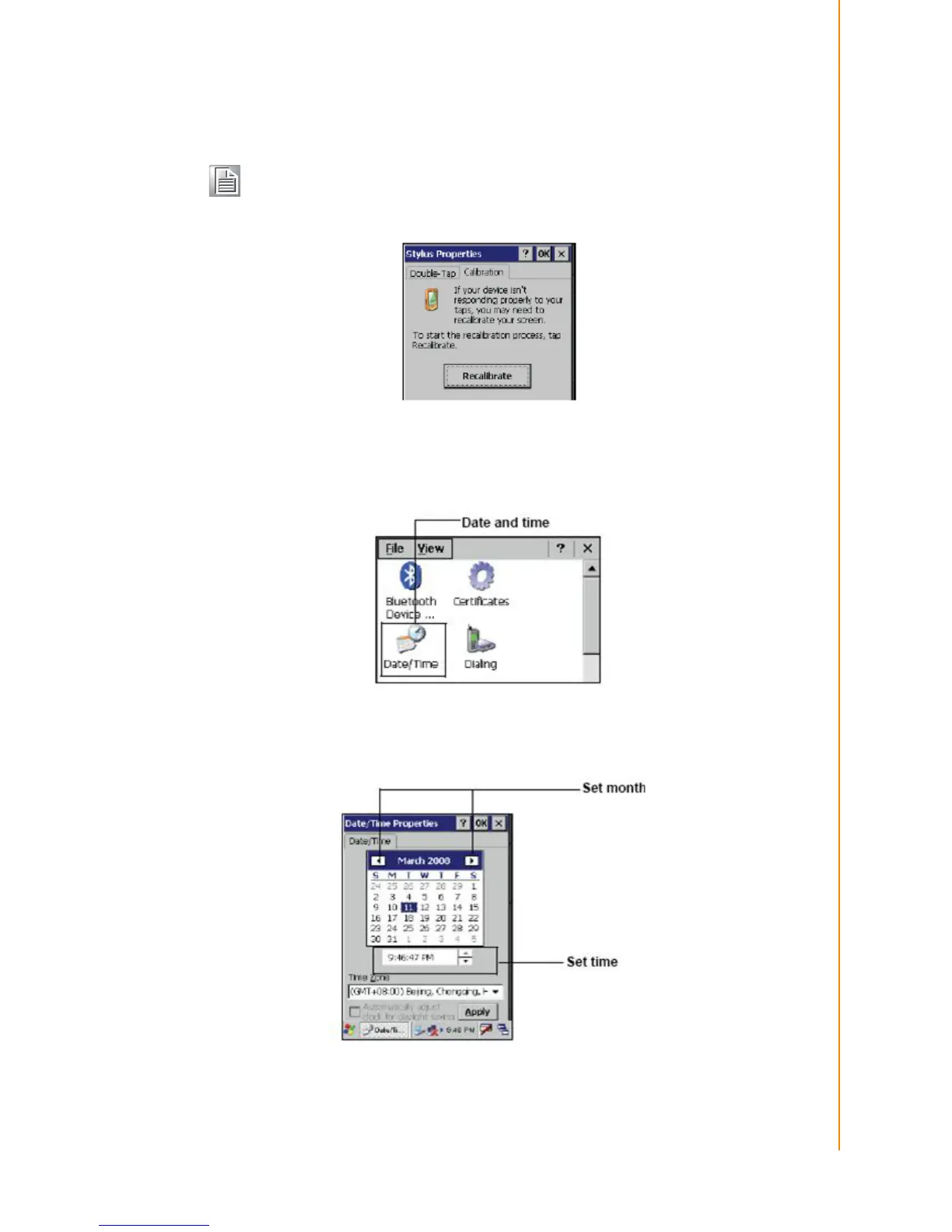
1. Tap Start -> Settings -> Control Panel.
2. Double-tap Date/Time.
3. Tap the arrows next to the month to select the correct month.
4. Select a field in the time box and tap the arrows next to the time to change the
value of the field.
Note! To recalibrate the screen at any time, tap Start -> Settings -> Control
Panel.Then double-tap Stylus. Tap the Calibration tab, and tap Recali-
brate.



 To Next Page