37 PWS-440 User Manual
Chapter 4 Getting Connected
4.4 Connecting GPS
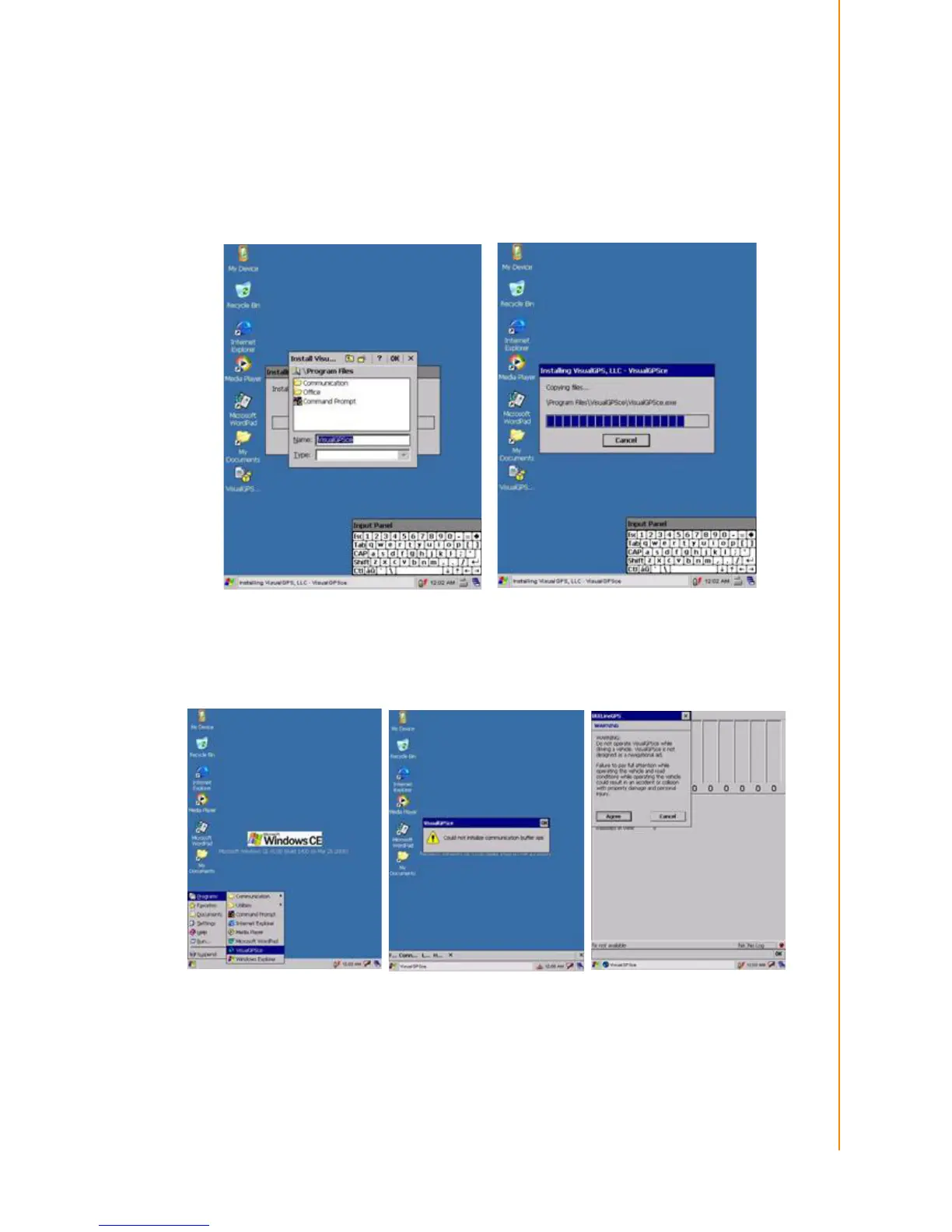
To run GPS Demo program, it need to download VisualGPS from internet. Copy this
program onto Deskonchip1 to save, and double tag to install VisualGPS as follow
instruction.
Copy “visualGPSceinstall.CAB” to PWS-440 ®C Desktop, and execute “visualGPS-
ceinstall.CAB” on desktop.
Follow these instructions to set up a GPS connection.
1. Tap Start -> Program -> VisualGPS.



 To Next Page