PWS-440 User Manual 16
2.3 Powering up for the First Time
After you have charged the PWS-440 for about 3 hours the device is ready to be
used. You can now start up the PWS-440 when you can calibrate the touch screen,
practice with the stylus and set the date, time and zone. Turn on your device by
pressing the power button on the front panel.
2.4 Calibrating the touch screen
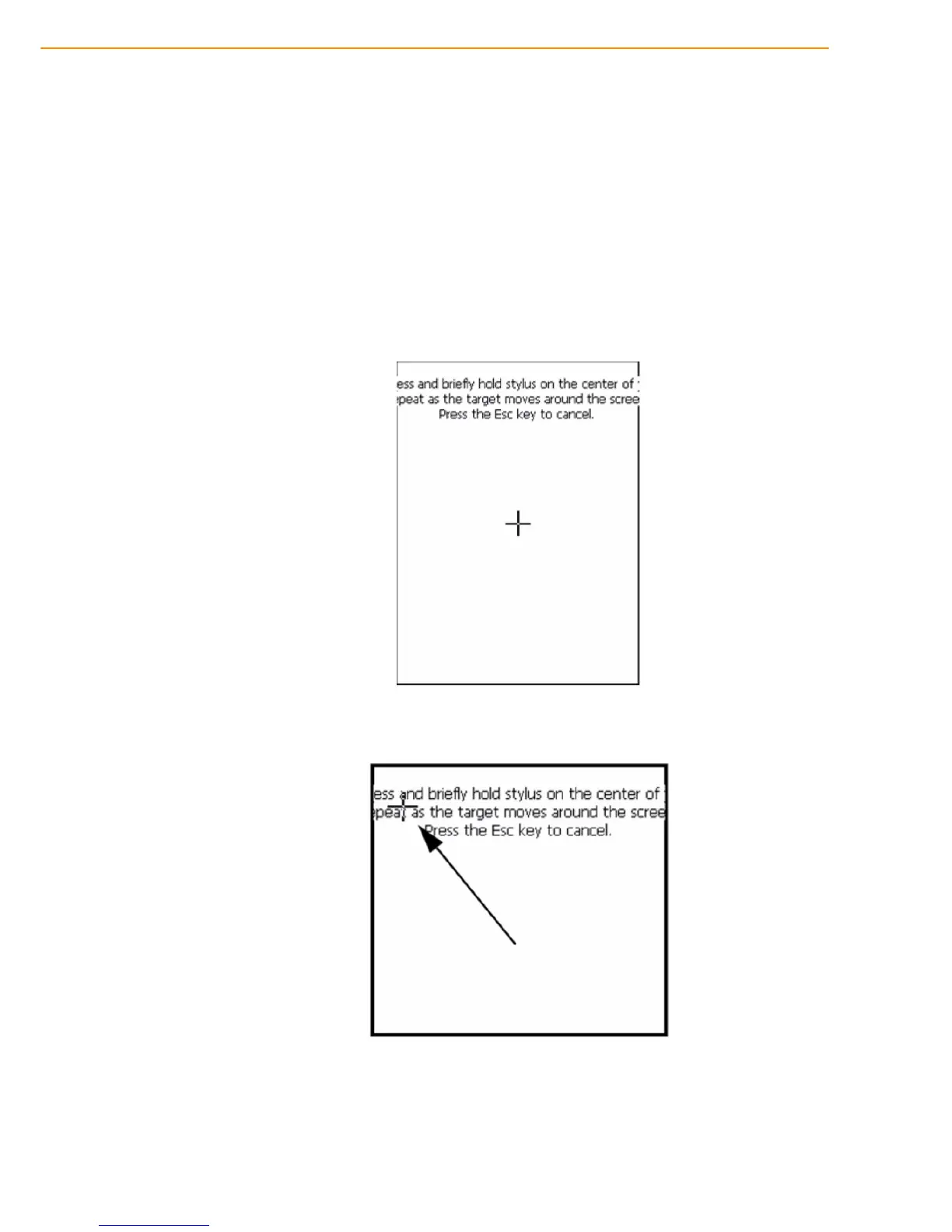
The calibration screen automatically appears when the unit is powered on for the first
time or after the system is reset.
1. Tap the center cross hair firmly and accurately with the stylus. The cross hair
moves to the next location.
2. Follow the cross hair and continue tapping until the screen has been calibrated.



 To Next Page