5 PWS-440 User Manual
Chapter 1 Overview
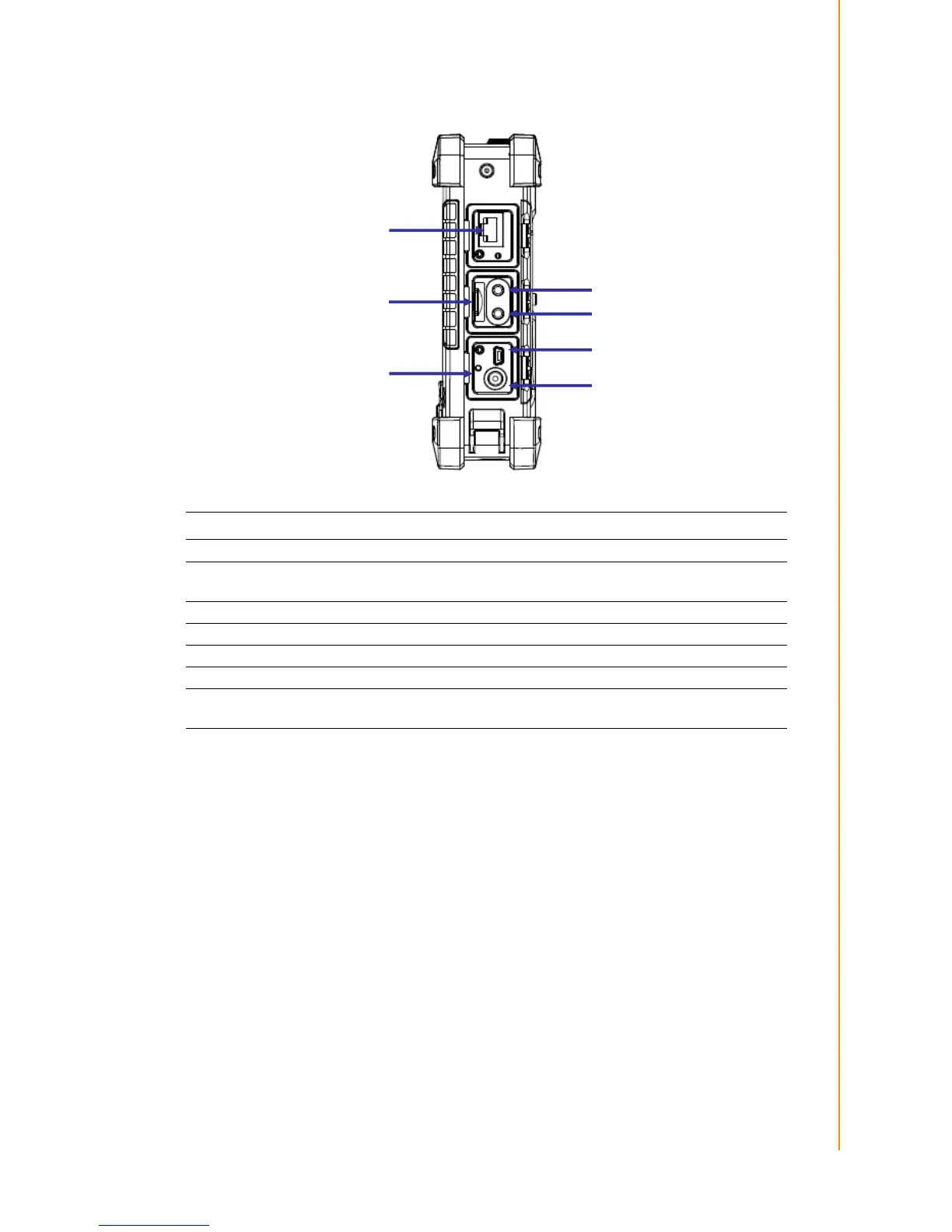
1.2.2 Right View
Item Description
RJ45 Port Connects to the LAN.
Earphone Plug
Connects to audio line-out devices (earphones or headphones) for
use in noisy environments.
Microphone Plug Enables the recording of voice using an external microphone
USB mini type B port USB mini type B port (client).
Micro SD Slot Accommodates Micro Secure Digital memory cards.
HW Reset Switch Press the end of the stylus into the button to reset PWS-440.
DC IN Jack
Connect the AC adapter to this jack to supply power to charge the
PWS-440 battery.



 To Next Page