21 PWS-440 User Manual
Chapter 3 Using the Hardware
3.2 Using the Stylus
1. Remove the stylus from its holder.
2. Hold the stylus as you would a pencil.
3. To make a selection from a menu, lightly tap the tip of the stylus on that item.
Adjusting the Double-Tap Rate
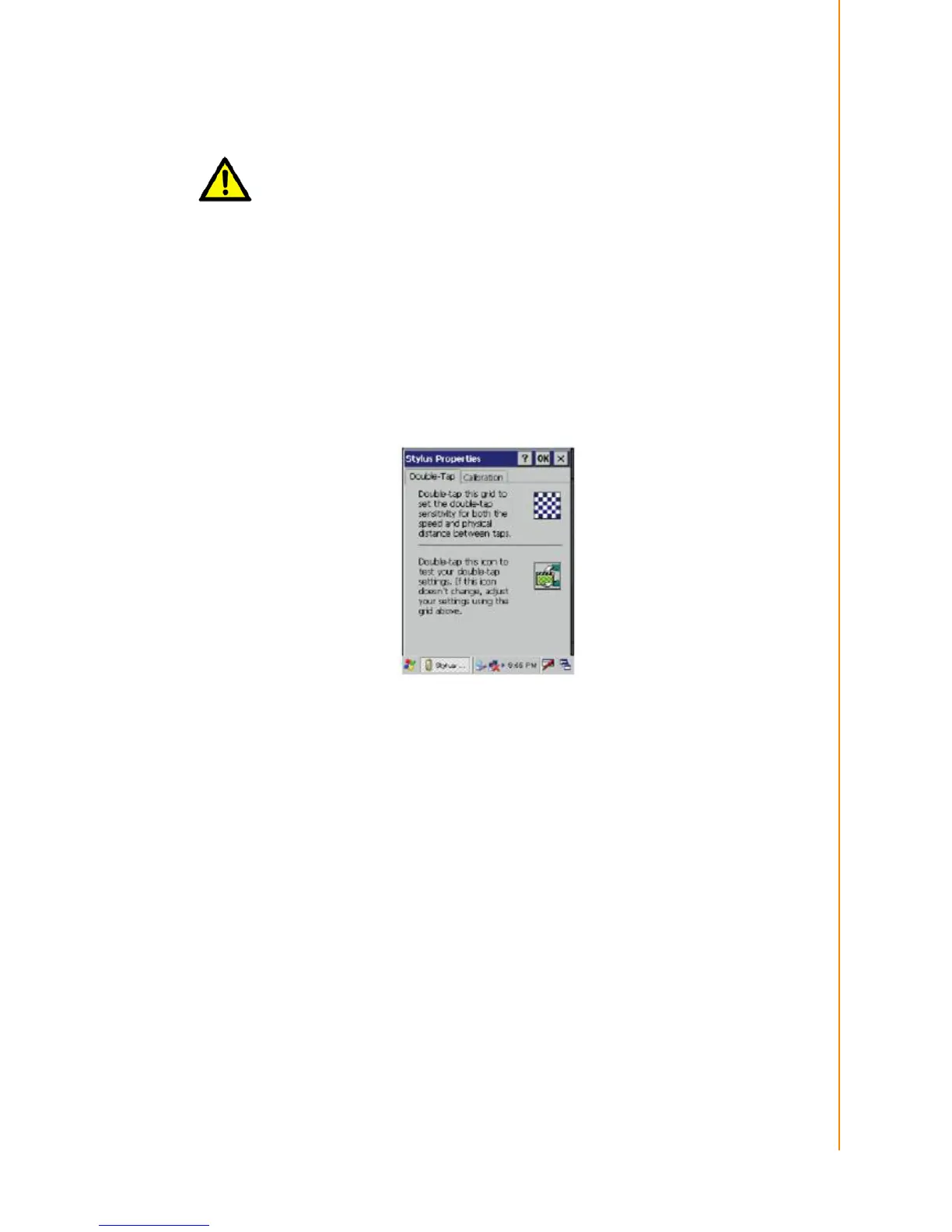
Set the stylus double-tap rate as follows.
1. Tap Start ->Settings -> Control Panel.
2. Double-tap Stylus.
3. Tap the Double-Tap tab.
4. Double-tap on the checkerboard graphic to set your double tap rate.
Caution! Never use anything other than the PWS-440 stylus on the screen. Using
another object as a stylus could cause permanent damage. You can use
your finger to interact with the screen as well.



 To Next Page