PWS-440 User Manual 12
2.1 Getting Started
This chapter explains how to install and charge the battery, how to check the battery
status, how to turn on the PWS-440, and how to calibrate the screen.
2.2 Connecting the PWS-440
2.2.1 Installing the battery
This part explains how to install the battery.
Warning! There is a risk of fire and burns if the battery pack is handled improperly.
DO NOT disassemble, crush, puncture, short external contacts, or dis-
pose the battery pack in fire or water. DO NOT attempt to open or ser-
vice the battery pack.
Dispose of used batteries according to local recycling guidelines in your
area. A backup battery cell is embedded into your device to prevent data
loss in instances when the removable battery pack is removed or com-
pletely discharged. This backup battery cell will only support the system
for a maximum of 3 minutes.
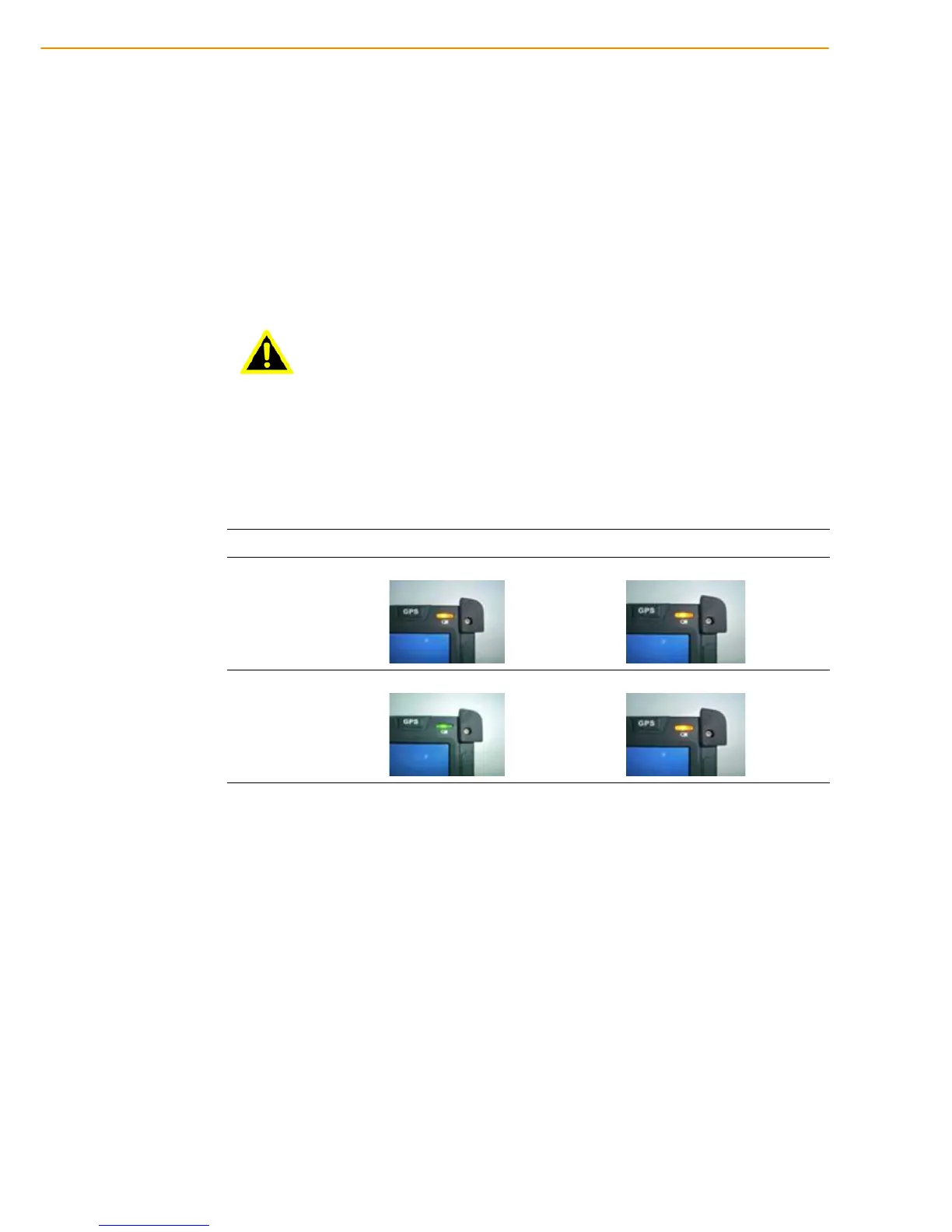
Status Charging Ready
Power OFF
*Red flashing light *Red light
Power ON
*Amber flashing with Green light *Amber light



 To Next Page