PWS-440 User Manual 38
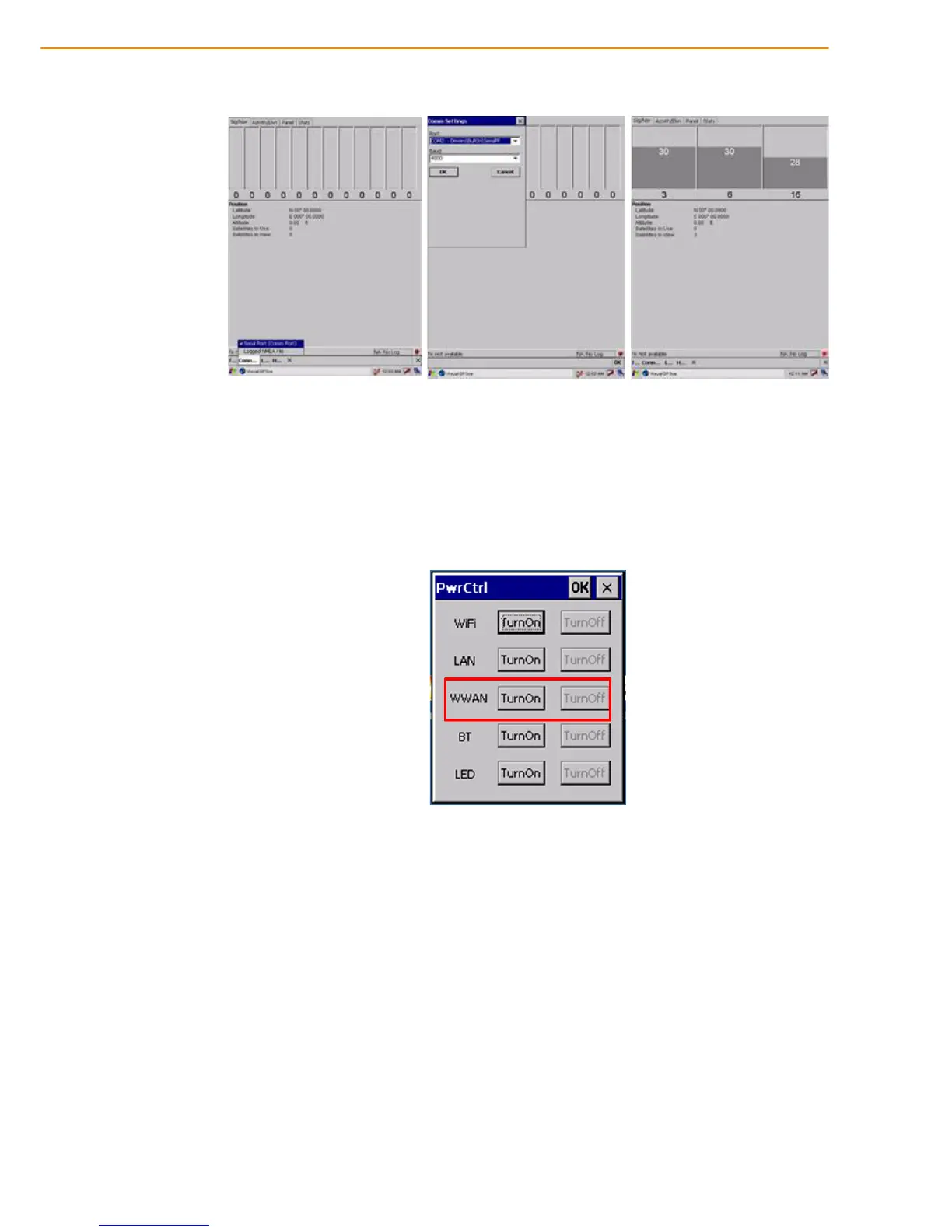
2. Click COM5 and Baudrate 9600. Then, OPEN GPS to start the “GPS”.
3. When GPS is active, click GPS status to display the satellite status.
4. Allow approximately 60 seconds (very first time) for GPS longitude and latitude
display. Note: GPS display approximately time depend on the environment.
4.5 Connecting GPRS
1. From START -> PROGRAM -> Utility -> “PwrCtrl”, and choose GPRS “ON”.
2. Chose Start -> Settings -> Control Panel -> Network and Dial-up connec-
tions.



 To Next Page