PWS-440 User Manual 30
4.1 Installing Microsoft ActiveSync
In order to exchange data between your computer and the PWS-440 and install extra
applications or utilities to the PWS-440, Microsoft ActiveSync must be installed on
your computer. Connect the PWS-440 to a PC using a USB type B cable. Download
the latest version of Microsoft ActiveSync from the Microsoft website.
4.1.1 Connecting to Your Computer
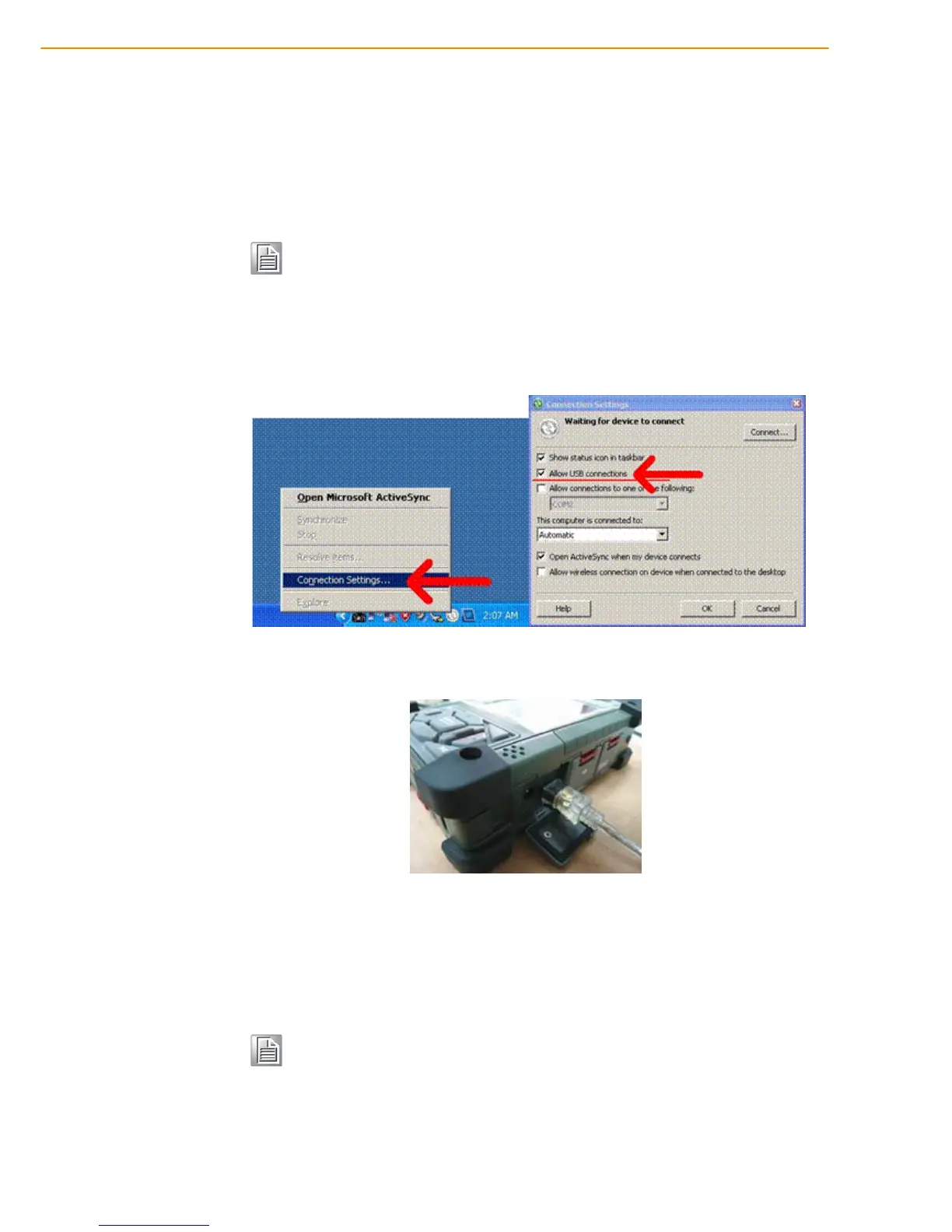
1. After ActiveSync has been installed, connect the USB B cable to the USB port
on your PWS-440.
2. Plug the other end of the USB cable into a USB port on your computer.
3. Turn the device on.
4. ActiveSync starts automatically and configure the USB port to work with the
PWS-440.
The New Partnership setup wizard will automatically start.
Note! If you have a previous version of the Microsoft ActiveSync installed in
your computer, uninstall it first before installing the latest version of
Microsoft ActiveSync.
Note! If ActiveSync doesn’t start automatically, click Start -> Programs ->
Microsoft



 To Next Page