31 PWS-440 User Manual
Chapter 4 Getting Connected
ActiveSync.
If a message appears indicating that it is unable to detect a connection, click the
Cancel button and manually configure the communication settings.
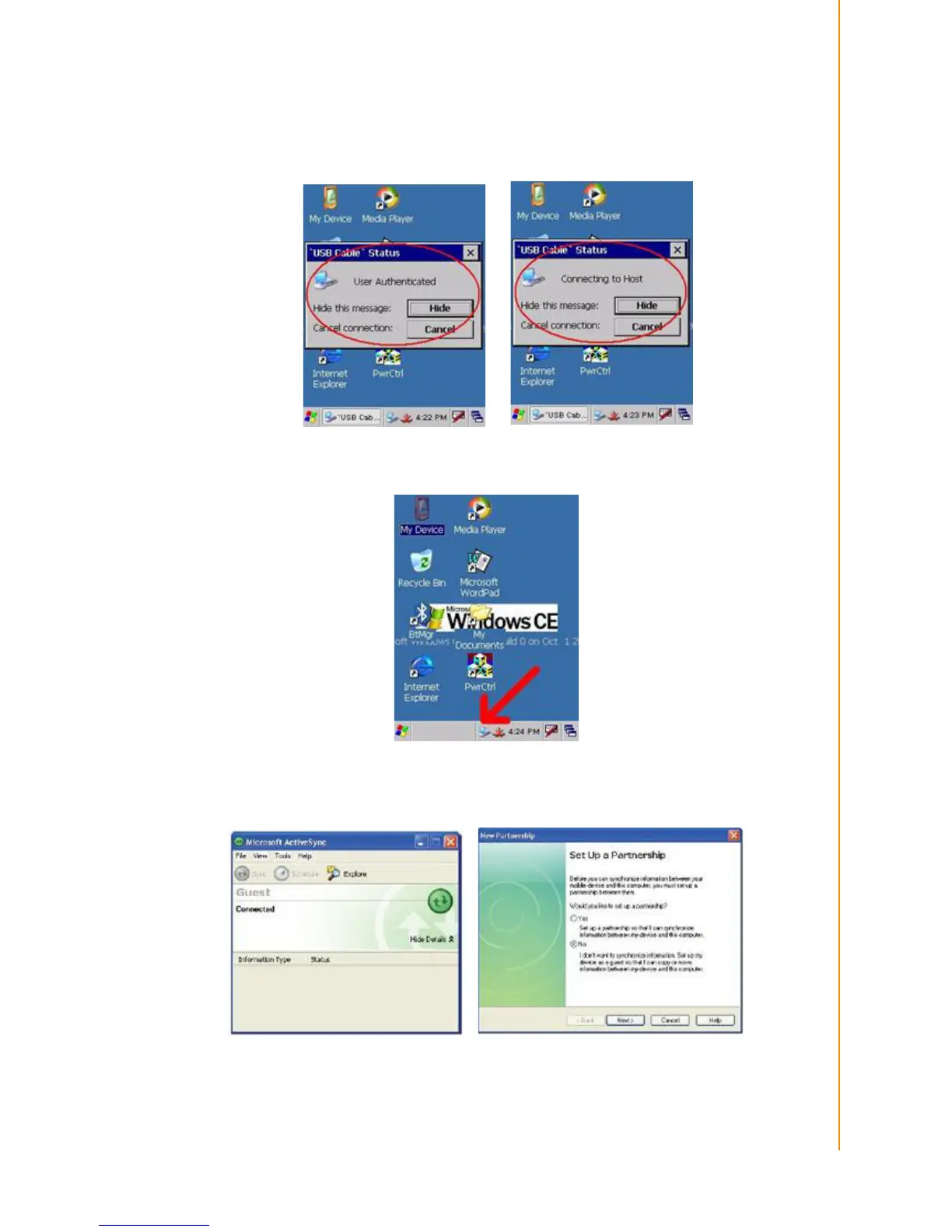
1. Follow the onscreen instructions.
2. When the configuration process is complete, the ActiveSync window appears.
3. Synchronization will be initialized and will take place if you’ve chosen to syn-
chronize periodically or upon connection.
4. ActiveSync detects the PWS-440 and establishes a connection.
5. Click No, and then click Next.



 To Next Page