25 PWS-440 User Manual
Chapter 3 Using the Hardware
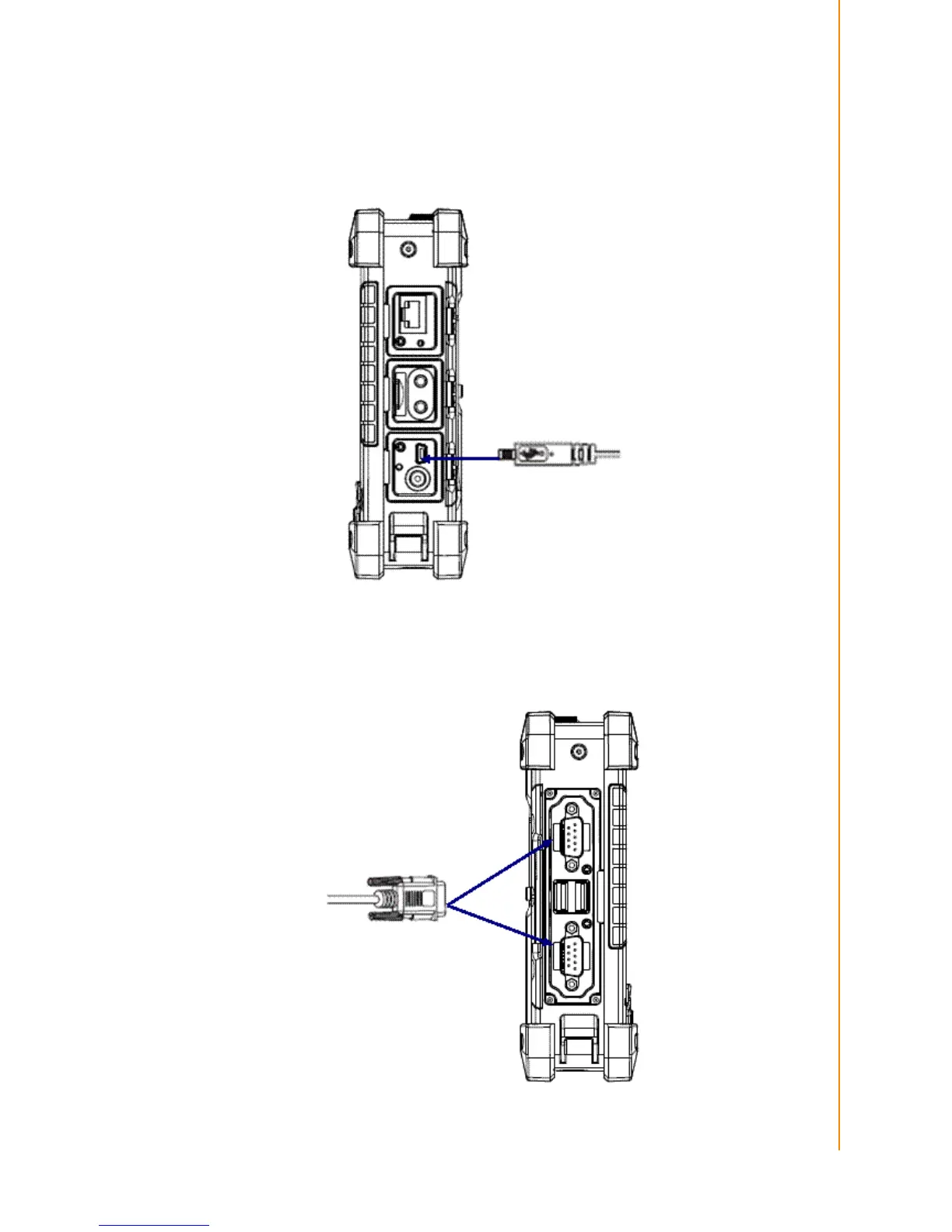
Connecting a MINI USB Type B
The illustration below shows how to connect a mini USB type B cable to the PWS-
440.
The connector is keyed to only go in one way. If it does not go in smoothly, check the
orientation and try again.
3.6.2 Connecting a Serial Device
Connect a serial device to the PWS-440 to perform serial communications.
Please see below illustration



 To Next Page