PWS-440 User Manual 18
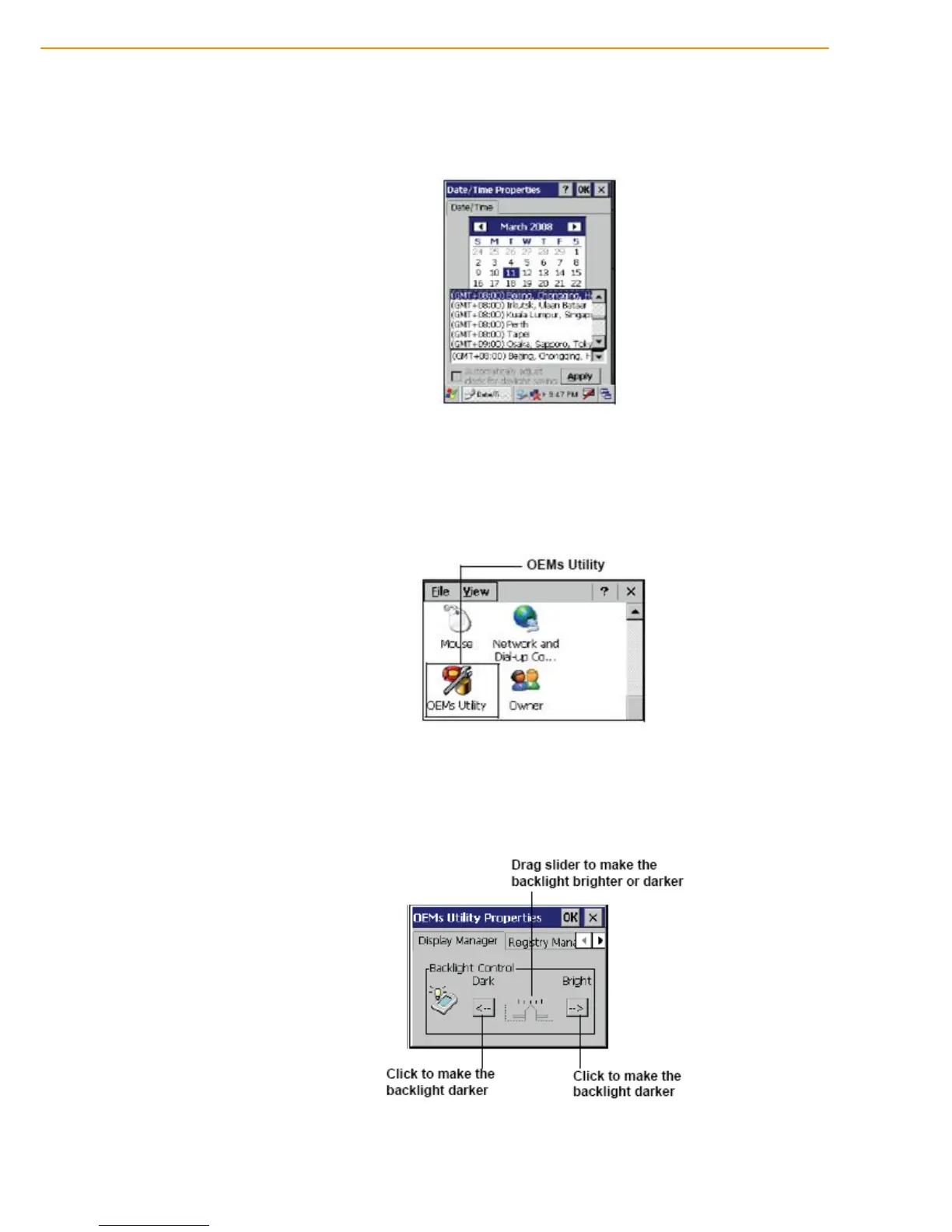
5. Tap the drop-down arrow next to Time Zone to select the correct time zone for
your area.
6. Check the box next to Automatically adjust... to have the OS automatically
update the time for daylight saving.
7. Tag Apply to save the settings.
2.6 Adjusting the Screen Brightness
1. Tap Start ->Settings -> Control Panel.
2. Double-tap OEMs Utility.
3. Click the Display Manager tab.
4. Under Backlight Control, click the Dark arrow to make the screen darker, or click
the Bright arrow to make the screen brighter.
5. Click OK to save and exit the utility.



 To Next Page