Chapter 3 Access to the Network
Speed Dome
3.1 Accessing by Web Browsers
Steps:
1. Open the web browser.
2. In the address field, input the IP address of the network speed dome, e.g.,
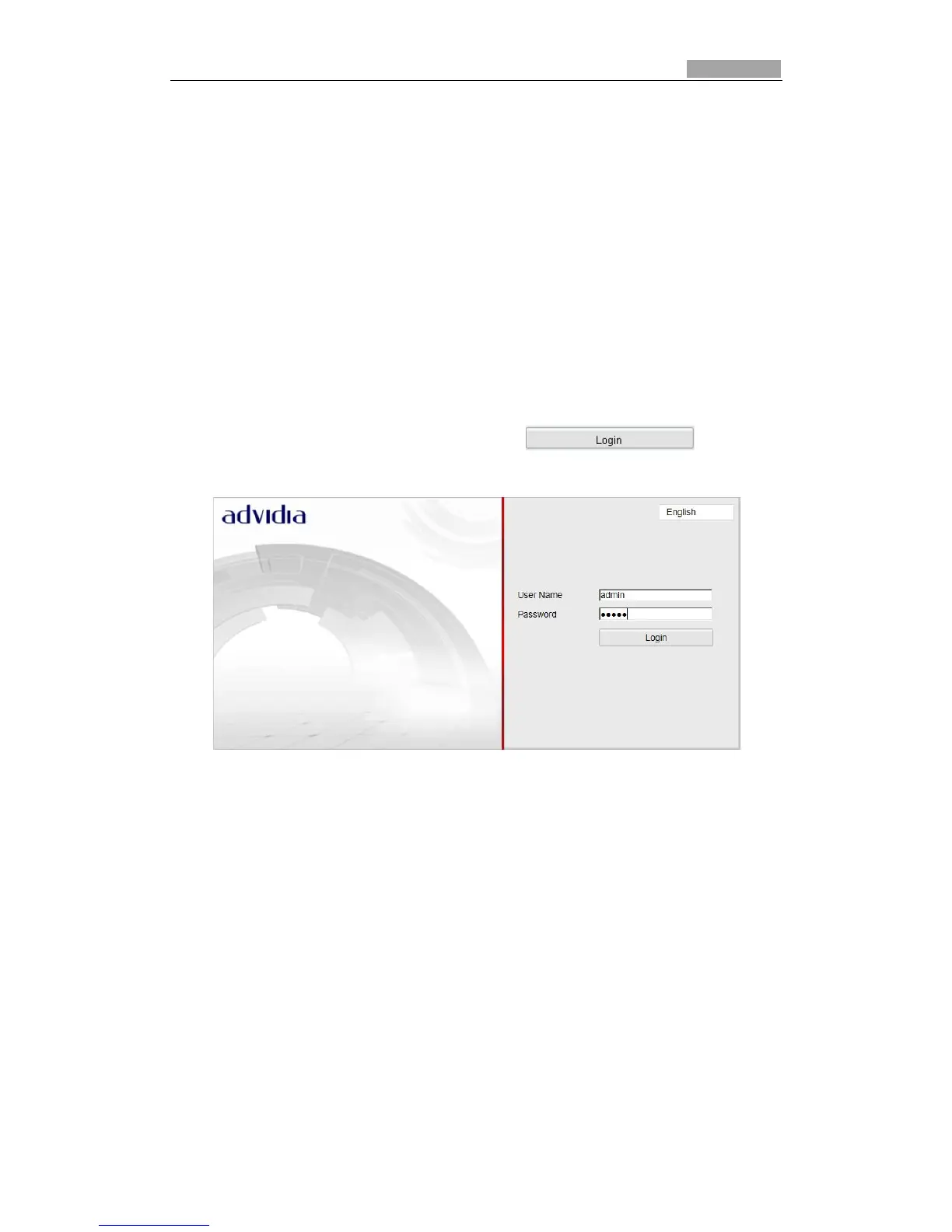
192.0.0.64 and press the Enter key to enter the login interface.
3. Input the user name and password and click .
*Note: The default user name is admin, password is 12345.
Figure 3-1 Login Interface
4. Install the plug-in before viewing the live video and operating the speed dome.
Please follow the installation prompts to install the plug-in.



 To Next Page