Section 6.6.7 Configuring Email Settings to set the Email parameters.
Upload to FTP
Capture the image when an alarm is triggered and upload the picture to a
FTP server.
*Note: You need a FTP server and set FTP parameters first. Refer to Section
6.3.8 Configuring FTP Settings for setting FTP parameters.
Trigger Channel
Record a video when an event occurs.
*Note: You have to set the recording schedule to realize this function.
Please refer to Section 7.2 Configuring Recording Schedule for settings the
recording schedule.
Trigger Alarm Output
Trigger one or more external alarm outputs when an event occurs.
*Note: To trigger an alarm output when an event occurs, please refer to
Section 6.6.5 Configuring Alarm Output to set the alarm output
parameters.
6.6.2 Configuring Video Loss Alarm
Steps:
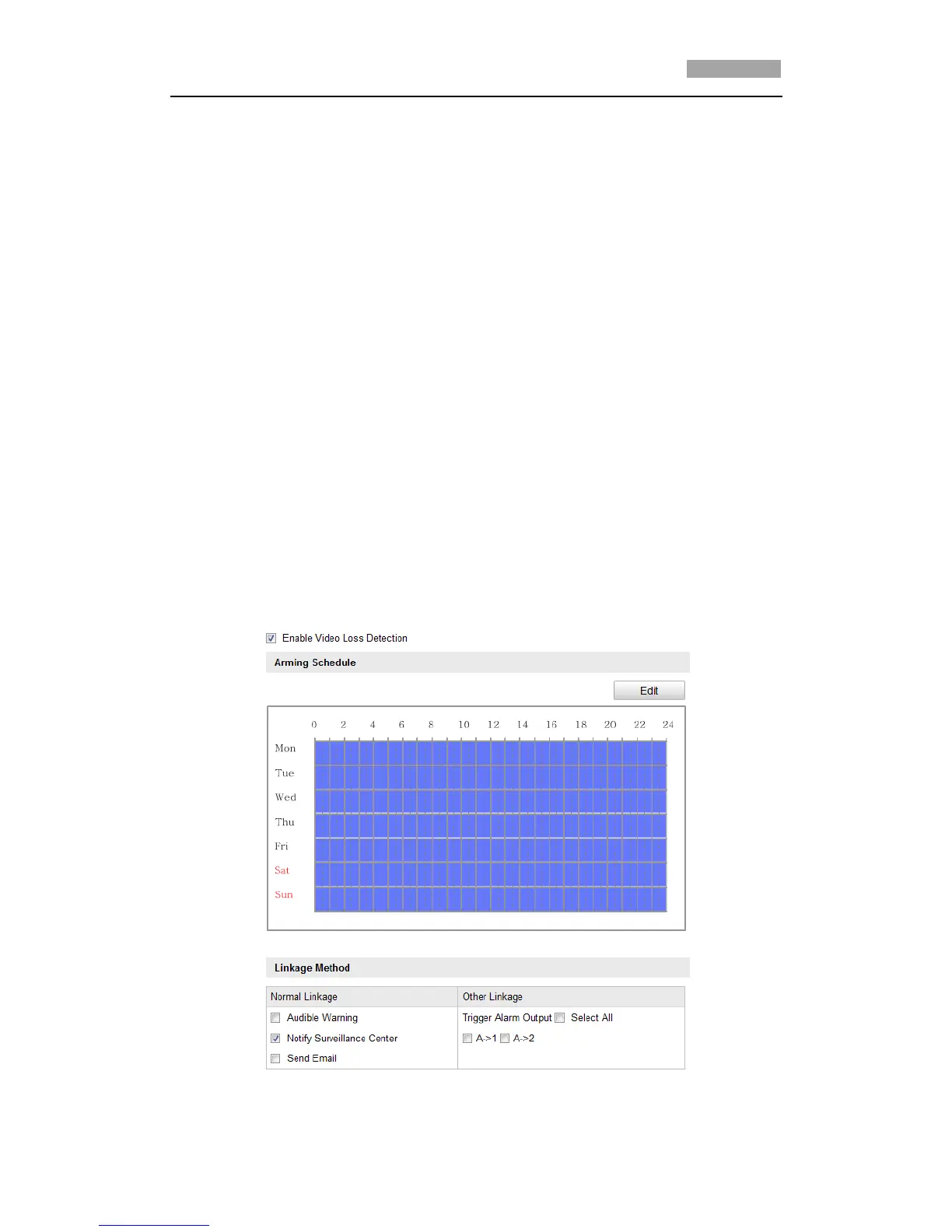
1. Enter the Video Loss Setting interface:
Configuration > Advanced Configuration> Events > Video Loss
Figure 6-42 Video Loss



 To Next Page