Configuring Daylight Saving Time
Purpose:
If there is the habit of adjusting clocks forward in your country in certain time
period of a year, you can turn this function on. The time will be adjusted
automatically when the Daylight Saving Time (DST) comes.
Steps:
(1) Enter the DST interface by Configuration > Advanced Configuration >
System > DST
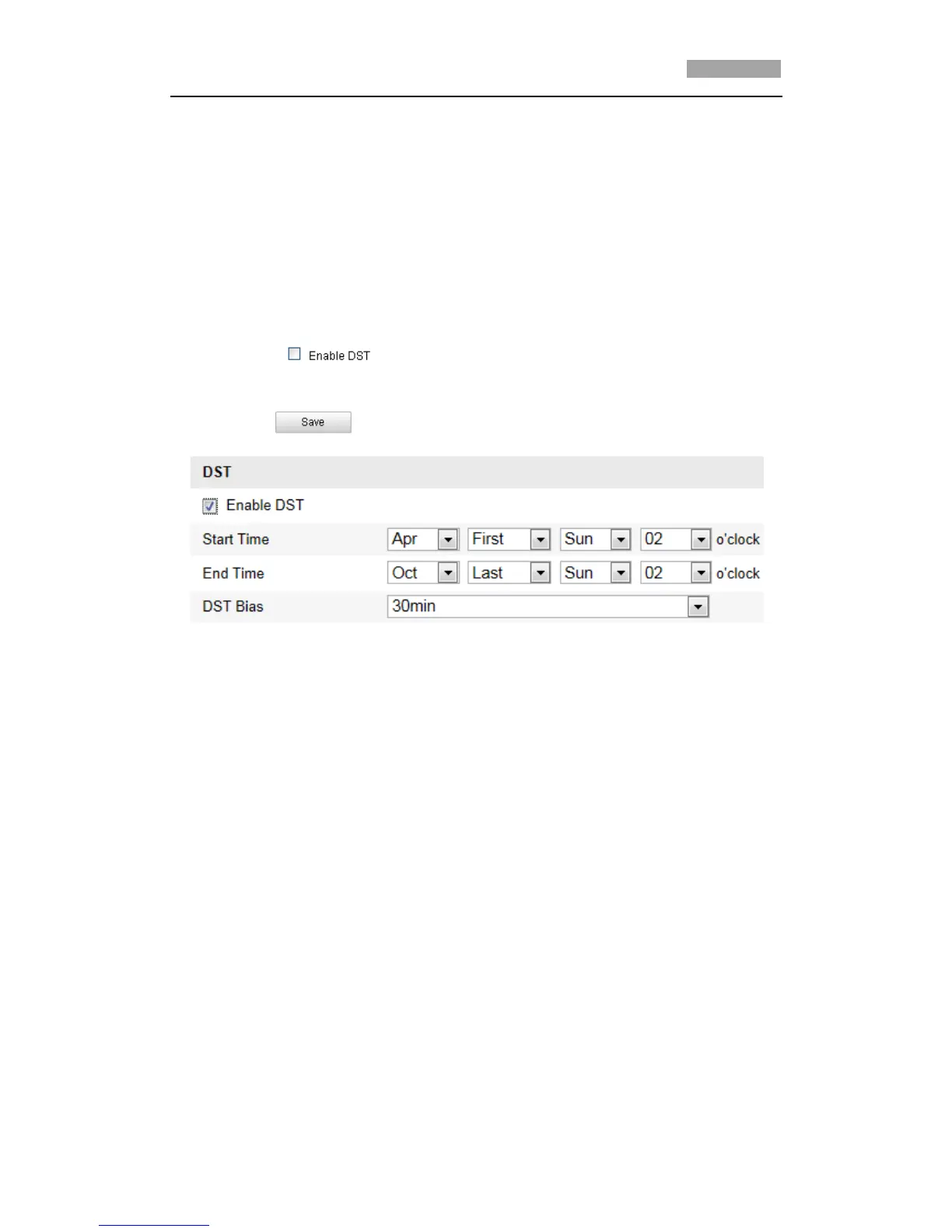
(2) Check to enable the DST function.
(3) Set the date of the DST period.
(4) Click to save the settings.
Figure 6-6 DST Settings
6.3 Configuring Network Settings
6.3.1 Configuring TCP/IP Settings
Purpose:
TCP/IP settings must be properly configured before you operate the speed dome over
network.
Steps:
1. Enter TCP/IP Settings interface:
Configuration > Basic Configuration > Network > TCP/IP
Or Configuration > Advanced Configuration > Network > TCP/IP



 To Next Page