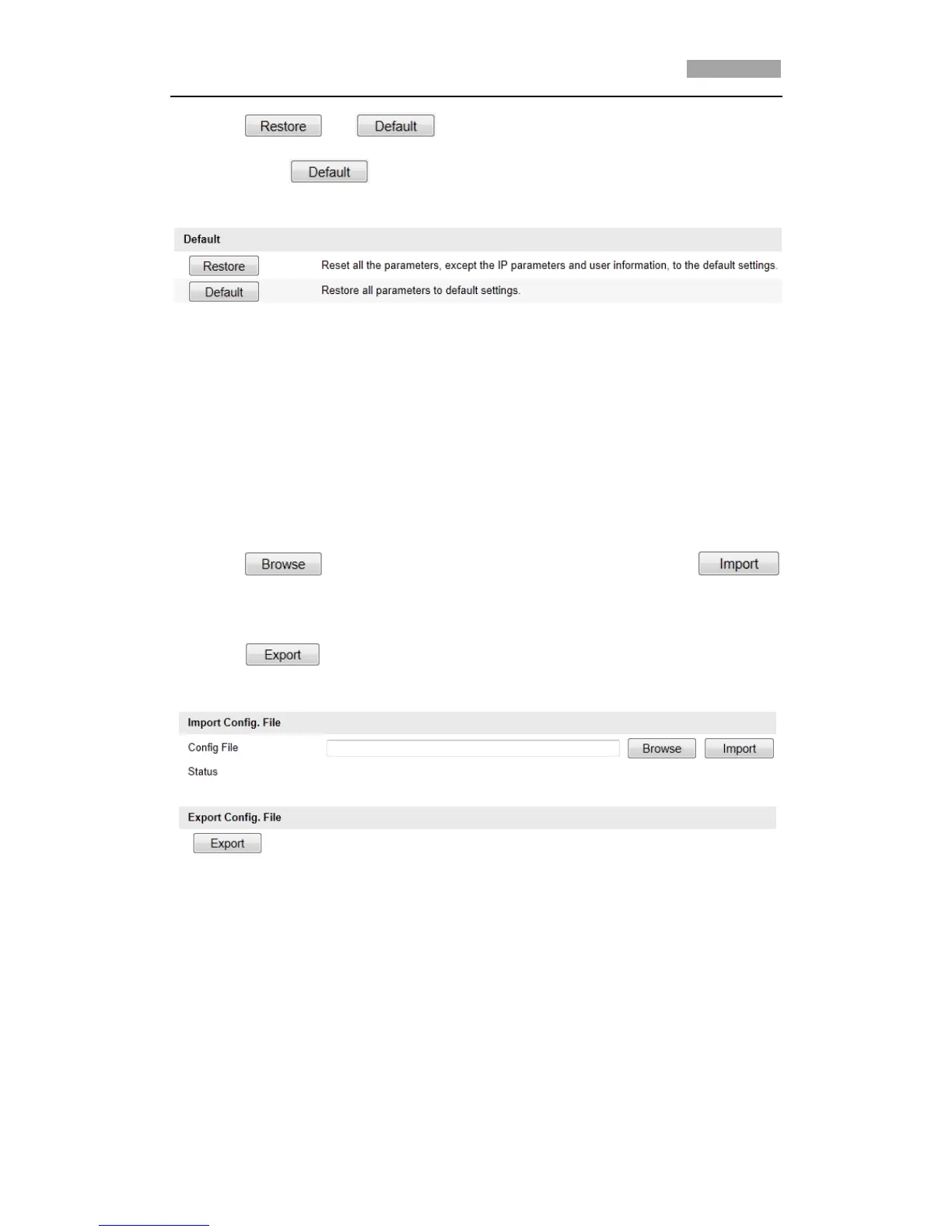
2. Click or to restore the default settings.
*Note: Clicking restores all the parameters to default settings including
the IP address and user information. Please use this button with caution.
Figure 10-8 Restore Default Settings
10.4.3Importing/Exporting Configuration File
Steps:
1. Enter the Maintenance interface:
Configuration > Basic Configuration> System > Maintenance
Or Configuration > Advanced Configuration> System > Maintenance
2. Click to select the local configuration file and then click
to start importing configuration file.
*Note: You need to reboot the speed dome after importing configuration file.
3. Click and set the saving path to save the configuration file in local
storage.
Figure 10-9 Import/Export Configuration File
10.4.4Upgrading the System
Steps:
1. Enter the Maintenance interface:
Configuration > Basic Configuration> System > Maintenance
Or Configuration > Advanced Configuration> System > Maintenance



 To Next Page