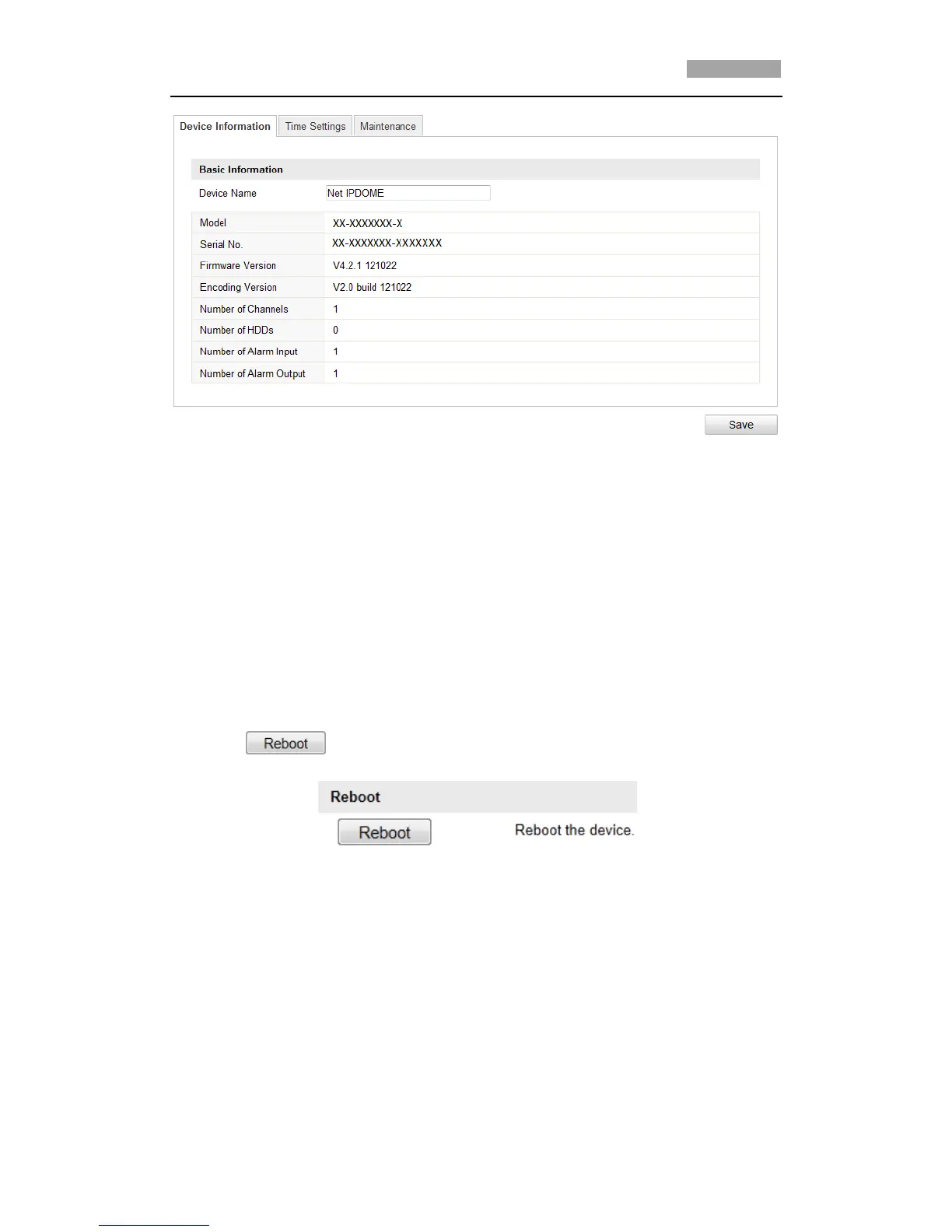
Figure 10-6 Device Information
10.4 Maintenance
10.4.1Rebooting the Speed Dome
Steps:
1. Enter the Maintenance interface:
Configuration > Basic Configuration> System > Maintenance
Or Configuration > Advanced Configuration> System > Maintenance:
2. Click to reboot the network speed dome.
Figure 10-7 Reboot the Device
10.4.2Restoring Default Settings
Steps:
1. Enter the Maintenance interface:
Configuration > Basic Configuration> System > Maintenance
Or Configuration > Advanced Configuration> System > Maintenance



 To Next Page