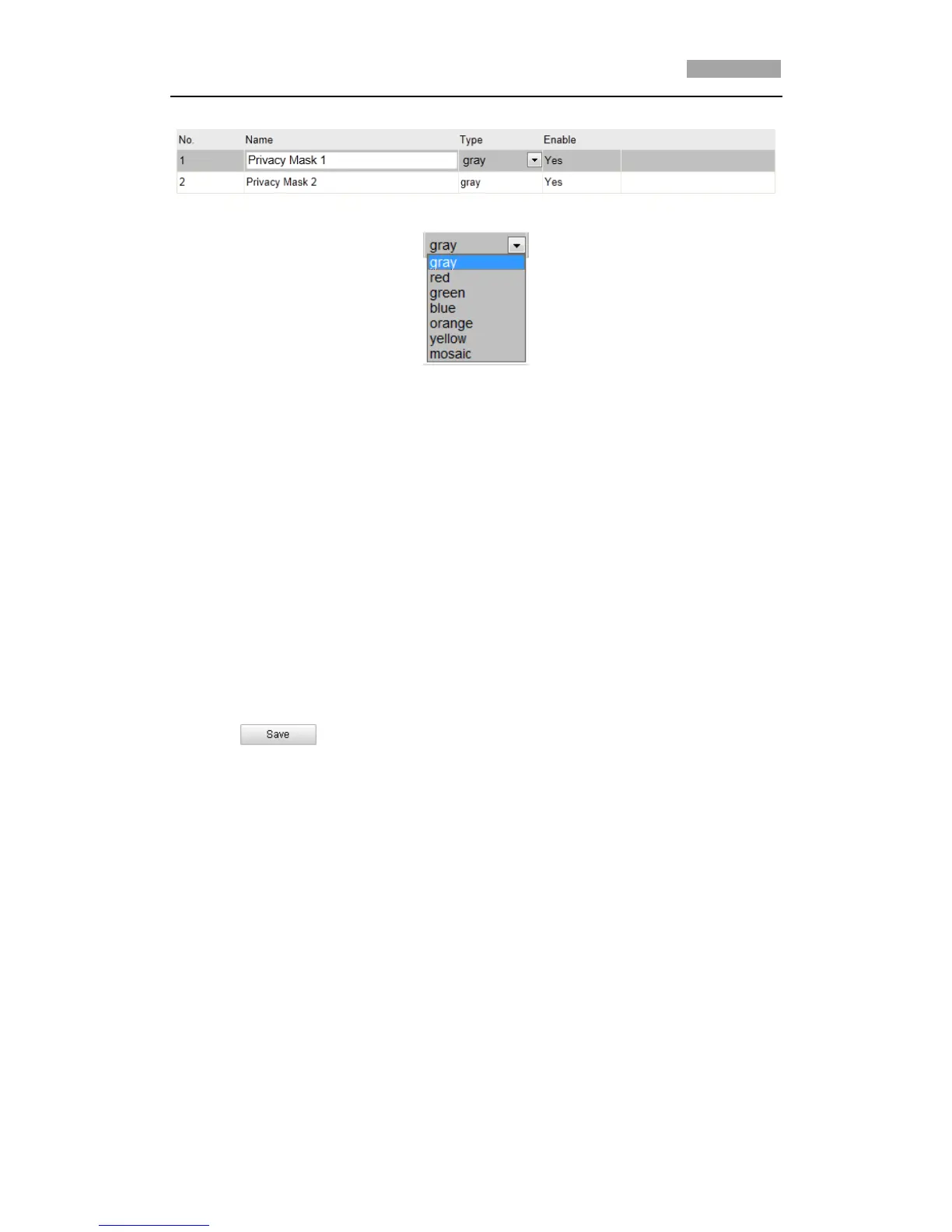
the list; you can also define the color of the masks.
Figure 5-10 Privacy Mask List
Figure 5-11 Define Mask Color
7. Check the checkbox of Enable Privacy Mask to enable this function.
*Note: You are allowed to draw up to 24 areas on the same image.
5.7 Clearing PTZ Configurations
Purpose:
You can clear PTZ configurations in this interface, including all presets, patrols,
patterns, privacy masks, PTZ limits and scheduled tasks.
Steps:
1. Enter the Clearing Configuration interface:
Configuration > Advanced Configuration> PTZ > Clear Config
2. Check the checkbox of the items you want to clear.
3. Click to clear the settings.



 To Next Page