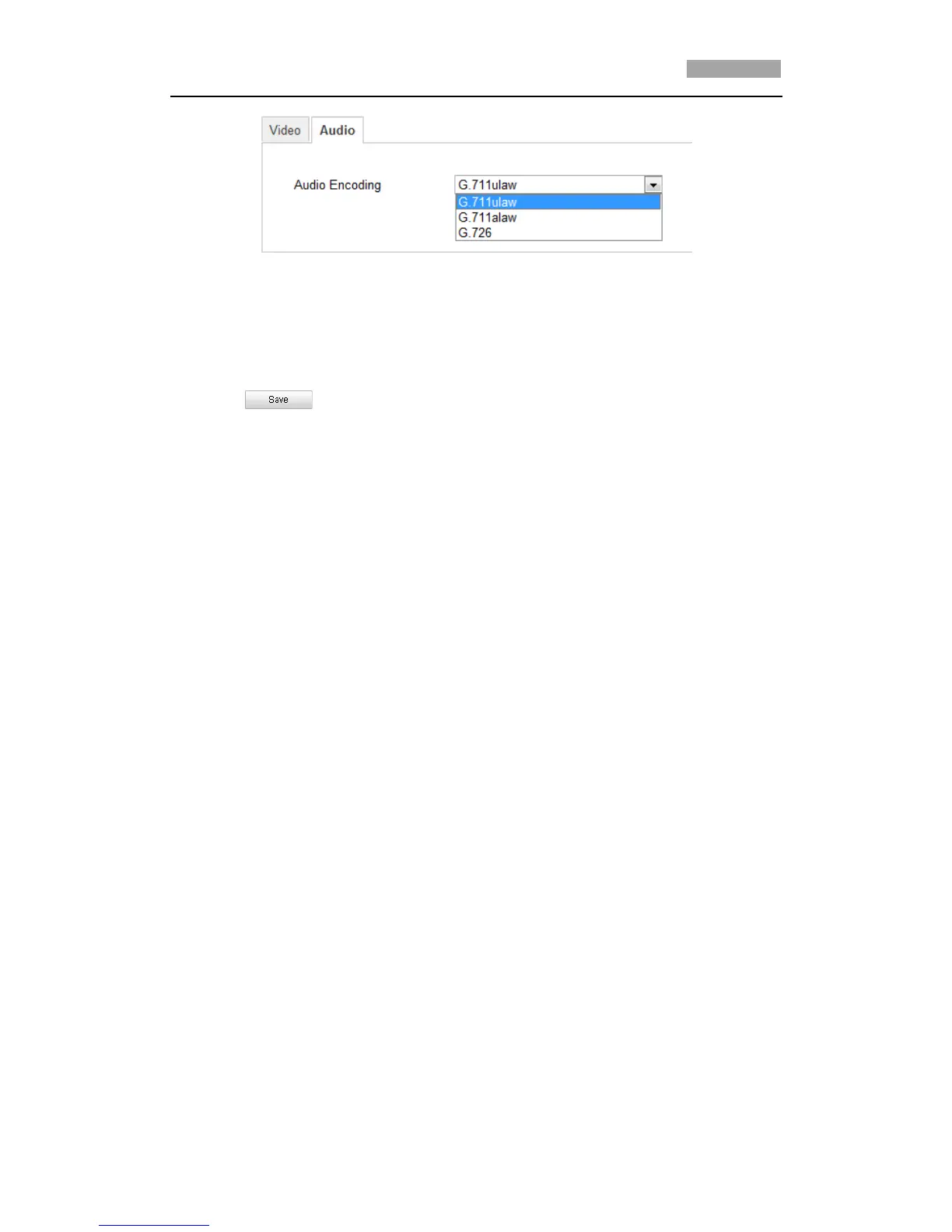
Figure 6-24 Audio Settings
2. Configure the following settings.
Audio Encoding: G.711ulaw, G.711alaw and G.726 selectable.
3. Click to save the settings.
6.5 Configuring Image Settings
6.5.1 Configuring Display Settings
Purpose:
You can set the image quality of the speed dome, including brightness, contrast,
saturation, sharpness, etc.
*Note: The parameters in Display Settings interface vary depending on the models of
speed dome.
Steps:
1. Enter the Display Settings interface:
Configuration > Basic Configuration> Image> Display Settings
Or Configuration > Advanced Configuration> Image> Display Settings
2. Set the image parameters of the speed dome.



 To Next Page