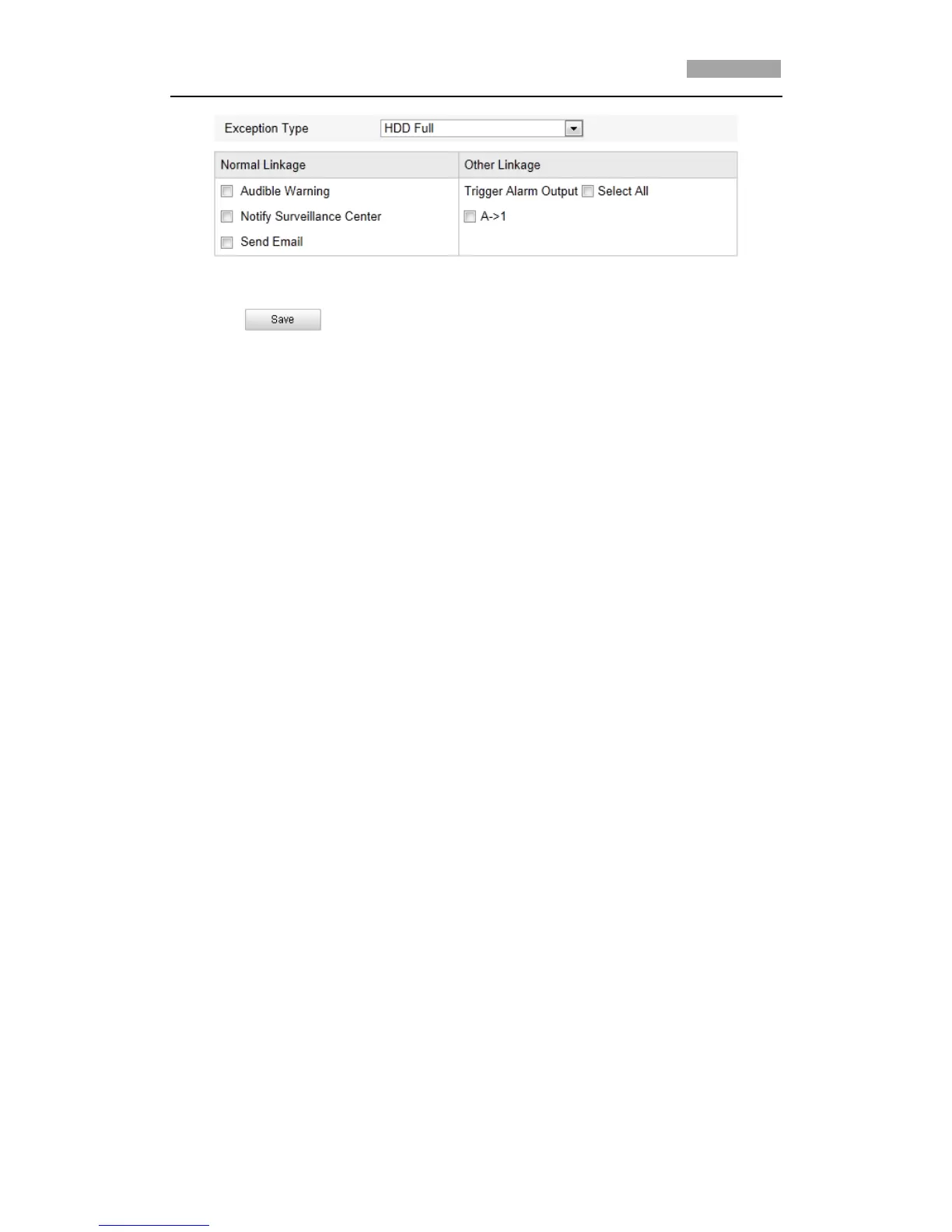
Figure 6-47 Exception Settings
3. Click to save the settings.
6.6.7 Configuring Email Settings
Purpose:
The system can be configured to send an Email notification to all designated
receivers if an alarm event is detected, e.g., motion detection event, video loss,
tamper-proof, etc.
Before you start:
Please configure the DNS Server settings under Basic Configuration > Network >
TCP/IP or Advanced Configuration > Network > TCP/IP before using the Email
function.
Steps:
1. Enter the Email Settings interface:
Configuration > Advanced Configuration > Events > Email



 To Next Page