*Notes:
These 4 patterns can be operated separately and with no priority level.
When configuring and calling the pattern, proportional pan is valid; the limit
stops and auto flip will be invalid; and the 3D positioning operation is not
supported.
4.6 Configuring Live View Parameters
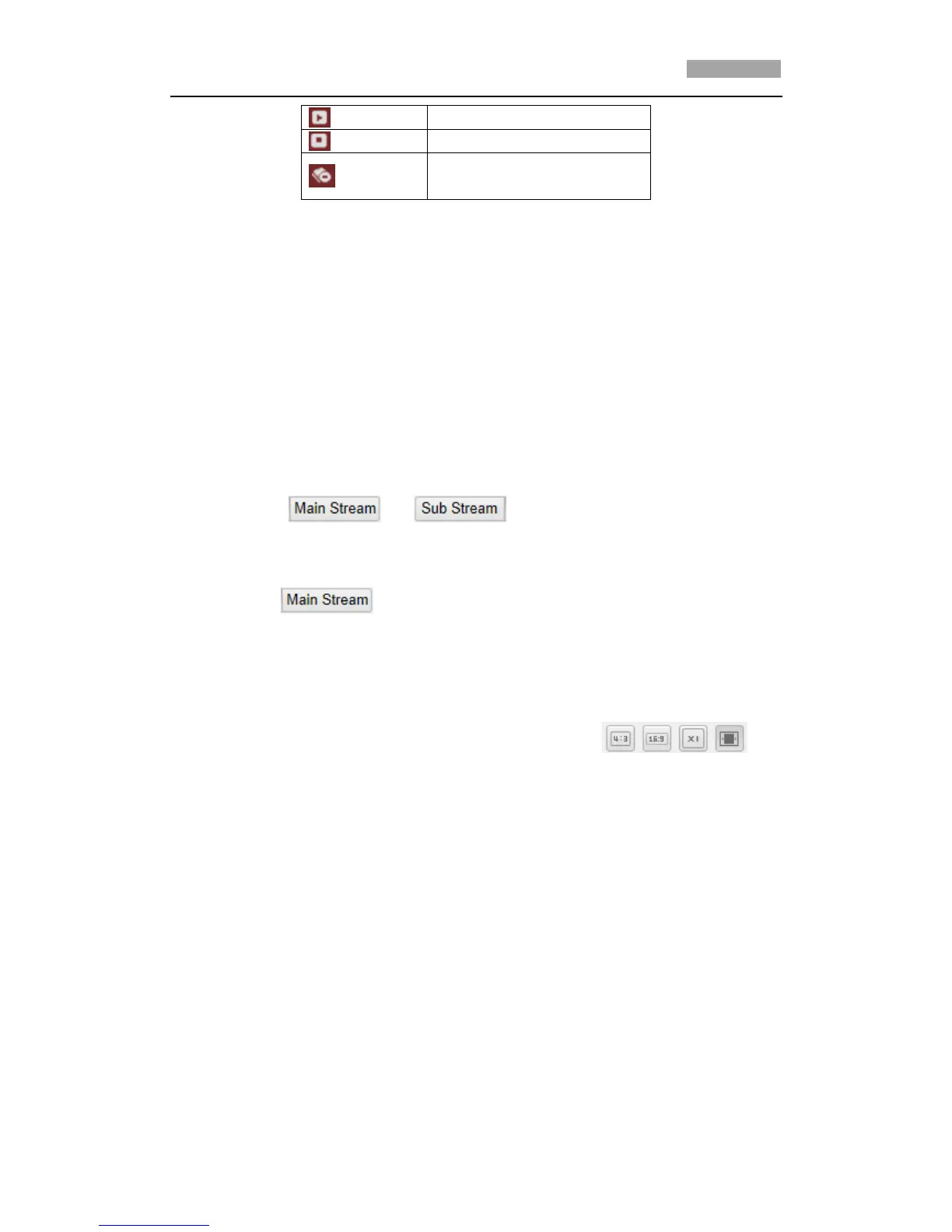
Mainstream/Sub-stream:
You can select or as the stream type of live viewing.
The main stream is with a relatively high resolution and needs much bandwidth. The
sub-stream is with a low resolution and needs less bandwidth. The default setting of
stream type is .
*Note: Please refer to Section 6.4.1 Configuring Video Settings for more detailed
parameter settings of the main stream and sub-stream respectively.
Image Size:
You can scale up/down the live view image by clicking the
image size can be 4:3, 16:9, original or auto.



 To Next Page