EasyManua.ls Logo

advidia A-200 - PTZ Control Panel; Setting and Calling Presets

advidia A-200
104 pages
Print Icon
To Next Page IconTo Next Page
To Previous Page IconTo Previous Page
Loading...
Advidia A200 User Manual
22 22
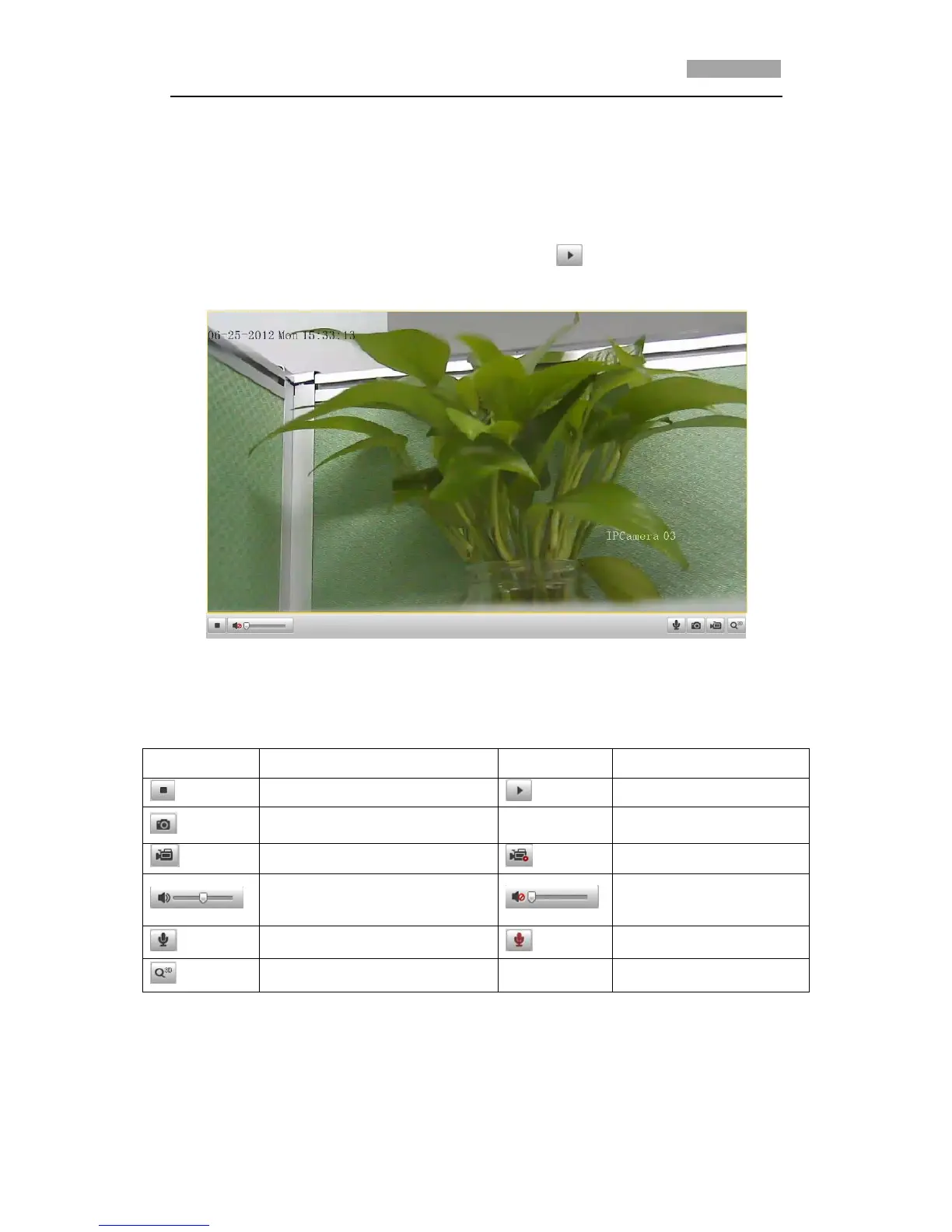
4.3 Starting Live View
In the live view window as shown in Figure 4-3, click on the toolbar to start the
live view of the speed dome.
Figure 4-3 Start Live View
Table 4-1 Descriptions of the Toolbar
Icon
Description
Icon
Description
Live view on
Live view off
Manually capture the pictures
Manual recording off
Manual recording on
Audio on and adjust volume
Mute
Two-way audio off
Two-way audio on
3D positioning
*Note: Before using the two-way audio or recording with audio functions, please set
the Stream Type to Video & Audio referring to Section 6.4.1 Configuring Video
Settings.

Table of Contents

Other manuals for advidia A-200

Related product manuals