4.5.1 PTZ Control Panel
On the live view page, click to show the PTZ control panel or click to
hide it.
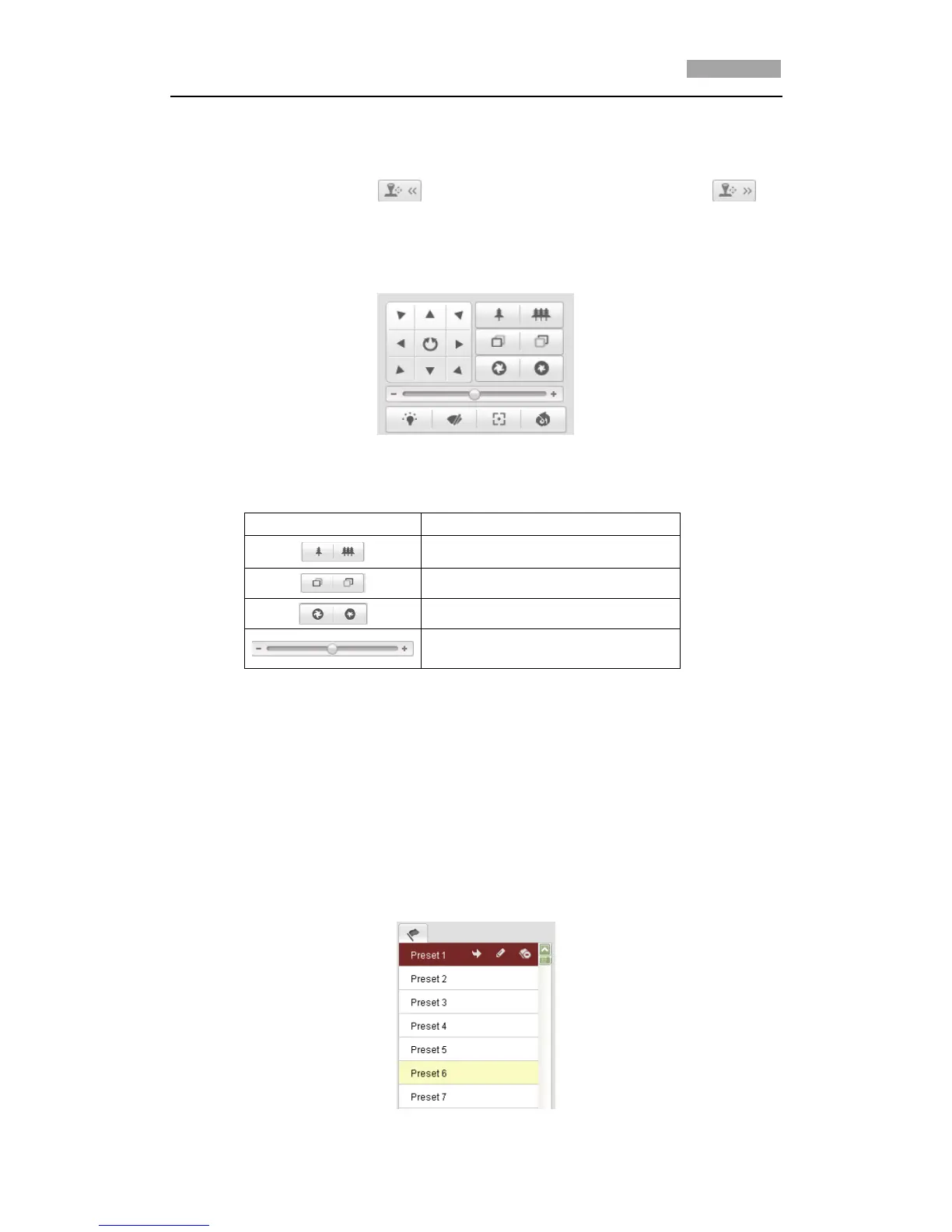
Click the direction buttons to control the pan/tilt movements.
Click the zoom/iris/focus buttons to implement lens control.
Figure 4-4 PTZ Control Panel
Table 4-2 Descriptions of PTZ Control Panel
Adjust speed of pan/tilt movements
4.5.2 Setting / Calling a Preset
Purpose:
A preset is a predefined image position. For the defined preset, you can click the
calling button to quickly view the desired image position.
Setting a Preset:
Steps:
1. In the PTZ control panel, select a preset number from the preset list.



 To Next Page