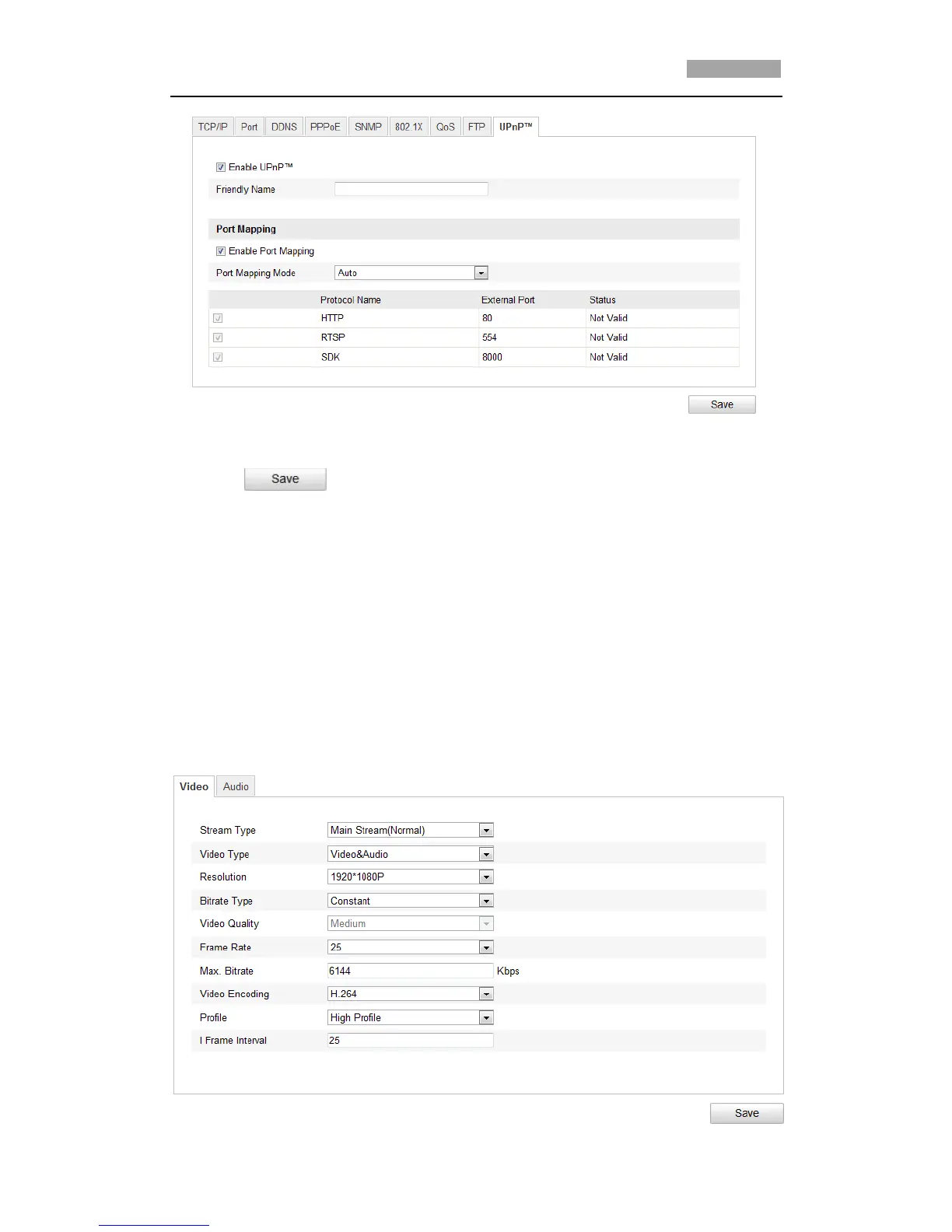
Figure 6-22 Configure UPnP Settings
5. Click to save the settings.
6.4 Configuring Video and Audio Settings
6.4.1 Configuring Video Settings
Steps:
1. Enter the Video Settings interface:
Configuration >Basic Configuration > Video / Audio > Video
Or Configuration > Advanced Configuration > Video / Audio > Video



 To Next Page