Chapter 8 Playback
Purpose:
This section explains how to view the remotely recorded video files stored in the
network disks or SD cards.
Task 1: To play back the video files
Steps:
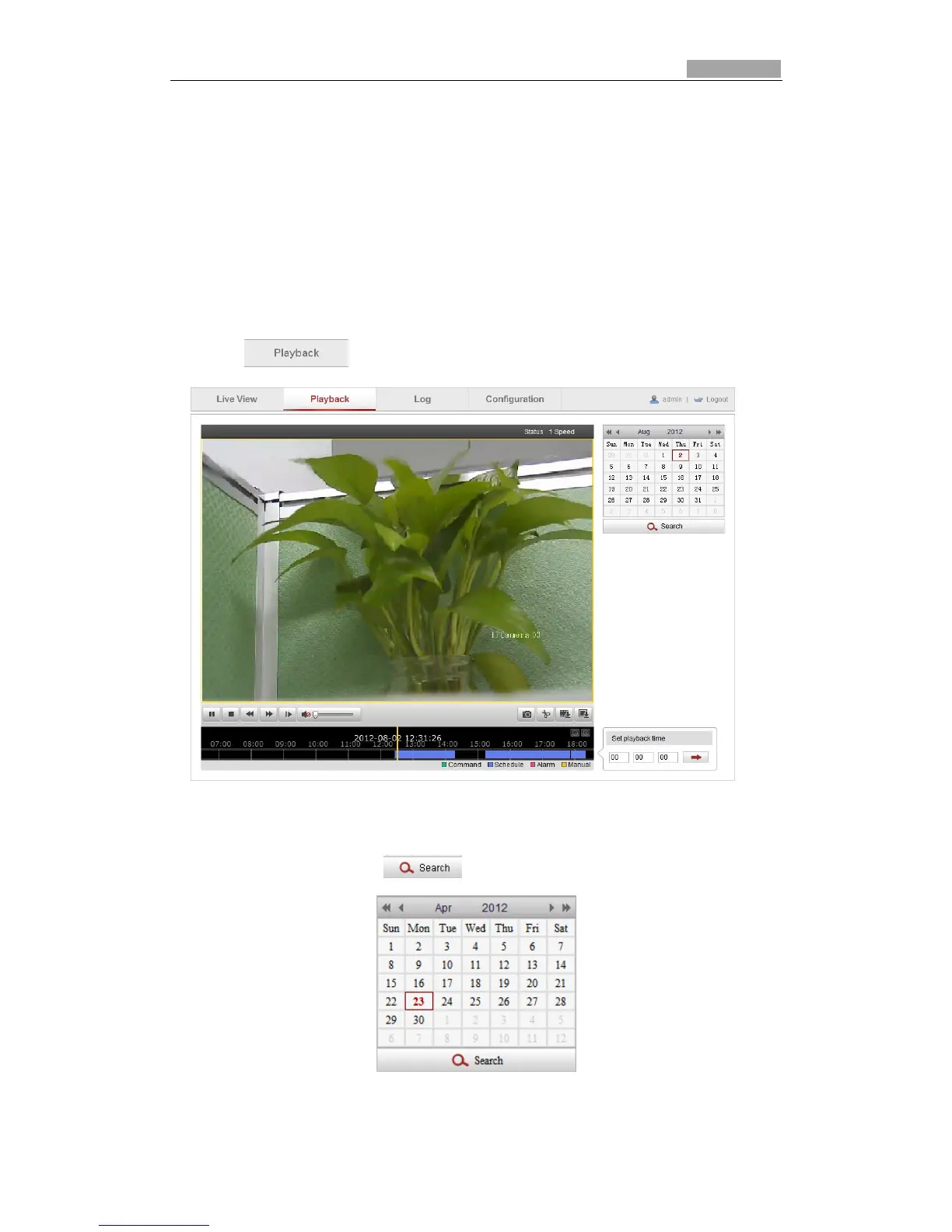
1. Click on the menu bar to enter playback interface.
Figure 8-1 Playback Interface
2. Select the date and click .
Figure 8-2 Search Video



 To Next Page