2. Check the Enable Video Loss Detection checkbox to enable the video loss
detection.
3. Click to edit the arming schedule for video loss detection. The
arming schedule configuration is the same as the setting of the arming schedule for
motion detection. Refer to Step 2 Set the Arming Schedule for Motion Detection in
Section 6.6.1.
4. Check the checkbox to select the linkage method taken for the video loss alarm.
Audible warning, notify surveillance center, send email and trigger alarm output are
selectable. Please Step 3 Set the Alarm Actions for Motion Detection in Section
6.6.1.
5. Click to save the settings.
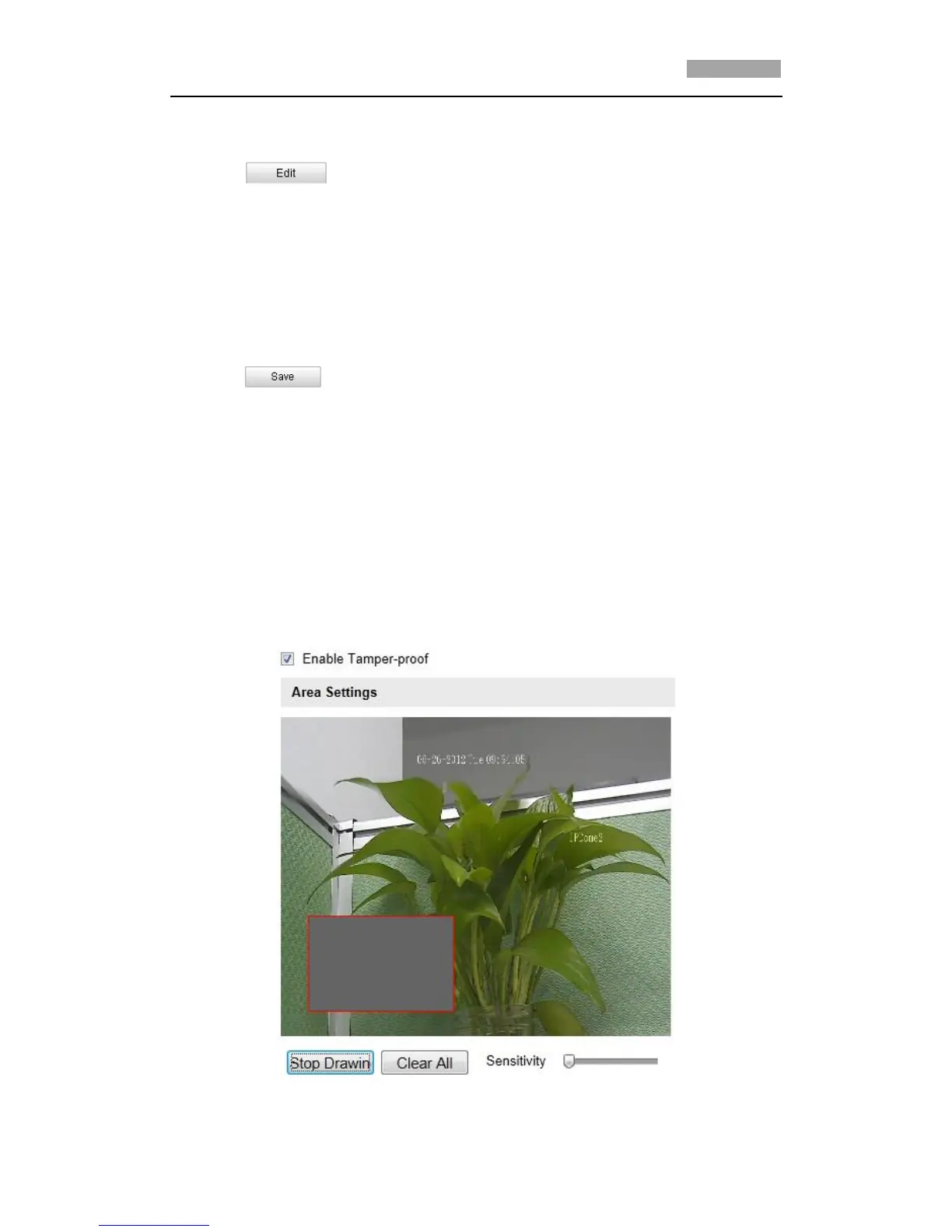
6.6.3 Configuring Tamper-proof Alarm
Purpose:
You can configure the speed dome to trigger the alarm actions when the lens is
covered.
Steps:
1. Enter the Tamper-proof Settings interface:
Configuration > Advanced Configuration > Events > Tamper-proof
Figure 6-43 Tamper-proof Alarm



 To Next Page