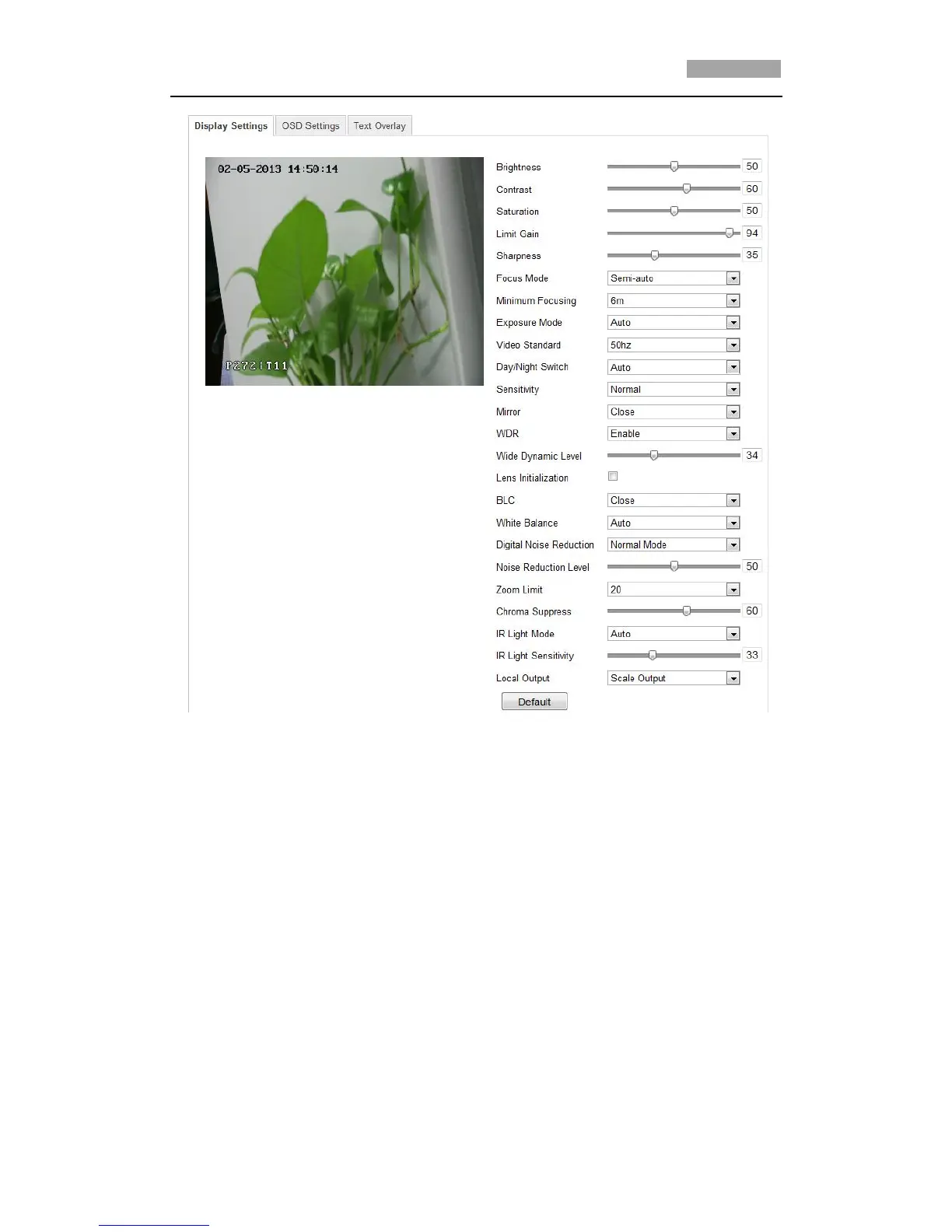
Figure 6-25 Display Settings
Brightness
This feature is used to adjust brightness of the image. The value ranges from 0 to
100.
Contrast
This feature enhances the difference in color and light between parts of an image.
The value ranges from 0 to 100.
Saturation
This feature is used to adjust color saturation of the image. The value ranges from 0
to 100.
Limit Gain
This feature is used to adjust gain of the image. The value ranges from 0 to 100.



 To Next Page