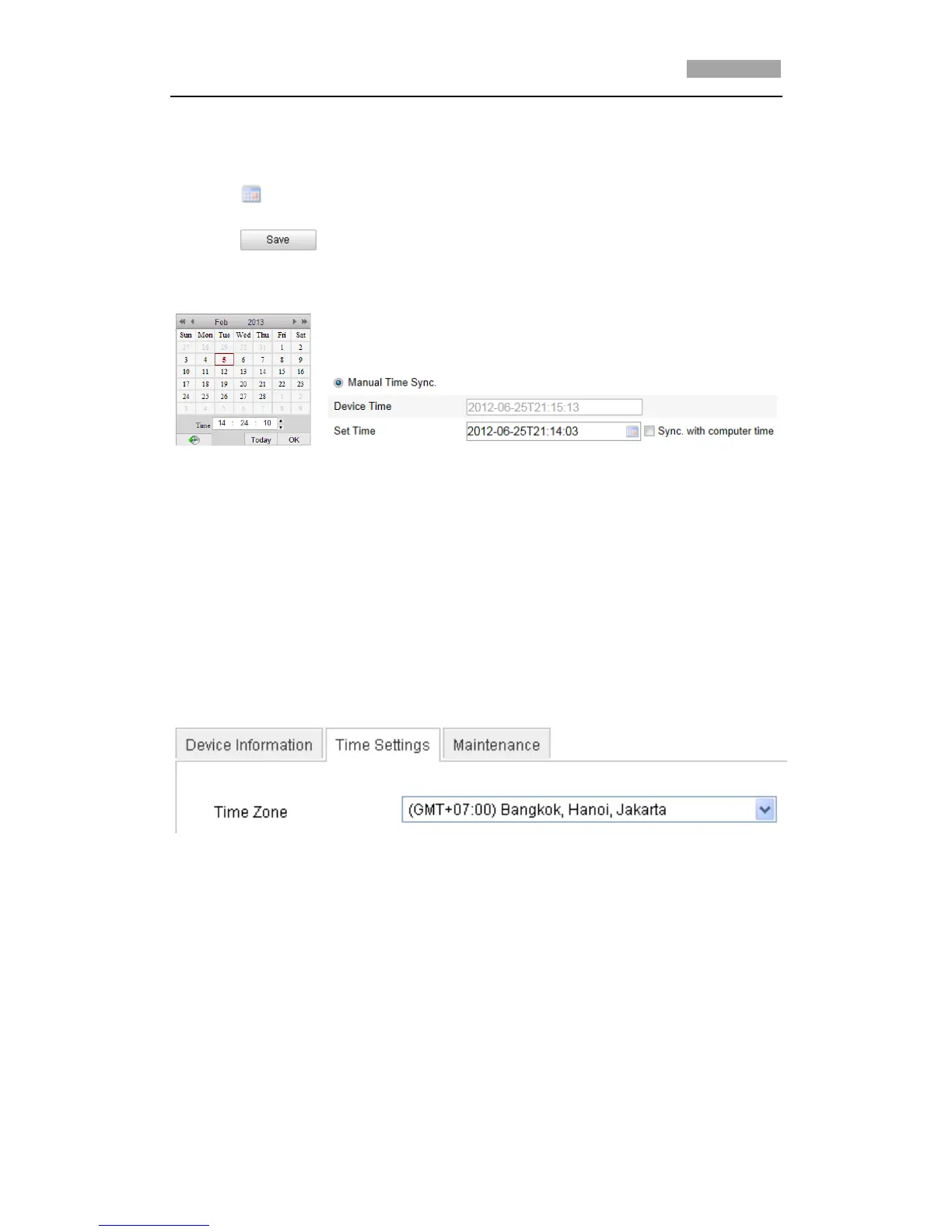
Configuring Time Synchronization Manually
(1) Check the Manual Time Sync checkbox.
(2) Click to set the system time from the pop-up calendar.
(3) Click to save the settings.
*Note: You can also check the Sync with local time checkbox to synchronize the time
of the speed dome with the time of your computer.
Figure 6-4 Time Sync Manually
Select the Time Zone
Purpose:
When the speed dome is taken to another time zone, you can use the Time Zone
function to adjust the time. The time will be adjusted according to the original
time and the time difference between the two time zones.
From the Time Zone drop-down menu as shown in Figure 6-5, select the Time
Zone in which the speed dome locates.
Figure 6-5 Time Zone Settings



 To Next Page