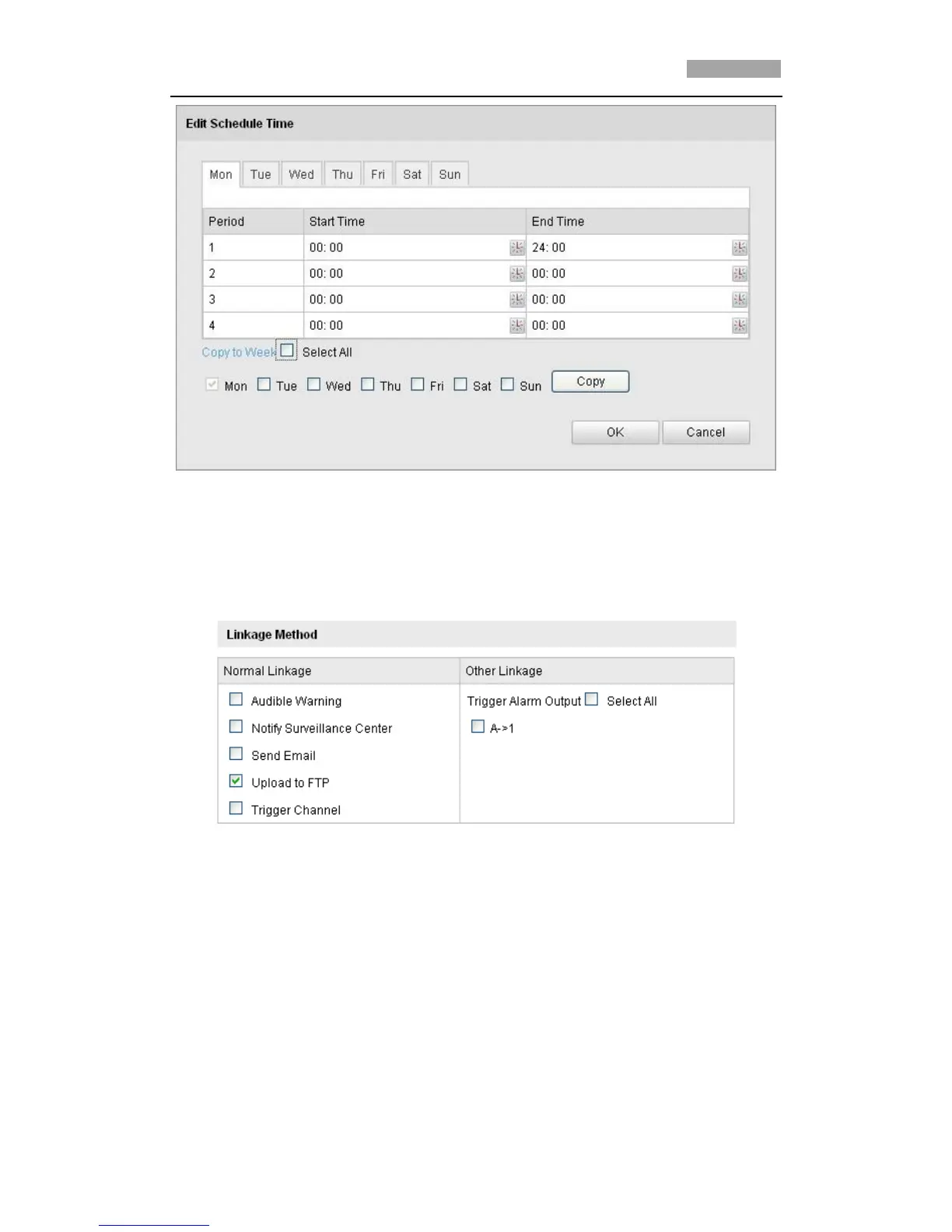
Figure 6-40 Arming Time Schedule
3. Set the Alarm Actions for Motion Detection.
Purpose:
You can specify the linkage method when an event occurs. The following
contents are about how to configure the different types of linkage method.
Figure 6-41 Linkage Method
Check the checkbox to select the linkage method. Notify surveillance
center, send email, upload to FTP, trigger channel and trigger alarm output
are selectable.
Notify Surveillance Center
Send an exception or alarm signal to remote management software when
an event occurs.
Send Email
Send an email with alarm information to a user or users when an event
occurs.
*Note: To send the Email when an event occurs, you need to refer to



 To Next Page