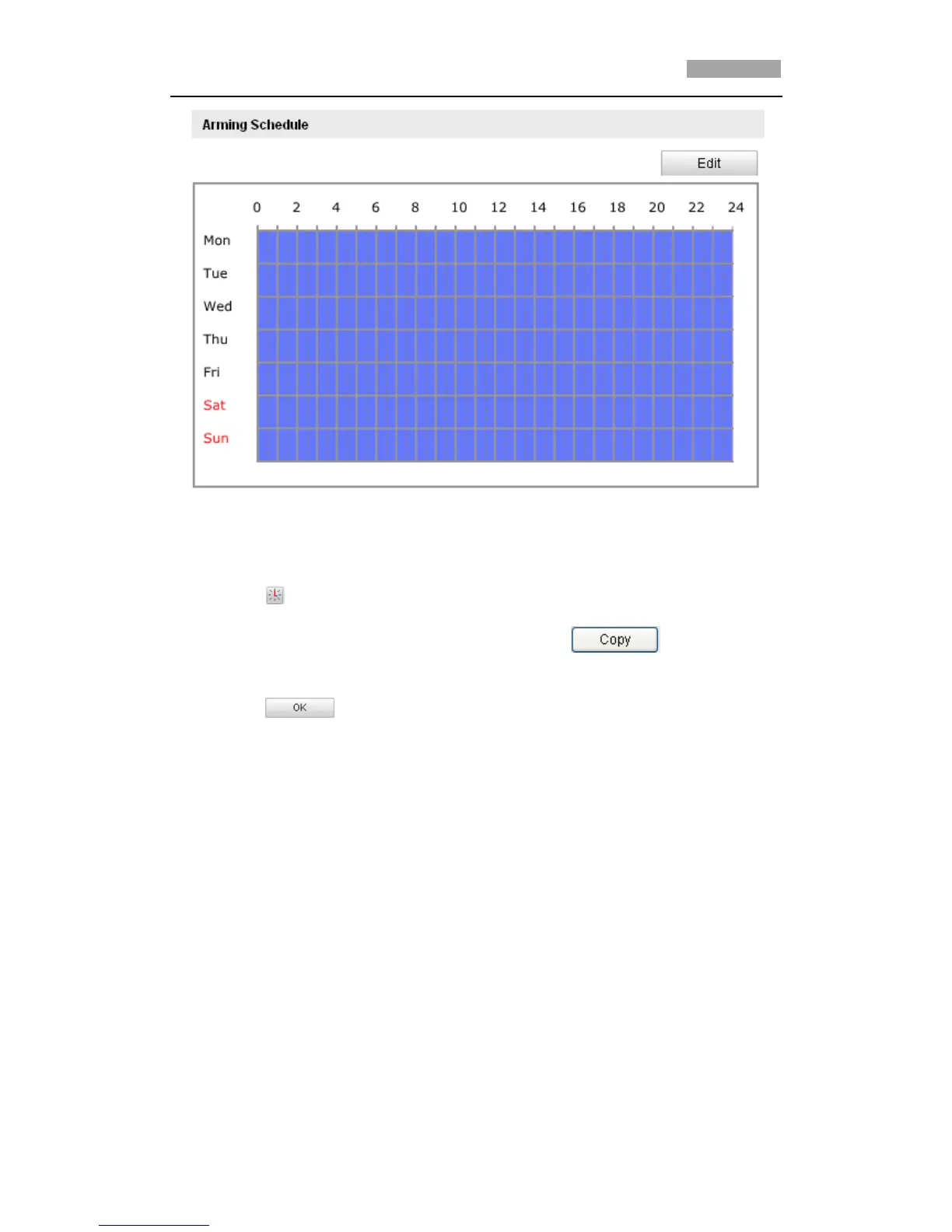
Figure 6-39 Arming Schedule
(2) Choose the day you want to set the arming schedule as shown in Figure 6-40.
(3) Click to set the time period for the arming schedule.
(4) After you set the arming schedule, you can click to copy the
schedule to other days (Optional).
(5) Click to save the settings.
*Note: The time of each period can’t be overlapped. Up to 4 periods can be
configured for each day.



 To Next Page