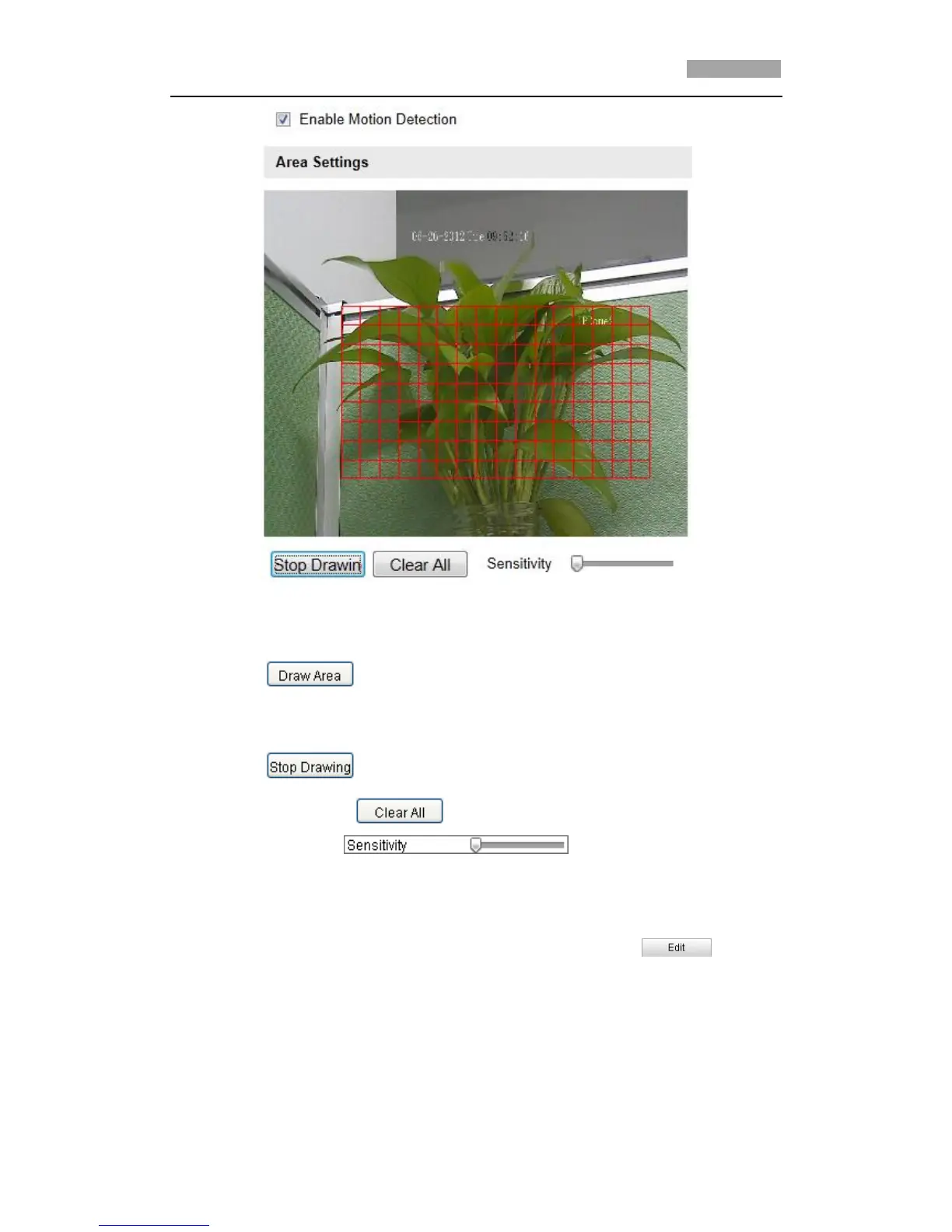
Figure 6-38 Enable Motion Detection
(3) Click . Click and drag the mouse on the live video image to draw
a motion detection area.
*Note: You can draw up to 8 motion detection areas on the same image.
(4) Click to finish drawing.
*Note: You can click to clear all of the areas.
(5) Move the slider to set the sensitivity of the
detection.
2. Set the Arming Schedule for Motion Detection.
Steps:
(1) To edit the arming schedule as shown in Figure 6-40, click in
Figure 6-39.



 To Next Page