Steps:
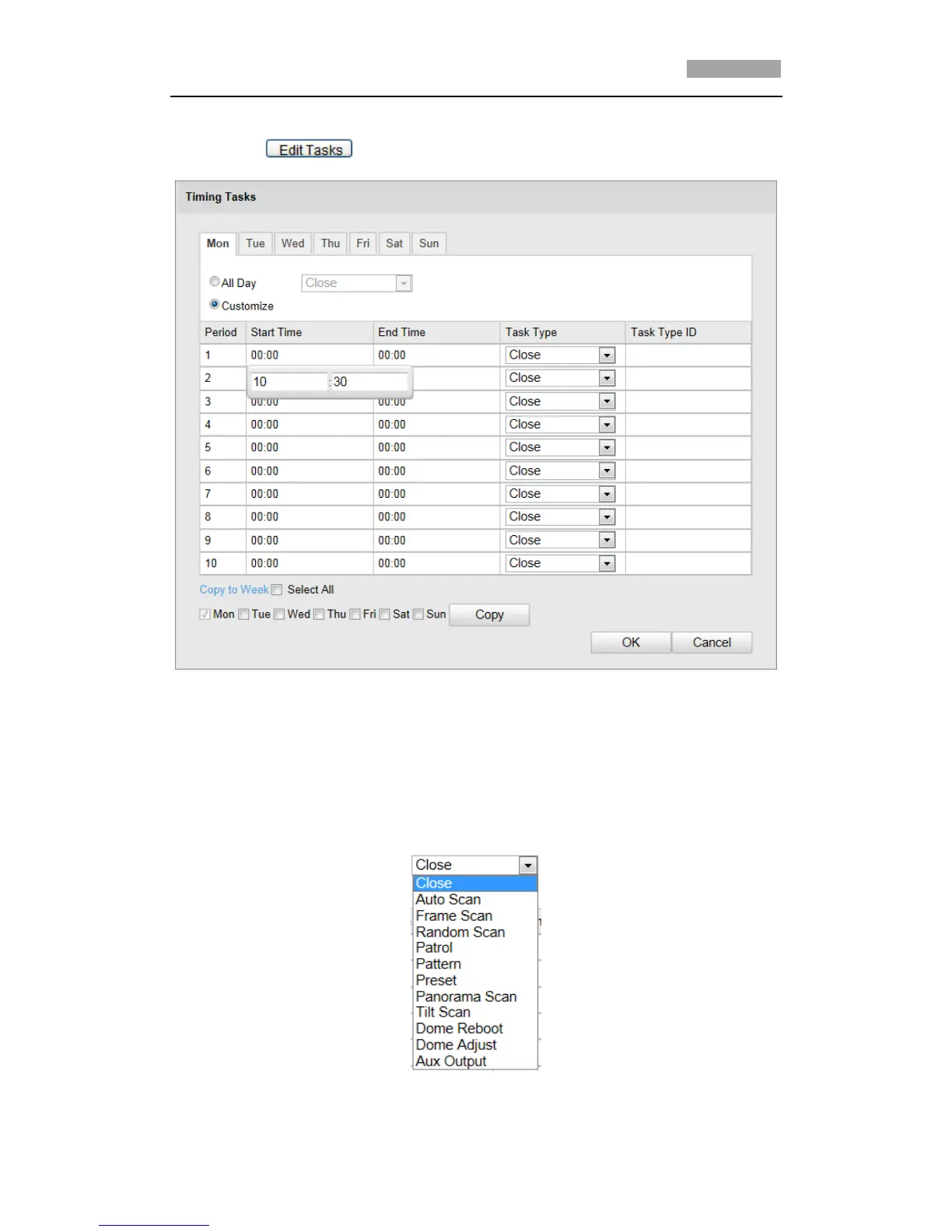
(1) Click to edit the task schedule.
Figure 5-5 Edit the Schedule and Task Type
(2) Choose the day you want to set the task schedule.
(3) Click All Day to set the schedule as all day; or click Customize and input the
Start Time and End Time for each task, and click Enter on your keyboard to
enter the time.
(4) Choose the task type from the drop-down list. You can choose scan, preset,
pattern and etc.
Figure 5-6 Task Types



 To Next Page