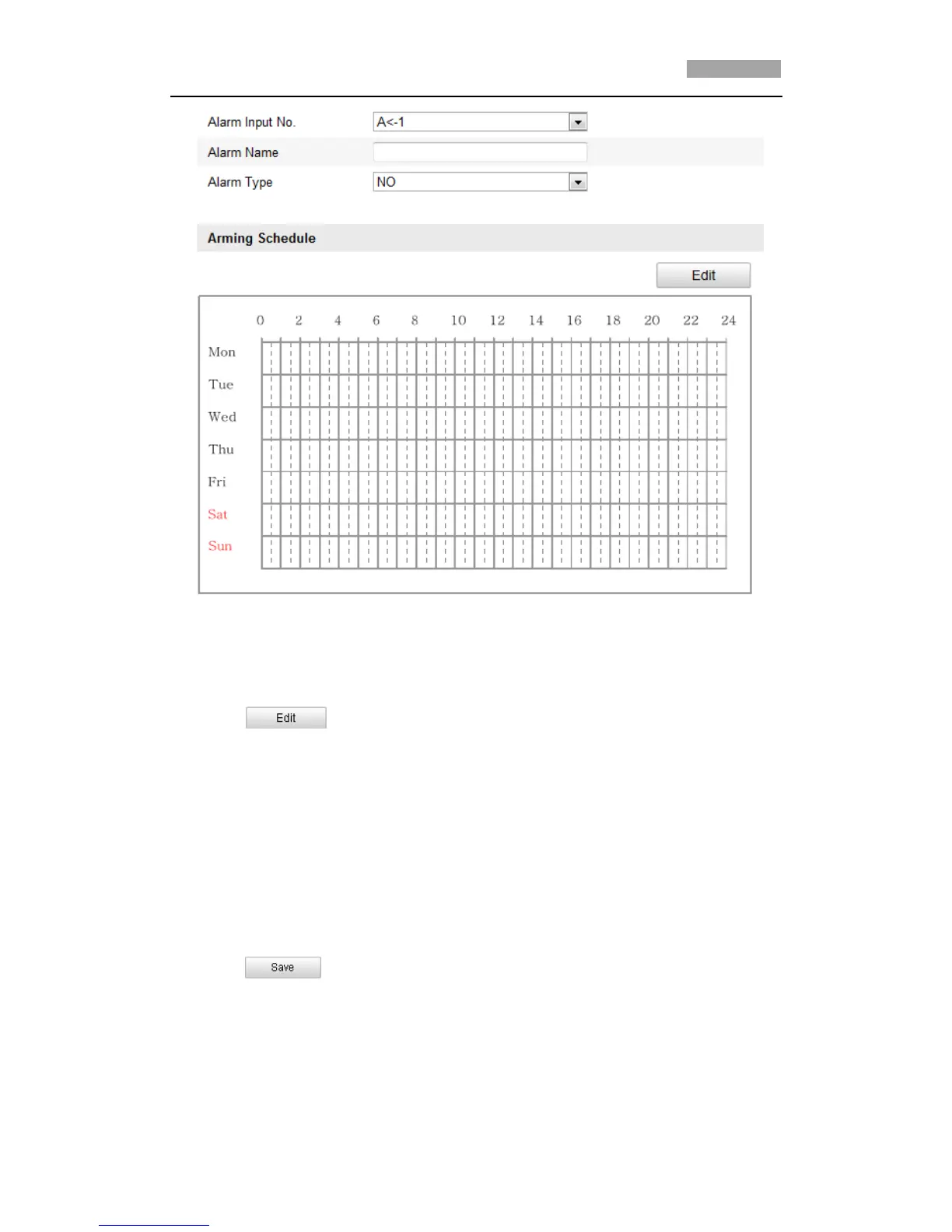
Figure 6-44 Alarm Input Settings
4. Click to set the arming schedule for the alarm input. Refer to Step 2
Set the Arming Schedule for Motion Detection in Section 6.6.1 Configuring
Motion Detection.
5. Check the checkbox to select the linkage method taken for the alarm input. Refer
to Step 3 Set the Alarm Actions for Motion Detection in Section 6.6.1
Configuring Motion Detection.
6. You can also choose the PTZ linking for the alarm input. Check the relative
checkbox and select the No. to enable Preset Calling, Patrol Calling or Pattern
Calling.
7. You can copy your settings to other alarm inputs.
8. Click to save the settings.



 To Next Page