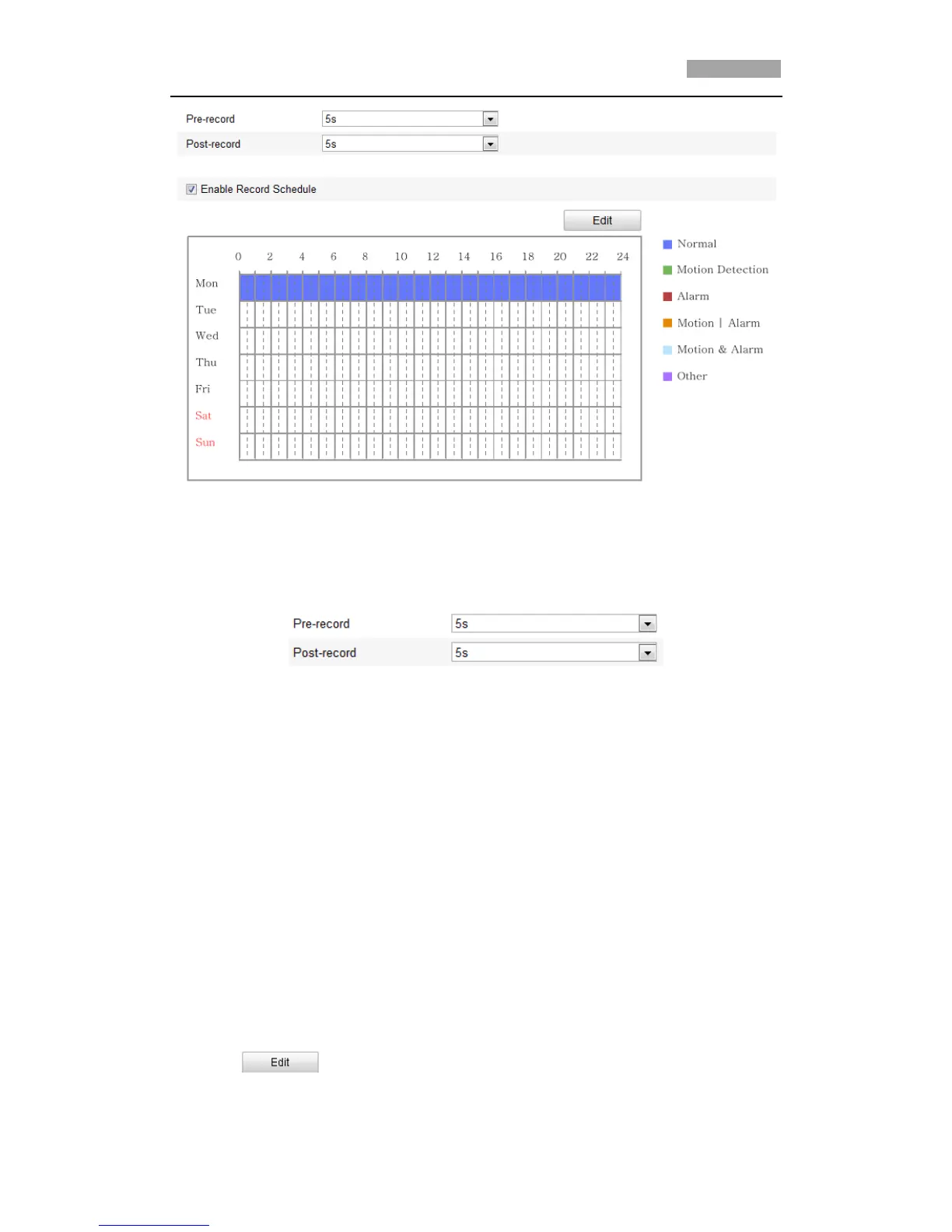
Figure 7-5 Recording Schedule Interface
2. Check the checkbox of Enable Record Schedule to enable scheduled recording.
3. Set the record parameters of the speed dome.
Figure 7-6 Record Parameters
Pre-record: The time you set to start recording before the scheduled time or the
event. For example, if an alarm triggers recording at 10:00, and the pre-record time is
set as 5 seconds, the speed dome starts to record at 9:59:55.
The Pre-record time can be configured as No Pre-record, 5 s, 10 s, 15 s, 20 s, 25 s, 30
s or not limited.
*Note: The pre-record time changes according to the video bitrate.
Post-record: The time you set to stop recording after the scheduled time or the event.
For example, if an alarm triggered recording ends at 11:00, and the post-record time
is set as 5 seconds, the speed dome records until 11:00:05.
The Post-record time can be configured as 5 s, 10 s, 30 s, 1 min, 2 min, 5 min
or 10 min.
*Note: The Pre-record and Post-record parameters vary depending on the speed
dome model.
4. Click to edit the record schedule.



 To Next Page