SAF_5523451_09
20
STARTUP
PRELIMINARY WARNINGS
Check the availability of diagrams and manuals of the installed
machine.
Be sure that the machine is placed on a perfectly level support-
ing surface.
Check for anti-vibration joints on they hydraulic piping between
equipment and system.
Make sure all of the hydraulic circuit shut-o valves are open.
Make sure the hydraulic plant has been lled and the air has
been bled.
Make sure the electrical connections have been made according
to the standards in force in that country, including grounding.
Make sure that the voltage is within the tolerance limits (± 10%).
FUNCTIONING FEATURES
DHW set-point:
The domestic hot water Set Point load is dened at rst start-up and
then can be modied as needed.
Example: Set Point = 50°C.
Heat generator set point
Example: Set Point = 50° C, hysteresis 5° C.
– If the water temperature in the tank is less than 45° C, the gen
-
erator will switch on.
– If the water temperature is greater than 50° C, the generator
will switch o.
If the unit power supply is restored after a temporary interruption,
the set mode will be kept in the memory.
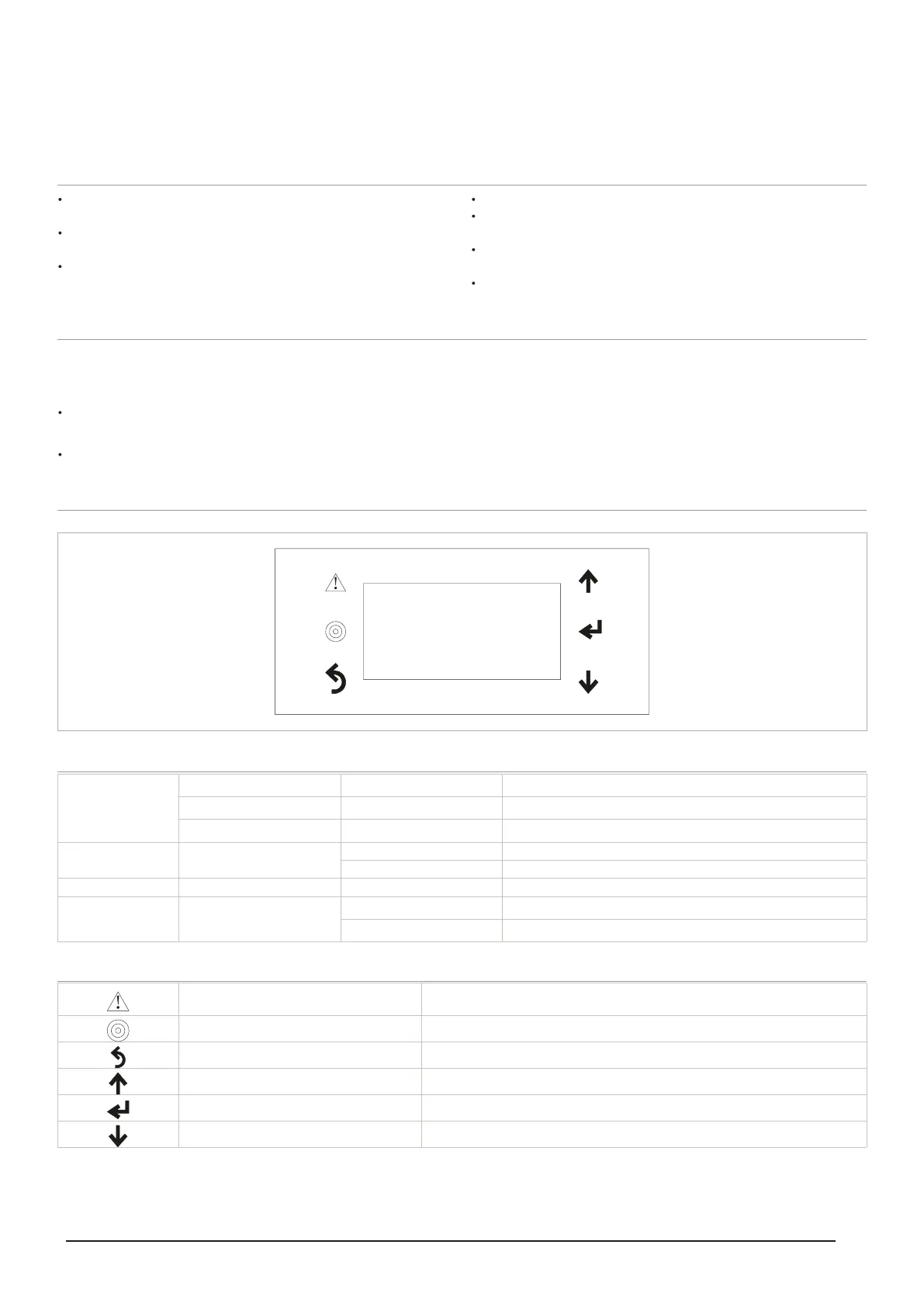
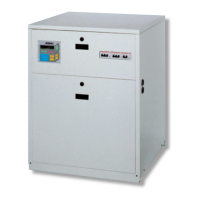
CONTROL PANEL
00/00/00 00:00P0
FFO/NOOPERATION
MODE DOMESTIC HOT WATER
ON/OFFUNIT
Display
1st line
Flashing cursor
Date 00/00/00
P0 Page number
2nd line Operation
ON machine switched on
OFF machine switched o
3rd line Mode Domestic hot water Domestic water supply
4th line Unit
On
O
Key functions
Alarm Symbol
It lights up when there is an alarm state. Press the button to display the alarm type.
Press again after resolving the cause to reset the alarm.
Programming Symbol Press the button to access the programming or set point consultation pages.
Esc Symbol Press the key to exit the programming pages.
Up arrow key Moves the ashing cursor to the previous page or increases the value to edit.
Enter Key To conrm and access the parameter to edit.
Down arrow key Moves the ashing cursor to the next page or decreases the value to edit.



 To Next Page