SAF_5523451_09
23
USER
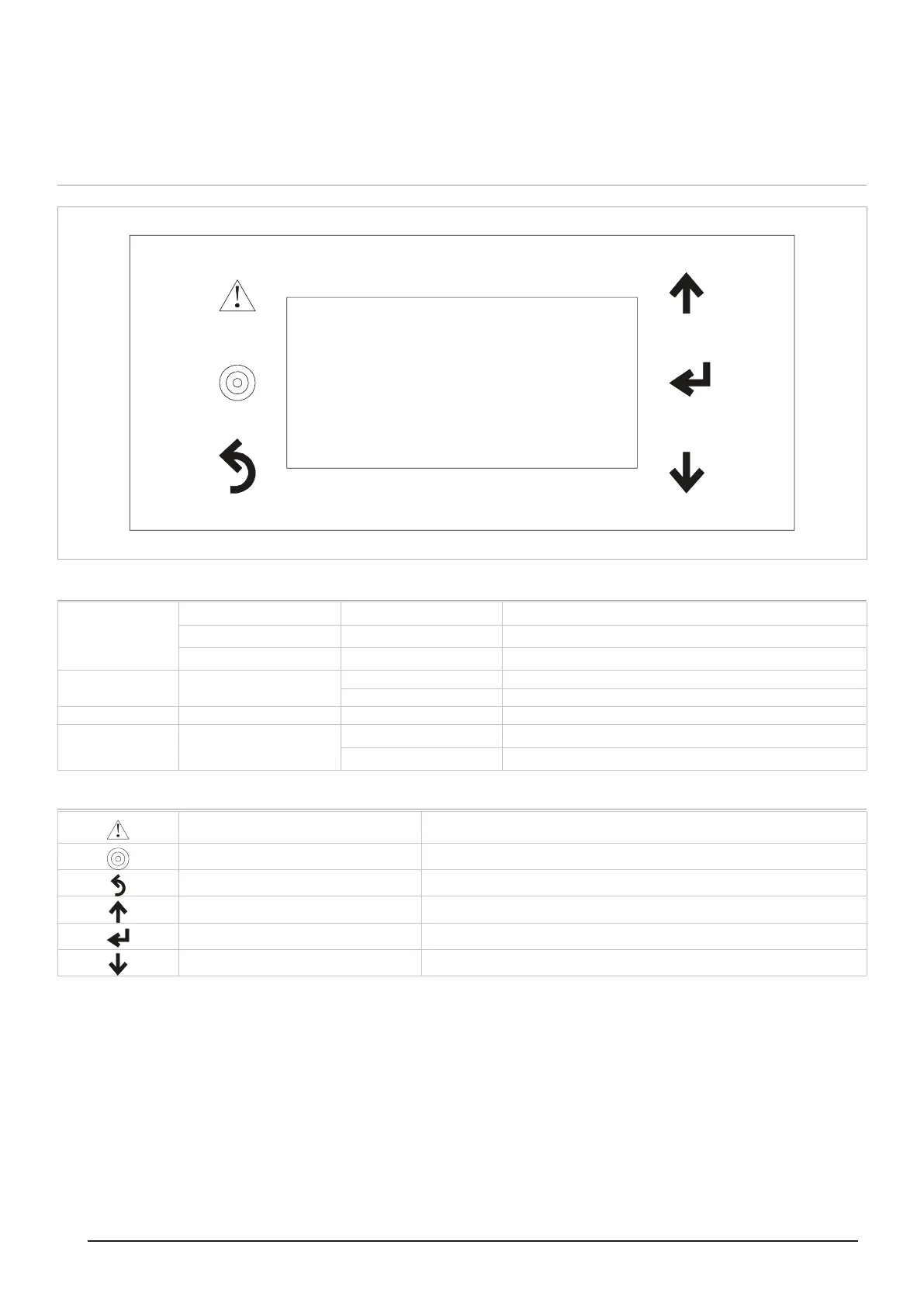
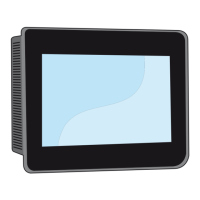
CONTROL PANEL
00/00/00 00:00P0
FFO/NOOPERATION
MODE DOMESTIC HOT WATER
ON/OFFUNIT
Display
1st line
Flashing cursor
Date 00/00/00
P0 Page number
2nd line Operation
ON machine switched on
OFF machine switched o
3rd line Mode Domestic hot water Domestic water supply
4th line Unit
On
O
Key functions
Alarm Symbol
It lights up when there is an alarm state. Press the button to display the alarm type.
Press again after resolving the cause to reset the alarm.
Programming Symbol Press the button to access the programming or set point consultation pages.
Esc Symbol Press the key to exit the programming pages.
Up arrow key Moves the ashing cursor to the previous page or increases the value to edit.
Enter Key To conrm and access the parameter to edit.
Down arrow key Moves the ashing cursor to the next page or decreases the value to edit.



 To Next Page