SAF_5523451_09
24
PROCEDURES
START-UP
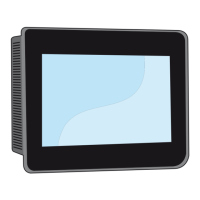
On the Control panel
1. Select "Operation": On.
SWITCH-OFF
On the Control panel
1. Select "Operation": O.
2. The Programming indicator turns o.
SET POINT SETTING
On the Control panel
1. Press the Programming key and then Enter.
2. Select the "Set point" menu and conrm with the Enter key.
3. Choose the value to edit using the arrow keys.
4. Edit the value and conrm with the button Enter.
CURRENT DATE AND TIME SETTING
On the Control panel
1. Press the Programming key.
2. Select the "Clock" menu and conrm with the Enter key.
3. Select "Set CK1 clock" and conrm with the Enter key.
4. Select "Set CK1 clock" and conrm with the Enter key.
5. Choose the value to edit using the arrow keys.
6. Choose the value to edit using the arrow keys.
ALARMS
In the event of a malfunction, the Alarm symbol lights up:
1. Press the alarm button to display the tripped alarm on the display.
2. Press the Esc key to not reset.
3. Press the alarm key again to reset.
USER PAGE DISPLAY
13 / 01 / 16 11:22
ON
P00
Funzionamento
Modalita’ Sanitario
Unità accesa
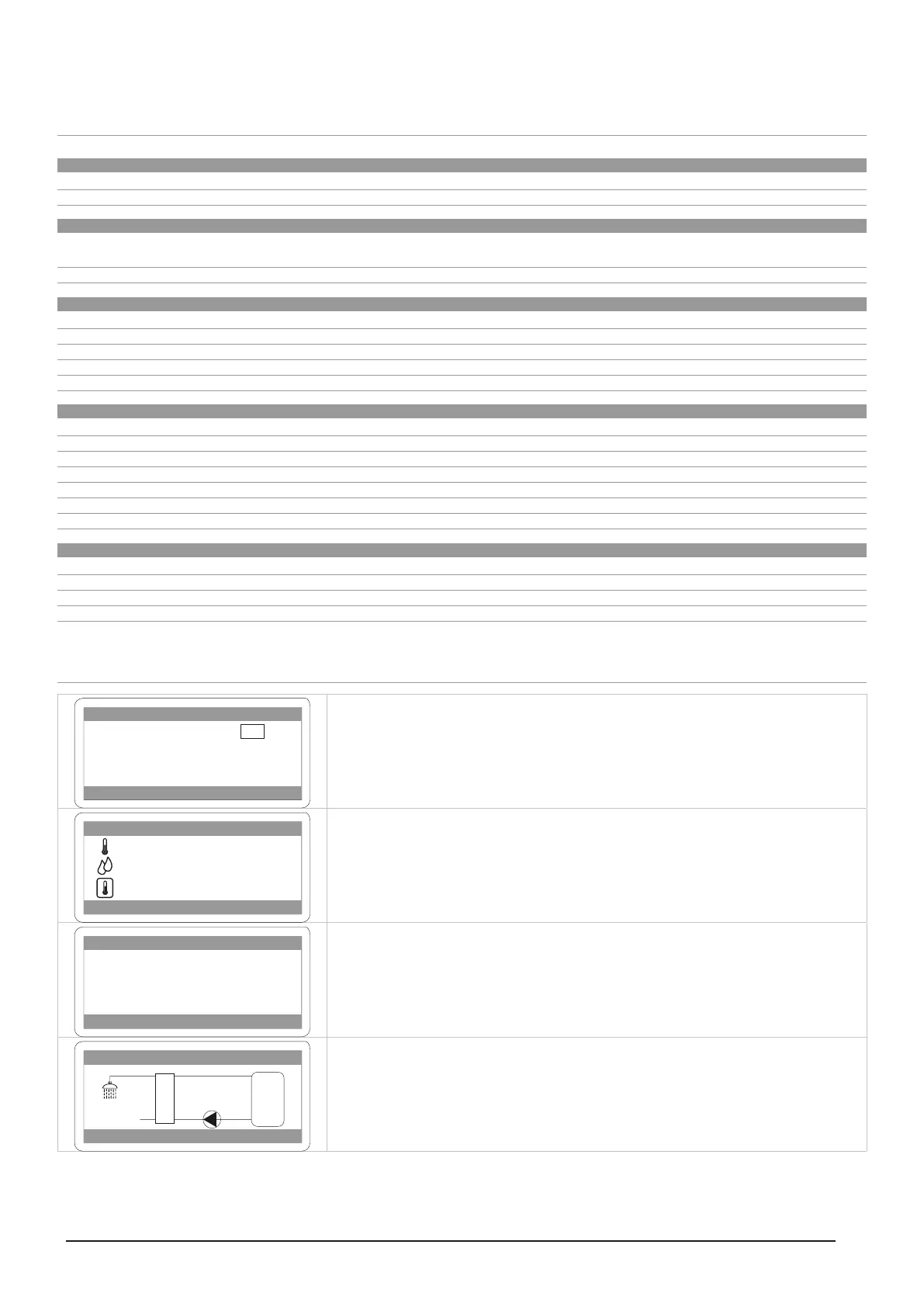
Initial page where the appliance is switched on and o.
13 / 01 / 16 11:22
P00
42.0 °C
42.0 l/m
42.0 °C
Display:
Produced domestic hot water temperature.
Drawn domestic hot water ow rate.
Domestic Hot Water storage tank temperature.
P01
Ridotto
Set sanitario 42,0 °C
Display:
Set point of the domestic hot water produced for the user.
P04
60.0
42.0 °C
09.0 l/m
008%
tank
°C
Sanitario
Display:
equipment operation



 To Next Page