MND172201 P a g e | 27 Software Revision 1.4.1
Test Speed
Test speed is a valuable tool you can use when performing
diagnostics. It supplies a speed signal that simulates the forward
motion of the tractor and implement. A Test speed is set during the
Setup Wizard, but if you need to adjust the value use the following
instructions.
Tap the Test Speed field.
The on-screen keyboard appears.
Enter a value between 0 and 20 (a value that you would
normally be driving when seeding).
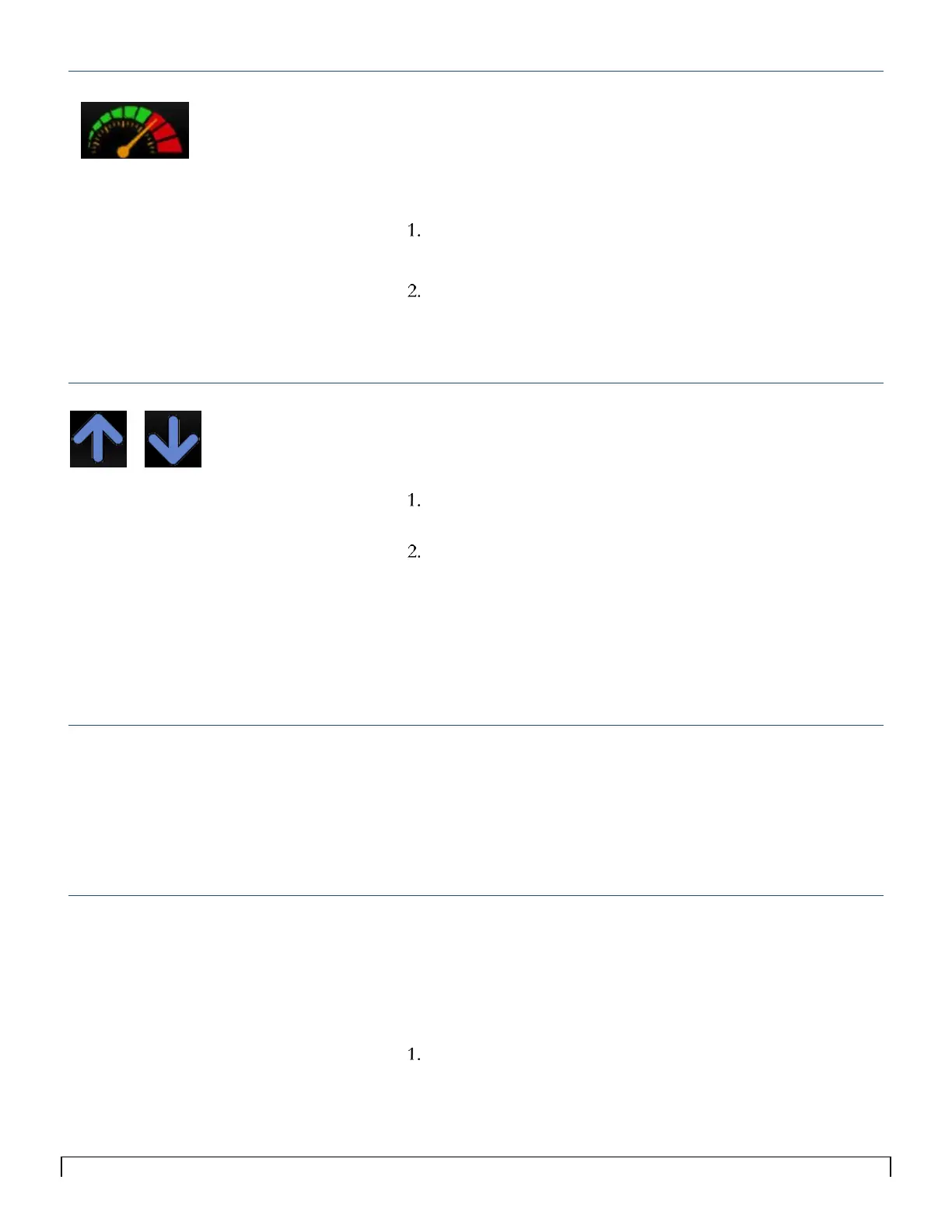
The ground speed icon on the main screen will display the
value you entered.
External Work Switch
The External Work Switch is an open and close switch installed on
the seeder that mutes alarms when the implement is out of the
ground.
Tap the Ext Work field to toggle between Enable and
Disable
Set to Enable if a Work Switch is installed; set to Disable if
the Work Switch is not installed.
The external work switch status icons on the main screen will
switch from Off (Drill Lifted) to On (Drill Lowered). Alarms
will also be enabled when the work switch status is On.
Work Signal
Work Signal is required as the system needs to know if it is a signal
with power or ground.
1. Tap the Work signal field to toggle between power and
ground.
2. Set to Power if signal comes from power, set to ground if
signal comes from ground.
Polarity
The required polarity setting of the External Work Switch depends
on how the switch is installed. Polarity is the expected output when
the sensor is activated. It determines whether an action is initiated
when a switch closes or when it opens. If your Work Switch is
operating the opposite of what it should be, change the polarity.
Tap the Polarity field to toggle between Normal and
Inverted.
Tips:
When using GPS as a speed source make
sure Seeder Test Speed is set to zero (0).
You must have a speed in order to set
Rate.



 To Next Page