4. Web Configuration
AirLive N.MINI User’s Manual
30
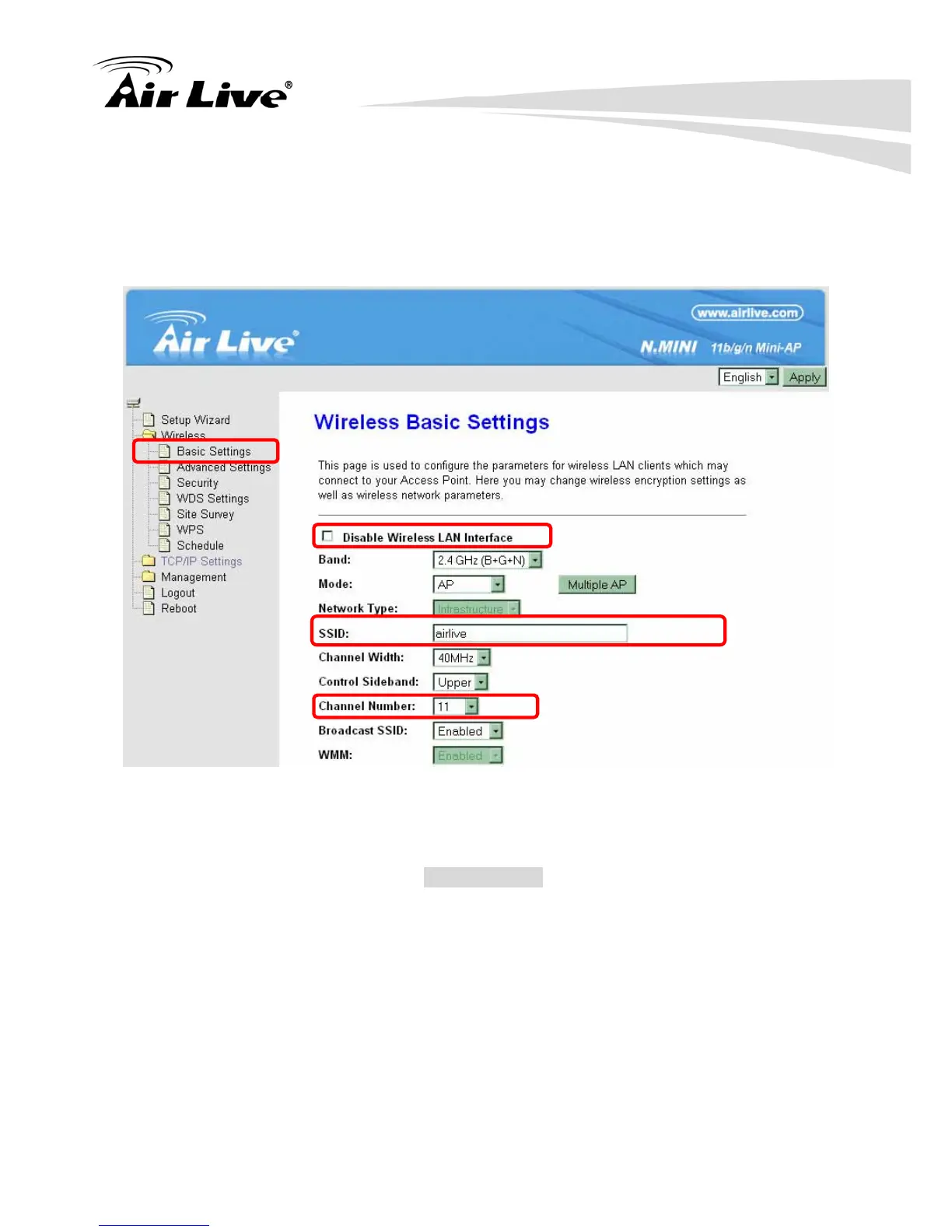
Step1. Users would like to set up the WDS function, please go to Wireless > Basic Settings
page to set up the Mode into WDS or AP+ WDS (Repeater) mode, and set the APs
into the same SSID (Network Name) and Channel Number(If set to WDS mode, the
SSID do not need to change). After setting up, please click Apply Changes button
to execute.
Step2. Then go back to Wireless > WDS Settings page to check Enable WDS box to
enable WDS function and then enter Wireless MAC address (please make sure the
BSSID of the other WDS supported AP) 12 characters to each other to make the
WDS connection. Please click Apply Changes button to execute.



 To Next Page