Page 19
[TH
Throttle Exponential
4.
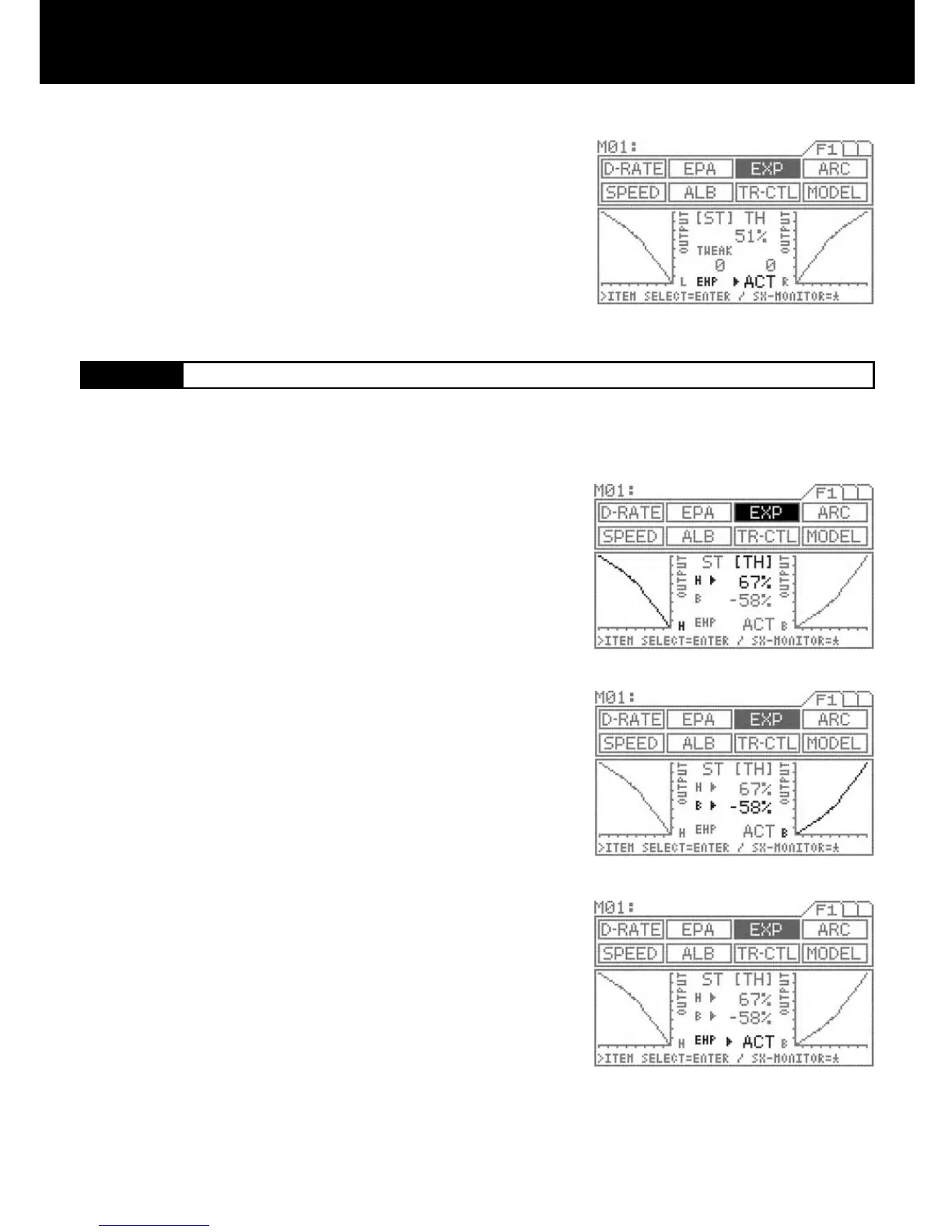
INH/ACT setting of EXP
In order to activate the EXP function, select ACT; to deactivate, select INH.
Using the ENTER key, move > to the right side of EXP.
Select INH or ACT by pressing the Inc.+ or Dec.- key.
Press the function select key and move the cursor to [TH] in EXP.
Make sure that > appears to the right of H, and then set the EXP amount for
the high side of TH by pressing the Inc.+ or Dec.- key.
Setting range -100% to 100%
Standard setting 0
Move > to the right of B using the ENTER key, and then set the EXP amount
for the brake side of TH by pressing the Inc.+ or Dec.- key.
Setting range -100% to 100%
Standard setting 0
INH/ACT setting in EXP
Select ACT to activate the EXP function. Select INH to deactivate.
Using the ENTER key, move > to the right side of EXP.
Select INH or ACT by pressing the Inc.+ or Dec.- key.
IMPORTANT
About the INH/ACT setting of EXP
The INH/ACT setting of EXP in the menu can also be switched to any desired
key switch by using the key assigning function. By using this function, switch-
ing the EXP “ON” or “OFF” can be selected during operation.
Throttle exponential can be adjusted from Mild, Linear and Quick. Generally, reduce the numeric value on a slippery track or with
models that have powerful response. Increase the numeric value on a high-grip track or with power units that have lower torque.
The high side and brake side can be set independently.
3.
2.
1.
4.



 To Next Page