Page 50
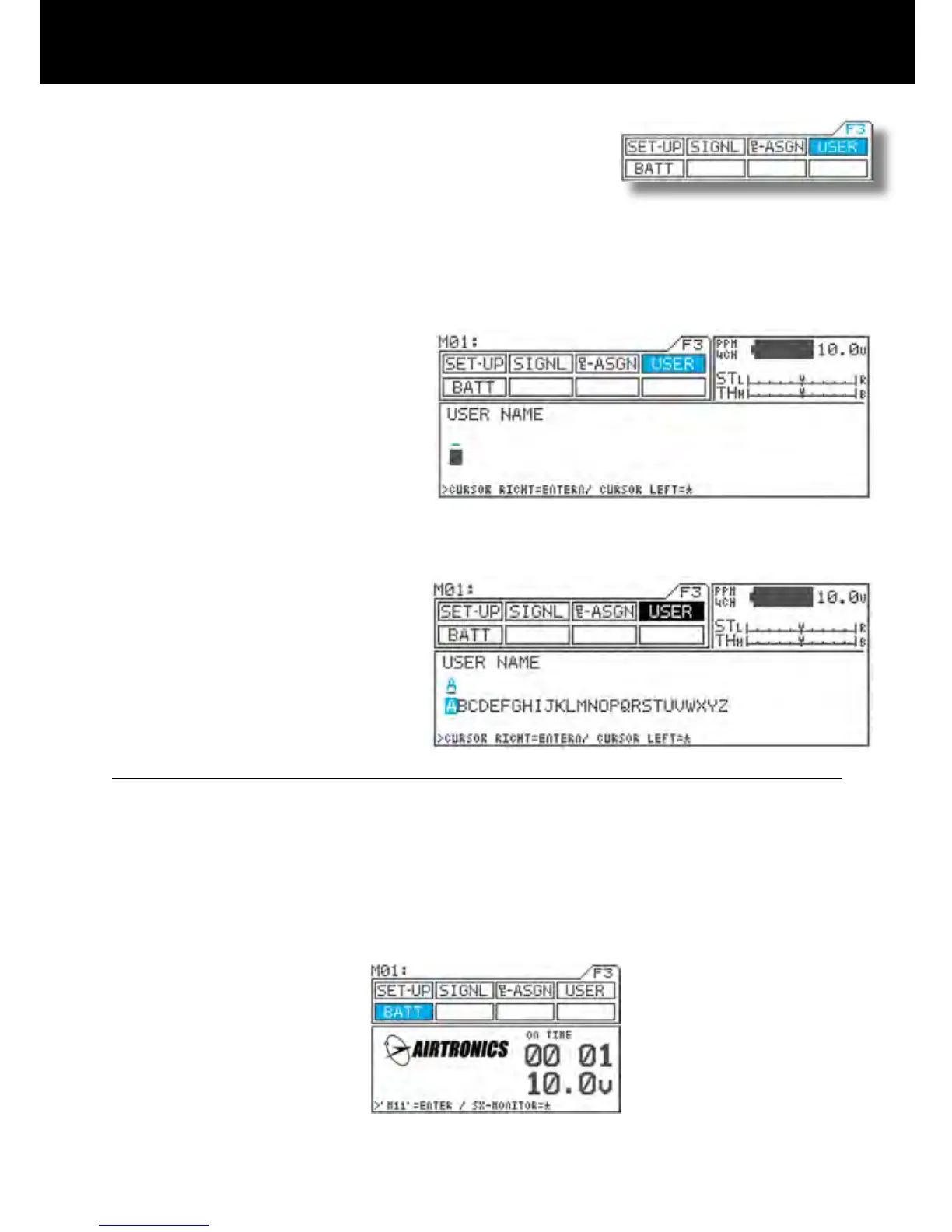
User Name
Page F3 ( USER)
Joe Driver
1) Using the function select keys, move the cursor
to USER.
2) Using the
H key or the ENTER key, move the
cursor (“_”) to the point when you want to enter
text.
3) Select a character by pressing the Inc.+ or Dec.-
key.
* Setting range A – Z, a – z, 0 – 9, symbols,
space
4) Repeat steps 2) and 3) for each subsequent
character.
You can put a user name in the M11. Up to 12 letters, numbers and or symbols.
The user name will stay in the transmitter even if you reset model memory.
NOTE
* Group of characters can be ipped in the sequence A
a 0 ! space by simultaneously pressing the
Inc.+ and Dec.- keys.
* When entering a character in a position occupied by a space, Group of the preceding character can be selected
by rst pressing the Dec./+ key. This is useful when entering several characters from the same group.
* Under the BATT menu, indication of the display can be switch between display of the M11 logo and the user name
by using the ENTER key.



 To Next Page