Page 51
Direct Servo Controller
DSC Cord
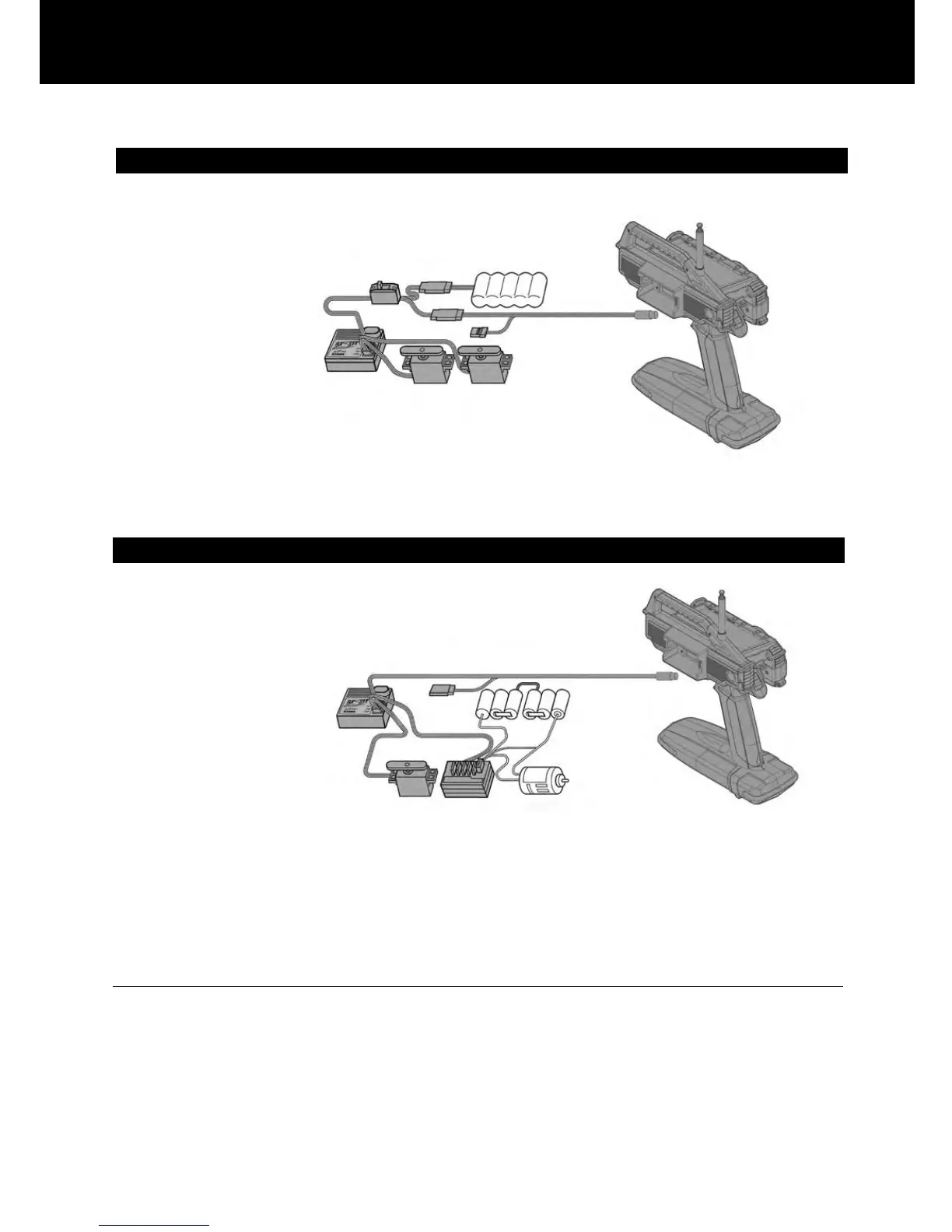
Using the DSC cable with DSC switch harness equipped on Gas powered type models
1) Connect the supplied DSC cable to the DSC jack at the opposite side of
the wheel of the M11.
* The display appears.
Using the DSC Switch Harness with an FET Speed Controller
1) Connect the supplied DSC cable to the DSC jack at the opposite side of
the wheel of the M11.
* The display appears.
In order to check the model vehicle’s Linkage during the race or at the situation when the radio transmission is pro-
hibited, such setting arrangement can be done by using the DSC cable.
CAUTION
- Never turn on the power switch on the transmitter while using the DSC harness.
[ RF activate for radio transmission which may occur trouble to others. ]
- When using the DSC cable, connect the power battery of the E/P car and/or connect the receiver battery to receiver
for G/P models.
- When using the DSC cable, be sure that the transmitter battery is installed.
- After using the DSC cable, be sure to disconnect the DSC cable at both end.
(* Prevent from possible risk from other radio transmission, remove the receiver crystal.)
2) Connect the DSC Cable’s male connector to the Battery/DSC channel on the receiver.
3) Turn on the Display switch at M11 thence turn on the Power at ESC ‘s switch harness.
4) Ready for DSC operation.
(* Prevent from possible risk from other radio transmission, remove the receiver crystal.)
2) Connect the DSC cable (female connector) to the charging connector (male) on the DSC switch harness.
3) Turn on the Display switch at M11 thence turn on the power at DSC switch harness.



 To Next Page