Page 7
Changing Bands
WARNING
Use only genuine Airtronics FM Crystals.
Use of crystals, other than specied, may result in frequency
errors and possible runaway operation.
Replacing the Transmitter Crystal
1. Remove the crystal cap from the TX module, pull out the
crystal, and insert the crystal for the desired frequency.
2. Replacement of the TX module is necessary in order to
switch between the 27 MHz and 75 MHz bands.
3. When removing the TX module, pull it out toward the front
while pressing the side tabs inward.
Replacing the Receiver Crystal
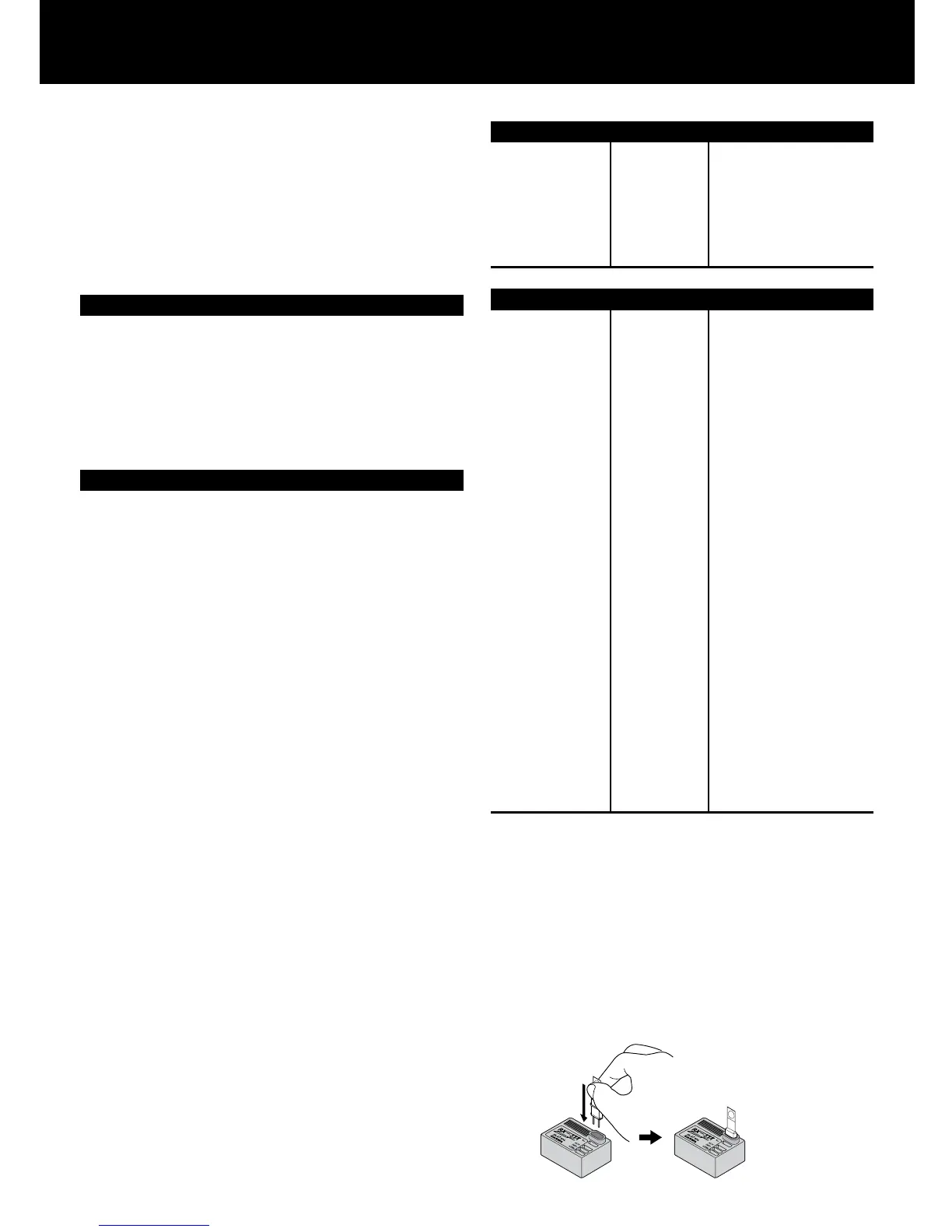
1. Pull out the crystal, install the silicone ring on the replaced
crystal and plug it into the receiver.
2. Receiver replacement is necessary in order to switch
between the 27 MHz and 75 MHz bands.
NOTE
* The 93327 or 93375 TX modules are for use exclusively with
the M11. They are not compatible with any other TX modules.
* Crystals are marked for use with transmitters (TX) or receivers
(RX). Be careful to use them in the correct module or
receiver.
* Make sure that the TX module is securely installed. Improper
installation can result in damage to the equipment. If the
module does not install smoothly, inspect it for possible
damage.
* When changing bands, you must replace the band plate on
the transmitter.
* The TX module will become warm during operation; this is
normal and is not a problem.
* On the TX module, be sure to install the silicone ring on the
crystal cap.
* On the receiver crystal, be sure to install the silicone ring for
micro receivers.
The special silicone compound protects the crystal from shock
and vibration.
* List of Bands and Frequencies Used
26.995 MHz
27.045 MHz
27.095 MHz
27.145 MHz
27.195 MHz
27.255 MHz
1
2
3
4
5
6
27 MHz band
Channel # Frequency
75 MHz band
Channel # Frequency
61
62
63
64
65
66
67
68
69
70
71
72
73
74
75
76
77
78
79
80
81
82
83
84
85
86
87
88
89
90
75.410MHZ
75.430MHZ
75.450MHZ
75.470MHZ
75.490MHZ
75.510MHZ
75.530MHZ
75.550MHZ
75.570MHZ
75.590MHZ
75.610MHZ
75.630MHZ
75.650MHZ
75.670MHZ
75.690MHZ
75.710MHZ
75.730MHZ
75.750MHZ
75.770MHZ
75.790MHZ
75.810MHZ
75.830MHZ
75.850MHZ
75.870MHZ
75.890MHZ
75.910MHZ
75.930MHZ
75.950MHZ
75.970MHZ
75.990MHZ
Handling of Receiver Crystals
With receiver crystals, be sure to install the silicone ring. This
ring contains special silicone compound that protects crystals
from shock, vibration and dust.
When installing receiver crystals in the receiver, press the ring
with your thumb and forenger to prevent it from slipping off.
When installing the crystal, make sure that the top of the
silicone ring is level with the top of the receiver case. If the ring
protrudes outward, press it into the case.



 To Next Page