Page 26
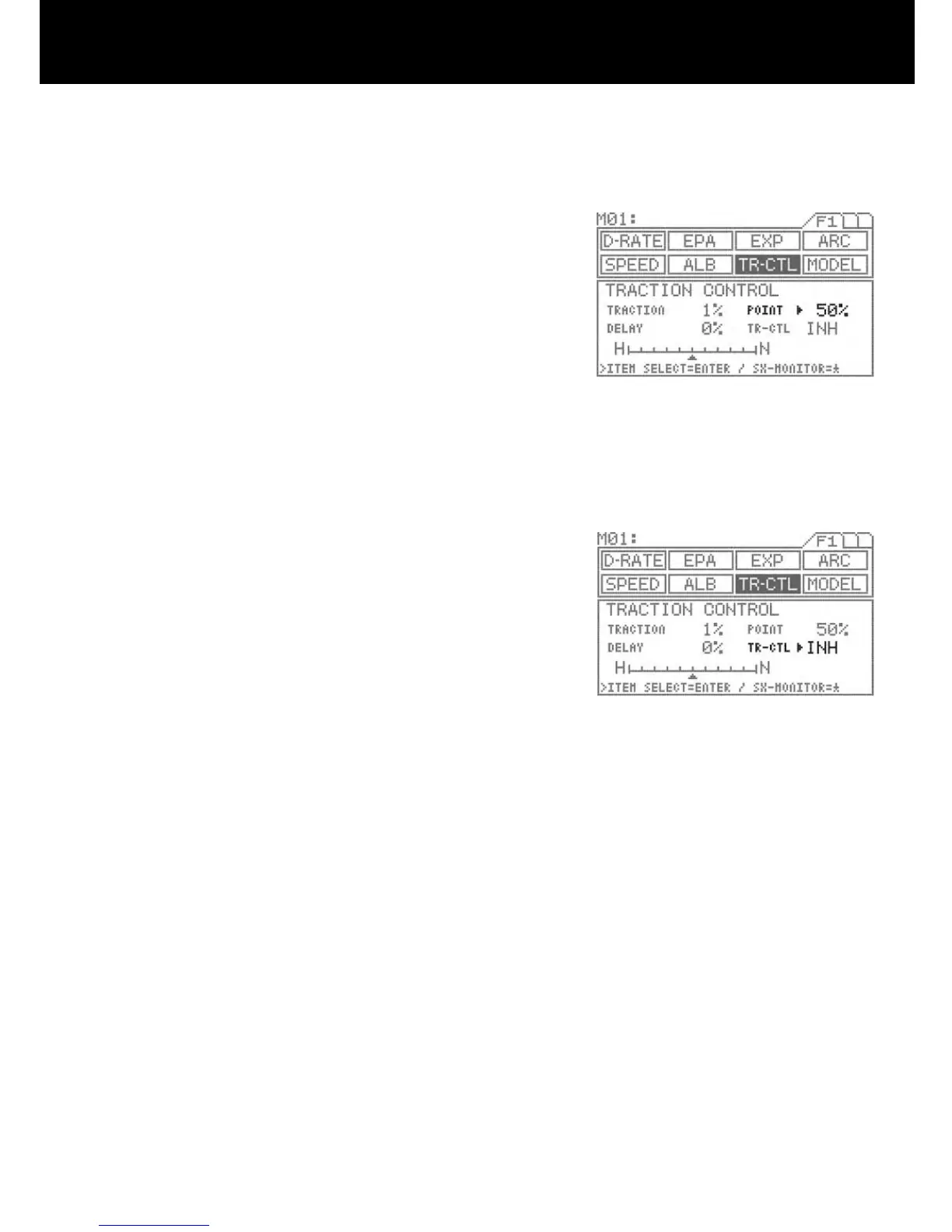
POINT SETTING
Move the arrow to the right of POINT with the ENTER key, and then set the
POINT value by pressing the Inc.+ or Dec.- key.
Setting range 5% to 100% (Default setting 50%)
Traction control applies only in the range from neutral to the set point.
NOTE
The point referred to here is the operational output point, not the trigger
operation point..
INH/ACT setting for TR-CTL
To activate the traction control function, select ACT, and to deactivate, select
INH.
Using the ENTER key, move > to the right of TR-CTL.
Select INH or ACT by pressing the Inc.+ or Dec.- key.
IMPORTANT
The INH/ACT setting of traction control in the menu can be also switched
to any desired key switch by using the key assign function. By using this
function, switching the TR-CTL “ON” or “OFF” can be selected during the
operation.
4.
4.



 To Next Page