HP106/HP406 Programmer software guide
Ver. 1.0 Page 25
3) Type the number of selective calls which must be transmitted in the Num. of txed calls box.
4) Type the time to allow free Tx after the selective call has been transmitted in the Tx enable time box.
The time can be selected in multiple of 5 seconds, e.g. if you need to select 10 seconds type 2.
5) Type the pause time between each calls in the Pause between calls box.
The time can be selected in multiple of 5 seconds, e.g. if you need to select 10 seconds type 2.
6) If you want to deactivate all the functions during the emergency cycle, tick the Dead radio during emergency cycle checkbox.
7) Click the OK button to confirm or Cancel to exit without changing the previous settings
6.10 Power save function
HP106 is equipped with a power save function which switches off (sleep state) and on (work state) the radio’s receiver at
regular times during stand by (no signals received). If a signal is received during work state, the power save cycle is
interrupted and will be resumed again after a certain time in which the signal is terminated. You can set up this function in
order to save the maximum energy without risking to loose calls, depending on the type of network and applications.
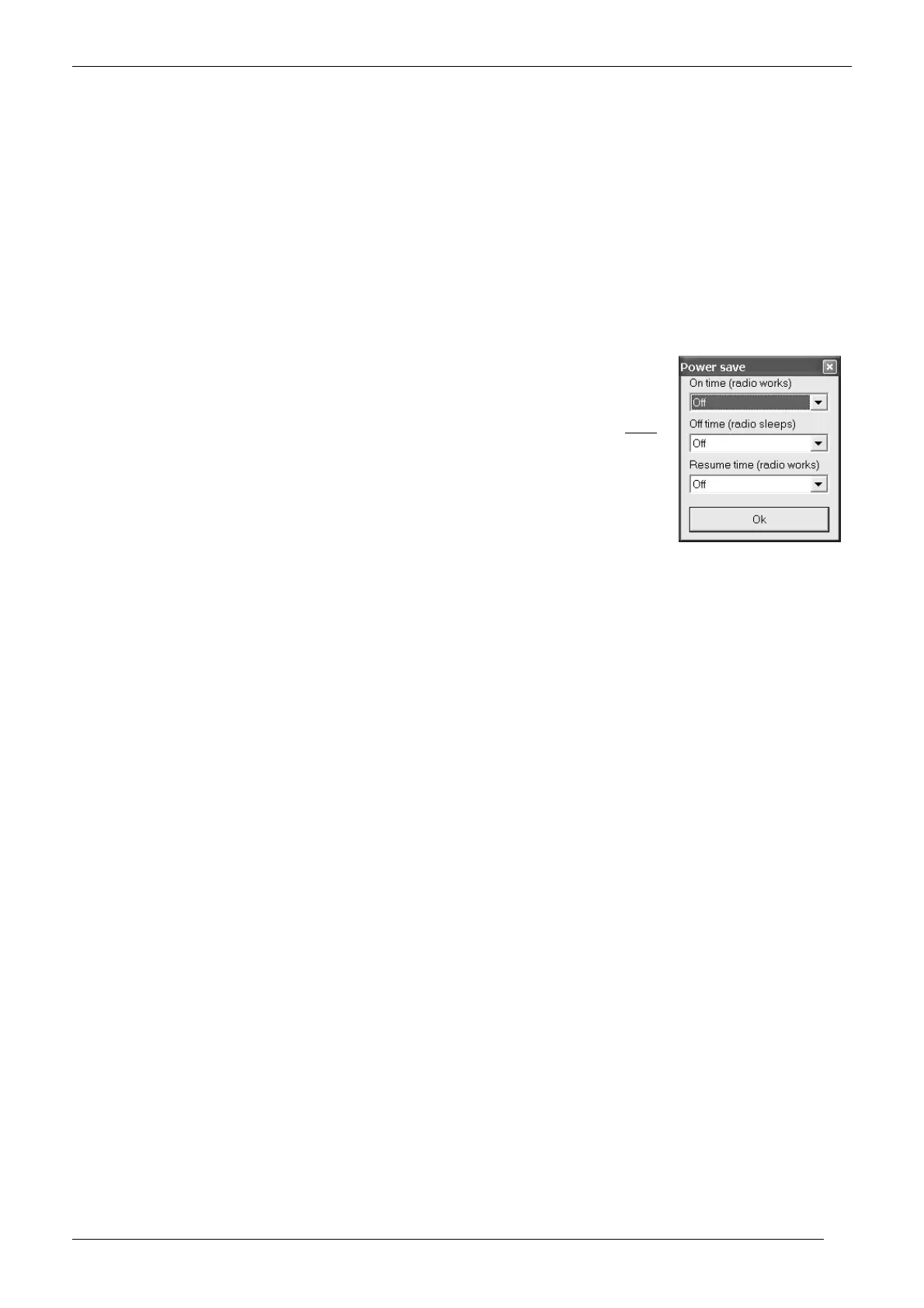
1) From the Global Data window - Set-Up 2 area - click the Power Save button: the Power save
window will open.
2) Use the On time (radio works) drag down button to select the time (in ms.) in which the radio’s
receiver is normally powered during stand by (squelch closed).
3) Use the Off time drag down button to select the time (in ms.) in which the radio’s receiver is not
normally powered during stand by.
4) Use the Resume time (radio works) drag down button to select the time (in ms.) in which the radio’s
receiver must be kept powered after a call has been received and terminated.
5) Click the OK button to confirm your settings.
If you want to totally disable the power save function, leave all the settings to Off



 To Next Page