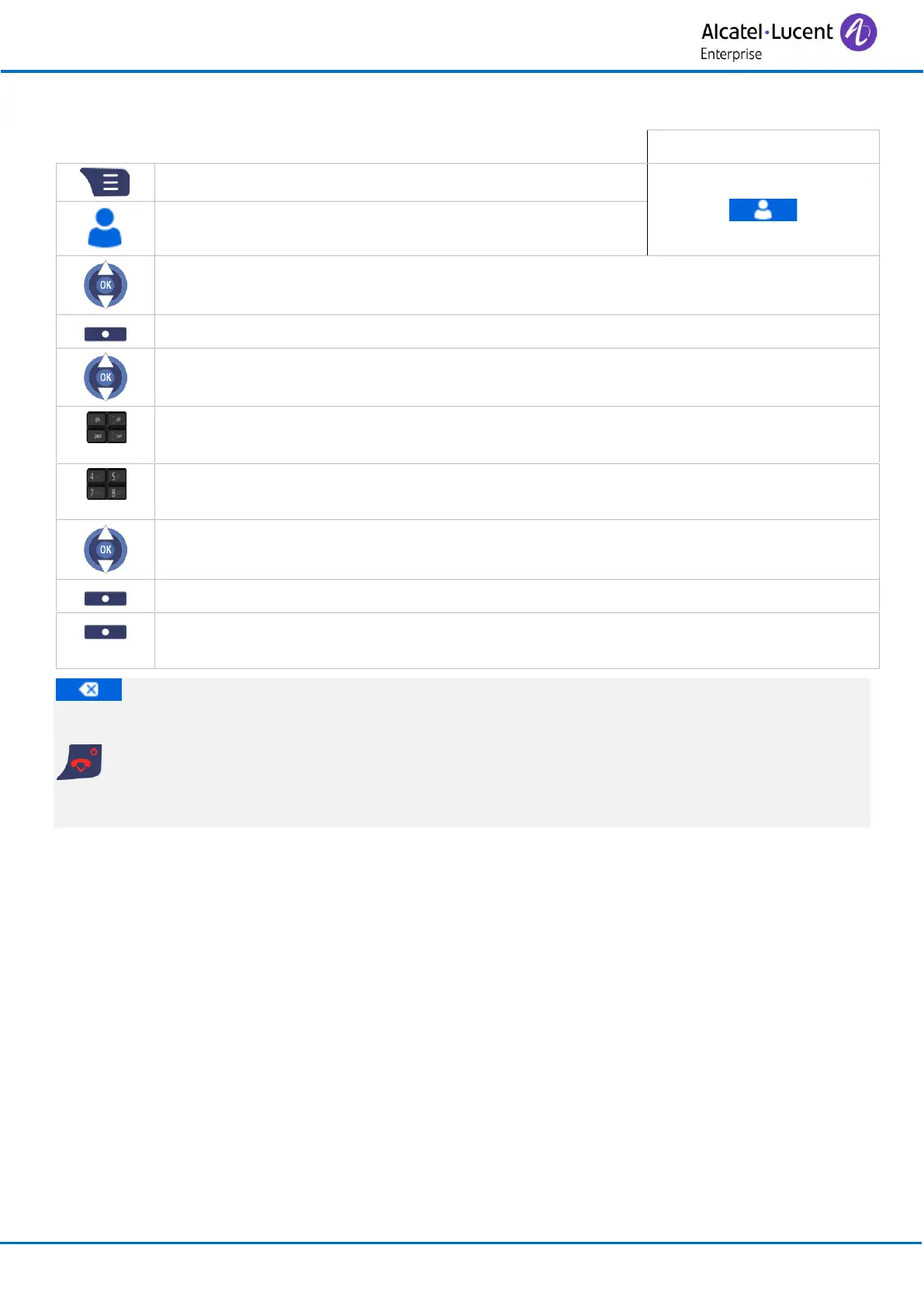
• Select the record to be modified.
• Select the record to be modified.
• Modify the name (optional).
• Press the 'OK' key to apply (or Save).
• Modify the number (optional).
• Press the 'OK' key to apply (or Save).
• Define a melody for this contact (optional).
• Press the 'OK' key to apply (or Select).
• Yes
The contact is updated.
To delete a character, briefly press the delete key. The browser lets you move the cursor in
an input field. To erase a field full of characters, hold down the erase key (long press).
Cancel the operation.
For more details about the alphanumeric keypad, see chapter: Alphanumeric keypad.



 To Next Page