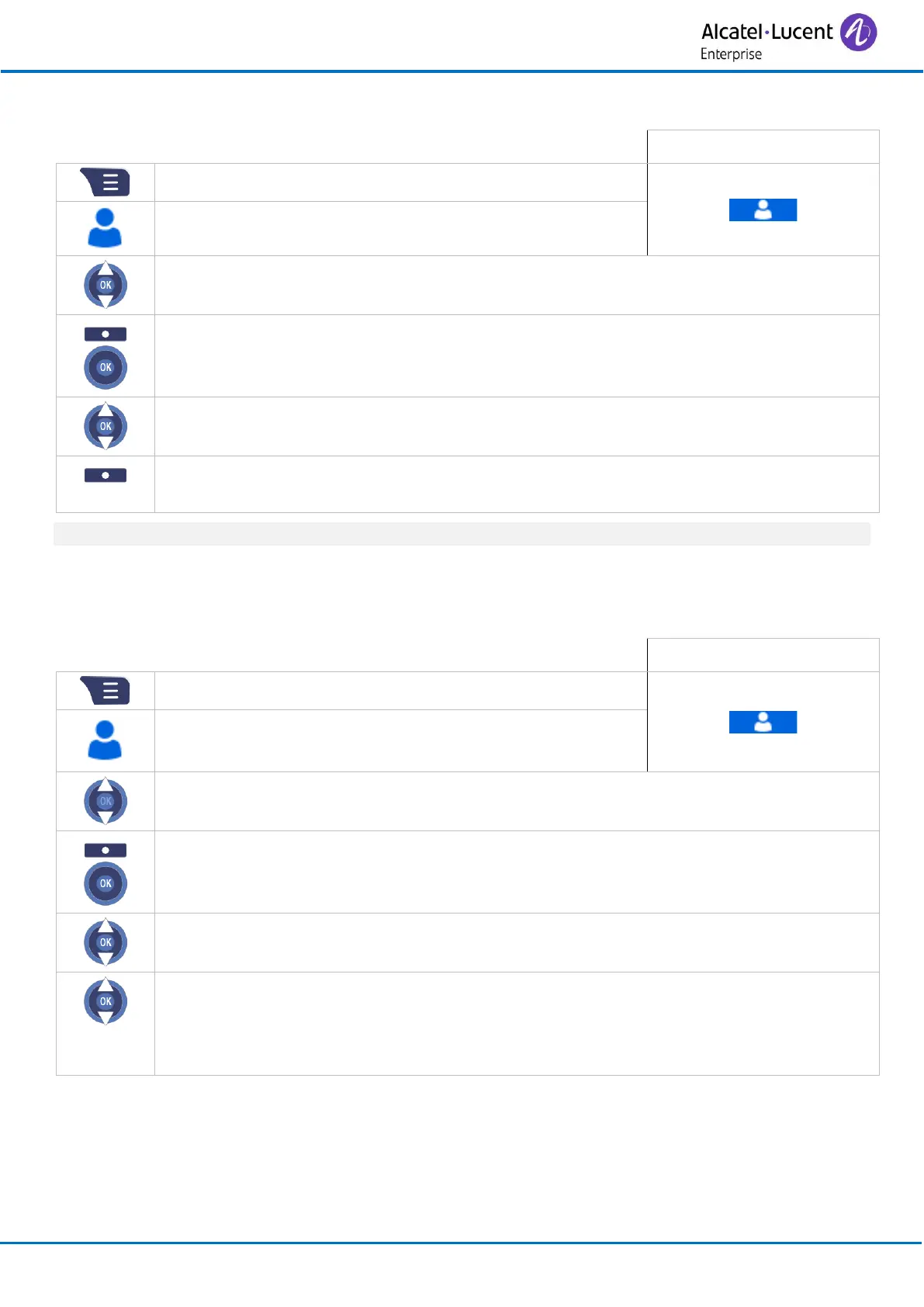
3.18.4 Deleting a contact
• Select the contact to delete.
• More (or press the ‘OK’ key).
• Yes
Confirm the deletion.
To delete all contacts, select: Delete all cont.
3.18.5 Add the contact to a speed dial key
You can program up to 8 speed dial keys.
• More (or press the ‘OK’ key).
• Press the ok key on an empty speed dial key. The contact is added to the speed
dial key (keys 2 to 9). If the speed dial key already contains a contact, you need to
clear the speed dial key before adding a new contact. To do this, select: Delete (see
below).



 To Next Page