3.21.2 Sending a text message to an internal contact
Messages can either be normal or urgent priority. A notification will show your contact that the
message is urgent until it is read.
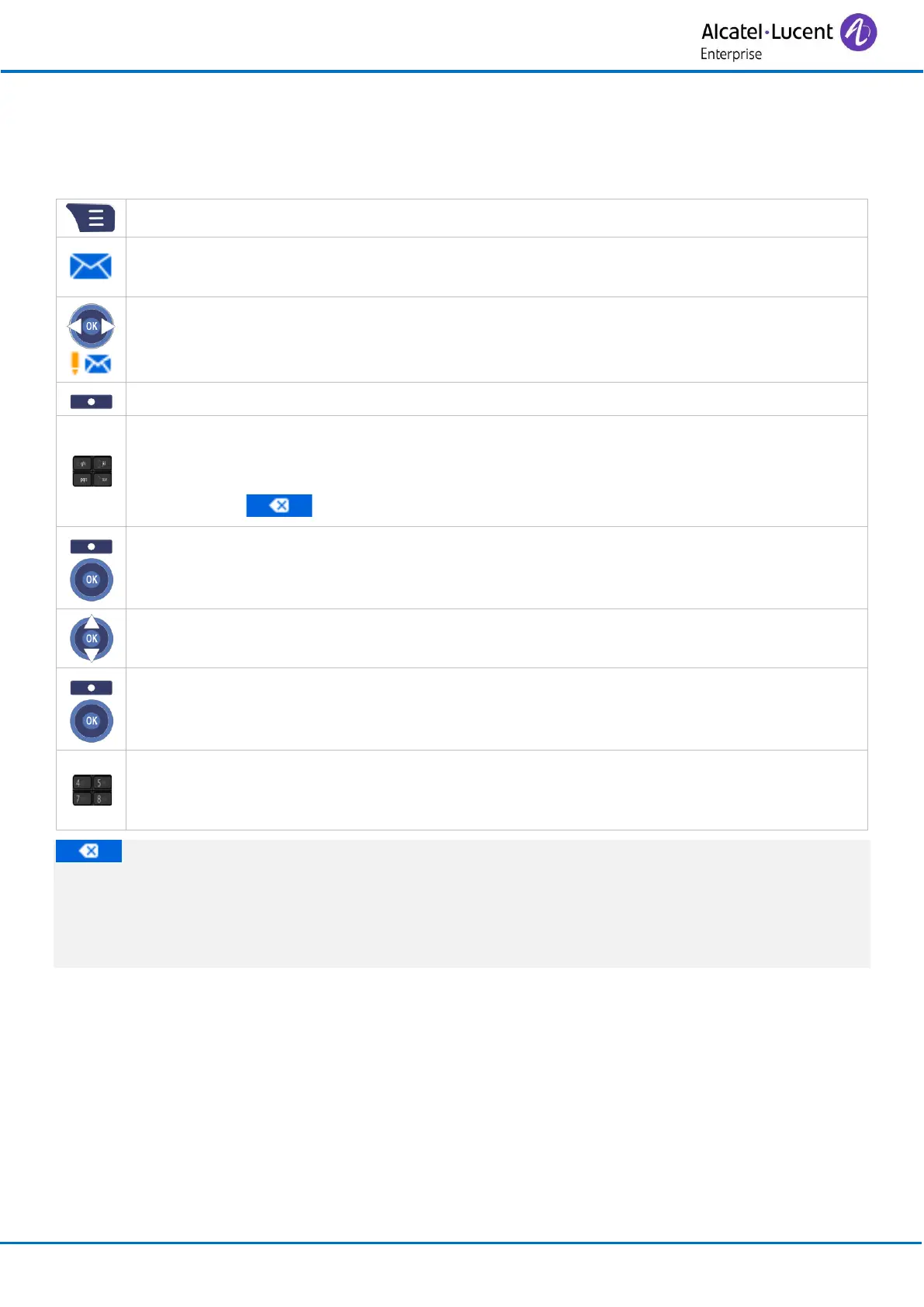
• Enter the text: the number pad keys have letters that you can display by successive
presses.
o Symbol: enter symbol.
o : use this key to delete the last entered character.
• Send (or press the ‘OK’ key).
• Select the message priority: Normal /Urgent.
• Send (or press the ‘OK’ key).
• Dial the number of your contact by using your directory or by entering the number
directly.
• Confirm.
When editing a message, you can use the delete key to delete any previously entered
characters. The browser lets you move the cursor in an input field.
You can save your message as a draft to send it later.
If there is a problem sending the message,it will be saved as a draft.



 To Next Page