EasyManua.ls Logo

Alcatel-Lucent Enterprise 8214 - Page 32

Alcatel-Lucent Enterprise 8214
48 pages
Print Icon
To Next Page IconTo Next Page
To Previous Page IconTo Previous Page
Loading...
Using your telephone
8AL91453ENAA ed01
32/42
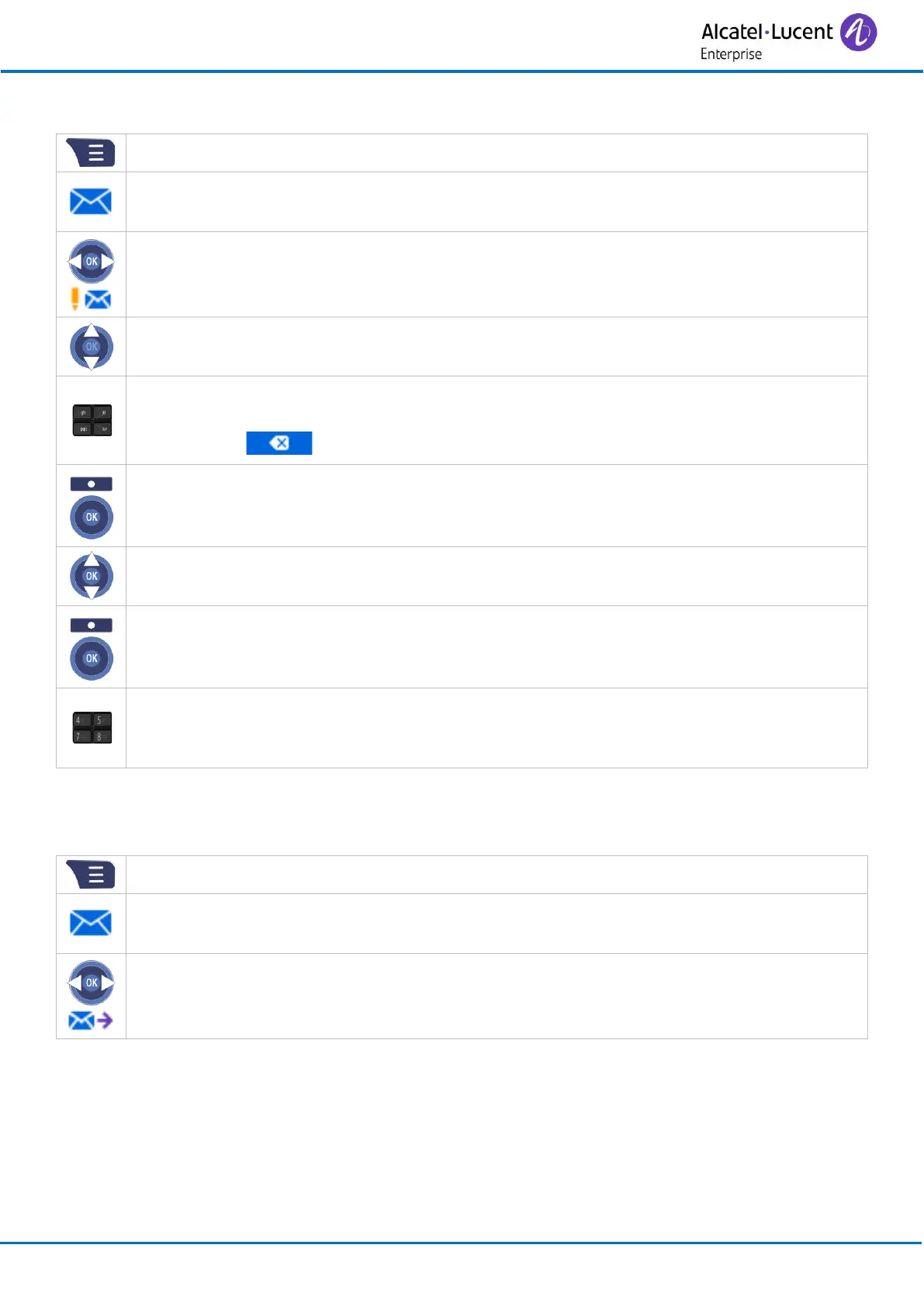
Send a message saved as draft
Access MENU.
Messaging
Drafts
Select the message to send.
Complete the message.
o Symbol: enter symbol.
o : use this key to delete the last entered character.
Send (or press the ‘OK’ key).
Select the message priority: Normal /Urgent
Send (or press the ‘OK’ key).
Dial the number of your contact by using your directory or by entering the number
directly.
Confirm.
Display sent messages
Sent messages are saved if the following option is enabled: Display (see below).
Access MENU.
Messaging
Sent messages
All sent messages are displayed.

Related product manuals